


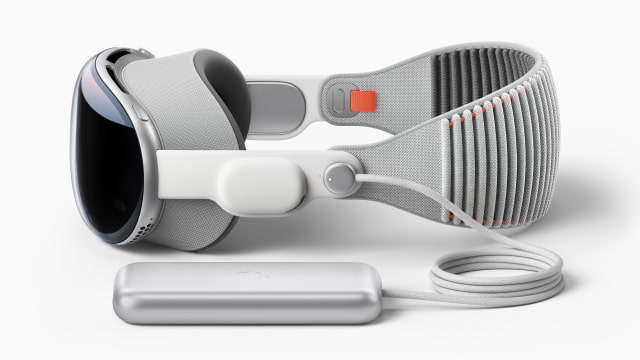
Apple has quickly moved to the next stage of its visionOS updates with the release of visionOS 26.3 Beta 1 for Apple Vision Pro developers. Released on December 15, 2025, just days after the launch of visionOS 26.2 on December 12, 2025, this update introduces a new cycle of performance-focused improvements.
How to Update to visionOS 26.3 Beta 1
If you are a developer testing visionOS 26.3 Beta 1, here’s how to update your Apple Vision Pro:
- Sign in to your Apple Vision Pro with an Apple ID enrolled in the developer program.
- Open Settings on the device.
- Tap General.
- Tap Software Update.
- Tap Beta Updates, then select the visionOS Developer Beta option.
- Go back and select Download and Install for visionOS 26.3 Beta 1 (23N5588c).
- Wait for the update to download and install.
What’s New in visionOS 26.3 Beta 1
Apple has not yet shared detailed release notes for visionOS 26.3 Beta 1, which is typical for early beta builds. Expect this version to focus on performance improvements, bug fixes, and under-the-hood optimizations. Developers and testers will notice changes in app-level behavior, UI tweaks, and developer-facing updates as they continue testing.
For now, the overall experience should resemble that of visionOS 26.2, with updates appearing over time as the beta progresses.
Conclusion
With visionOS 26.3 Beta 1, Apple has started rolling out improvements for Apple Vision Pro developers, paving the way for further stability and performance enhancements. As usual with early betas, testers should expect minor tweaks in the user interface and functionality, with further details emerging in subsequent builds. If you notice any significant changes, feel free to share your observations in the comments!




