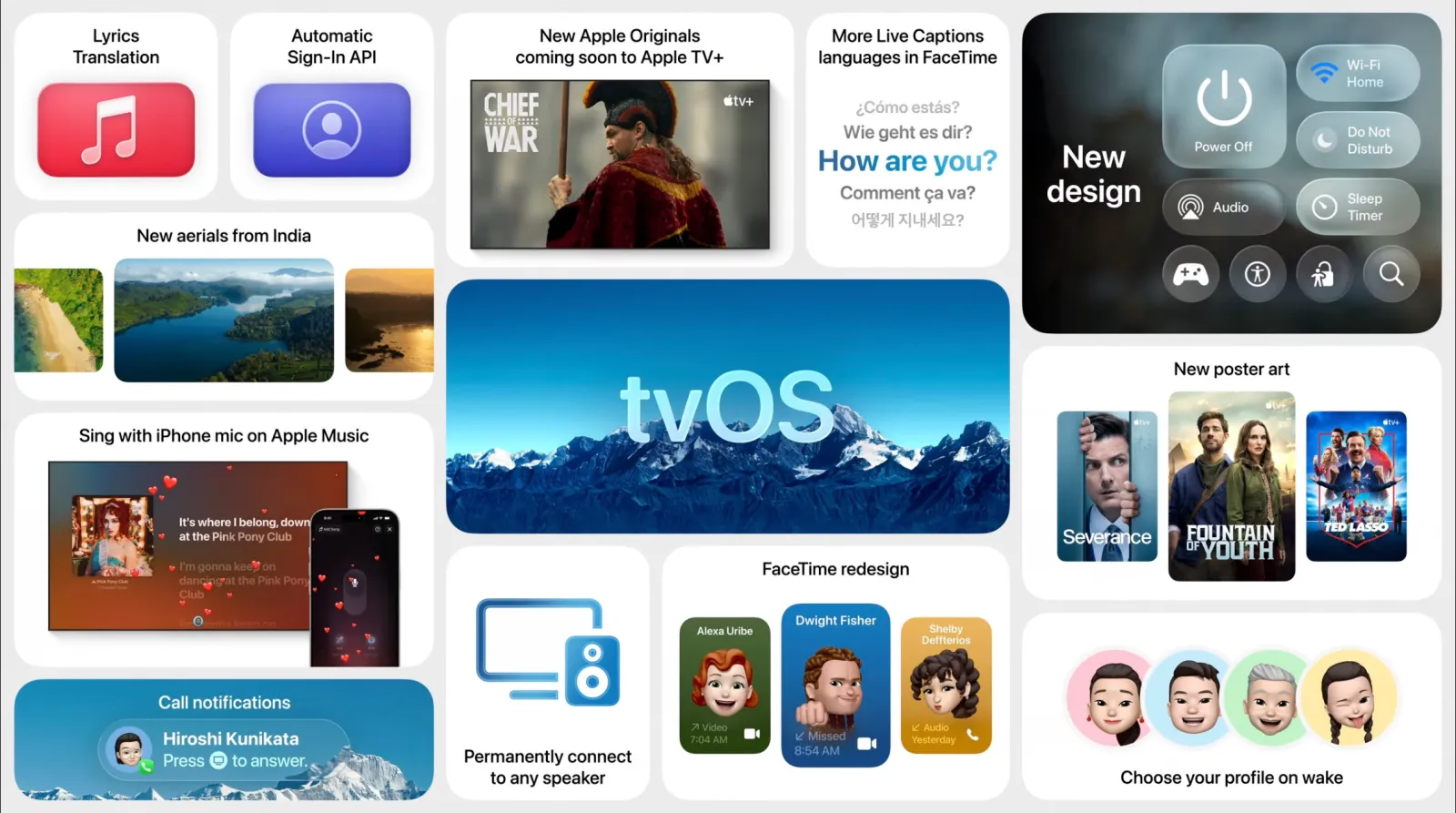
Following the launch of tvOS 26.2 on December 12, 2025, Apple has quickly pushed out tvOS 26.3 Beta 1 for developers. This new beta, with build number 23K5585c, offers developers an early look at what’s coming in the next point update. As expected with early betas, the update is focused on performance improvements and bug fixes, with further features likely to surface in future beta builds.
How to Update to tvOS 26.3 Beta 1
To install tvOS 26.3 Beta 1 on your Apple TV, follow these steps:
- Open Settings on your Apple TV.
- Go to System.
- Select Software Updates.
- Open Get Beta Updates.
- Choose the tvOS 26 Developer Beta option.
- Go back and select Update Software.
- Your Apple TV will download the update and restart during installation, so plan for a brief downtime.
What’s New in tvOS 26.3 Beta 1
At this stage, Apple has not shared a detailed change log for tvOS 26.3 Beta 1. As is common with early beta releases, you can expect performance improvements, bug fixes, and under-the-hood changes rather than new features. These changes often focus on stability and behind-the-scenes work to refine the experience.
In future beta builds, testers may observe more noticeable features or changes to system apps as Apple continues to fine-tune the update.
Conclusion
tvOS 26.3 Beta 1 is now available for developers, following the tvOS 26.2 release, and offers early access to improvements in performance and stability. While no major features are expected initially, tvOS 26.3 promises refinements as testers continue to evaluate the beta. If you spot any new changes or features after installing, feel free to share your findings in the comments!