Explore the evolution of USB types and their various uses in today’s digital age. From USB-A to USB-C and beyond, understand the differences in form factors, transfer speeds, power delivery, and video capabilities.
Introduction to USB Technology USB, which stands for Universal Serial Bus, is an integral part of modern computing, allowing for efficient data transfer and device charging. Since its inception in the 1990s, USB has evolved to become faster, more compact, and versatile, supporting a myriad of devices across multiple platforms.
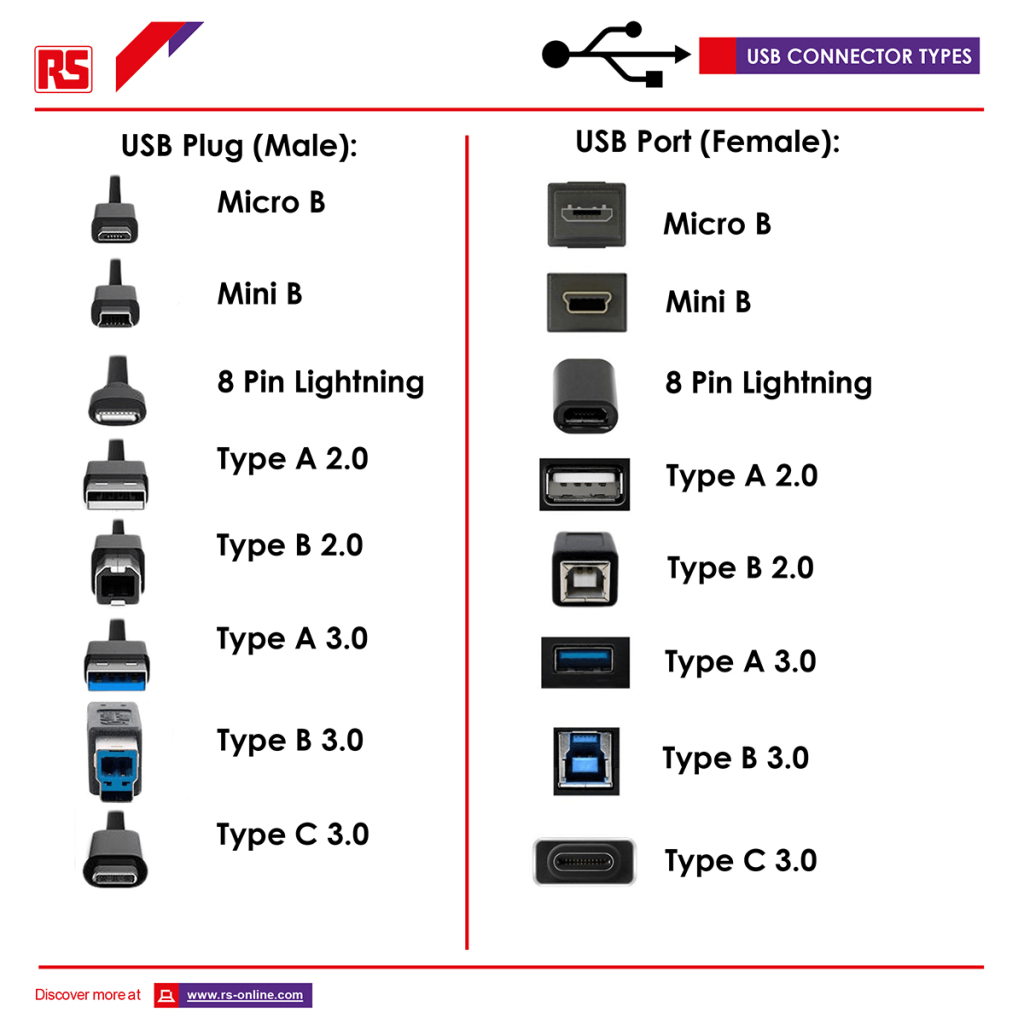
Key USB Types and Their Uses Here’s a breakdown of the most common USB types and their specific uses:
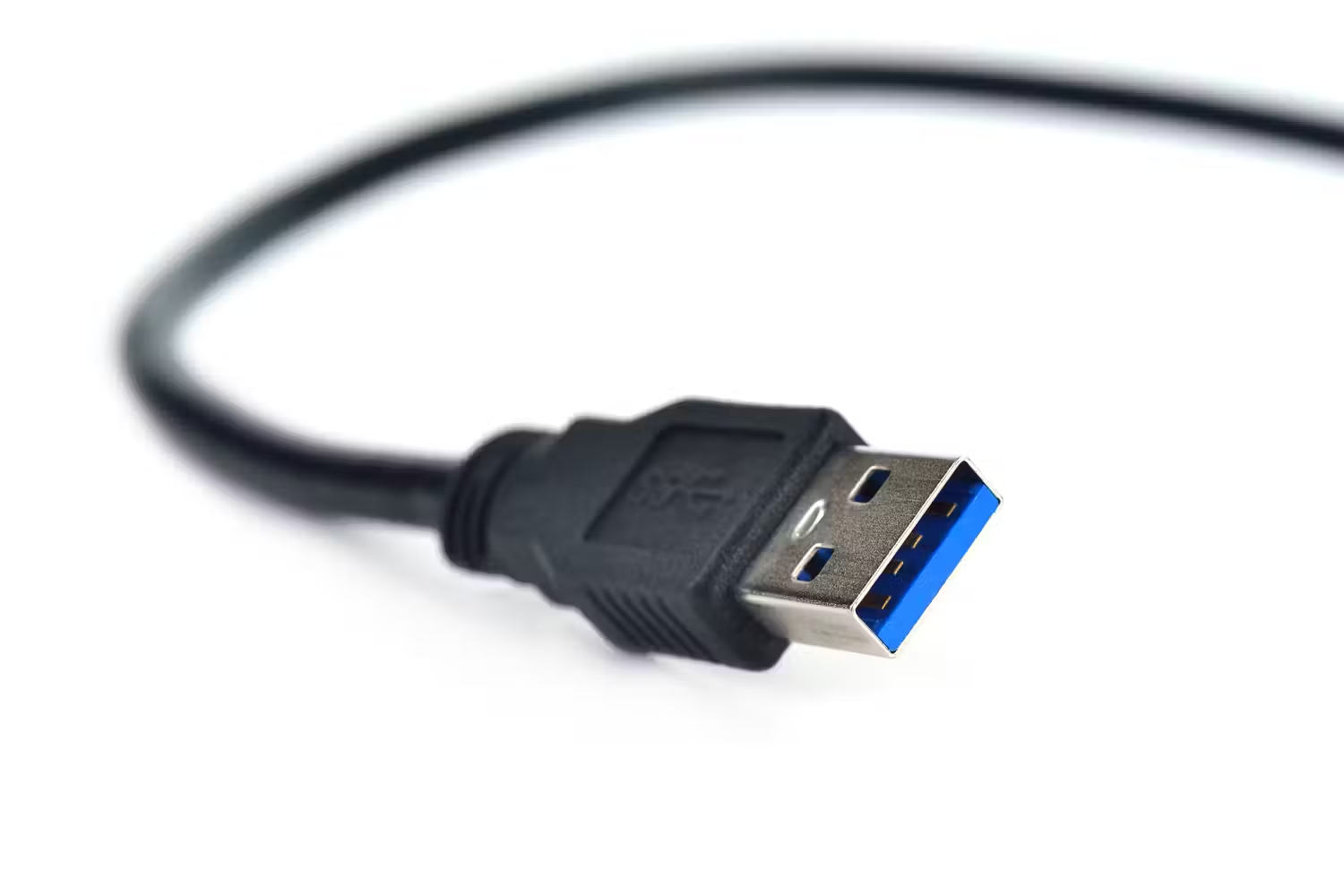
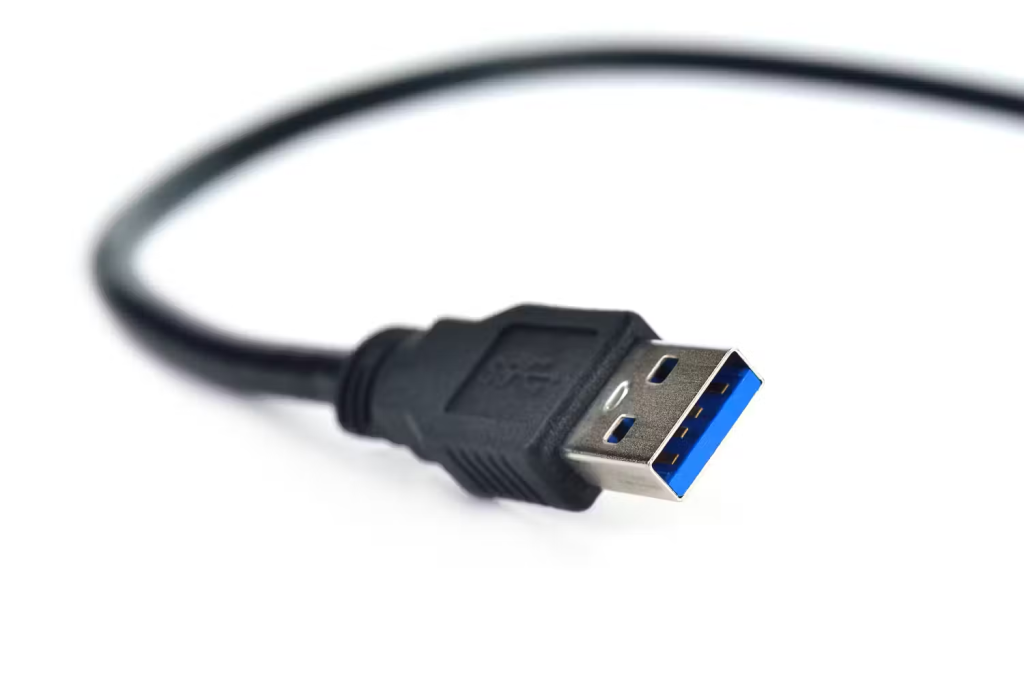
USB-A: The original USB design, USB-A is a flat, rectangular interface that appears on various devices, including computers, TVs, and gaming consoles. It’s primarily used for charging devices and data transfer.
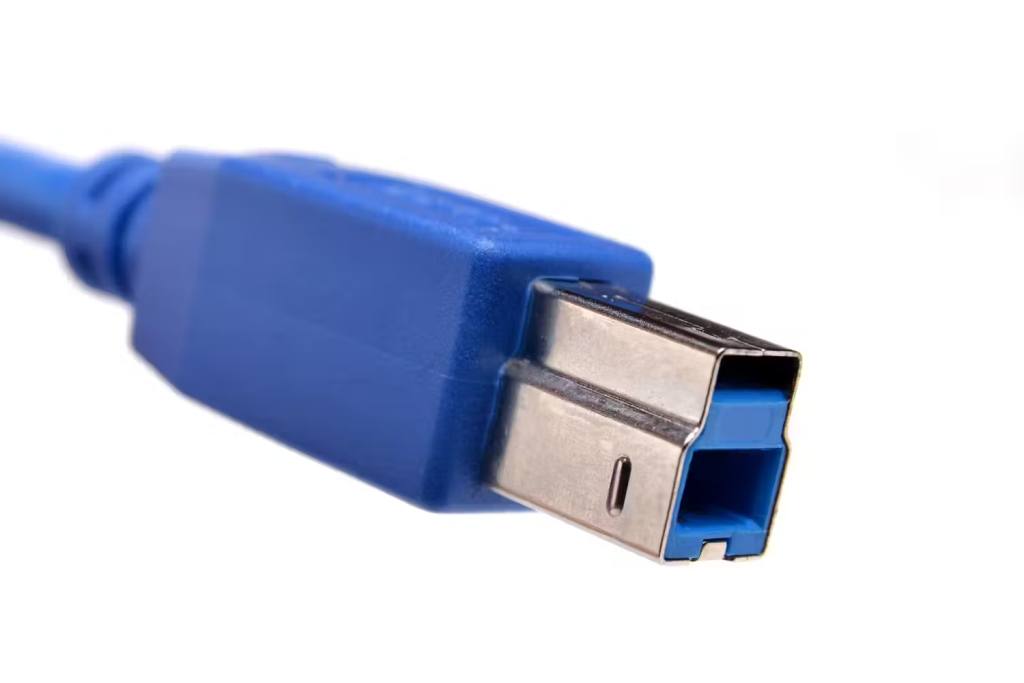
USB-B: This type is less common and is typically used with larger devices like printers and scanners. Its almost square appearance distinguishes it from other types.
Micro-USB: Once the standard for mobile devices like smartphones and tablets, Micro-USB is smaller than USB-A and is still preferred by some manufacturers for its lower cost.

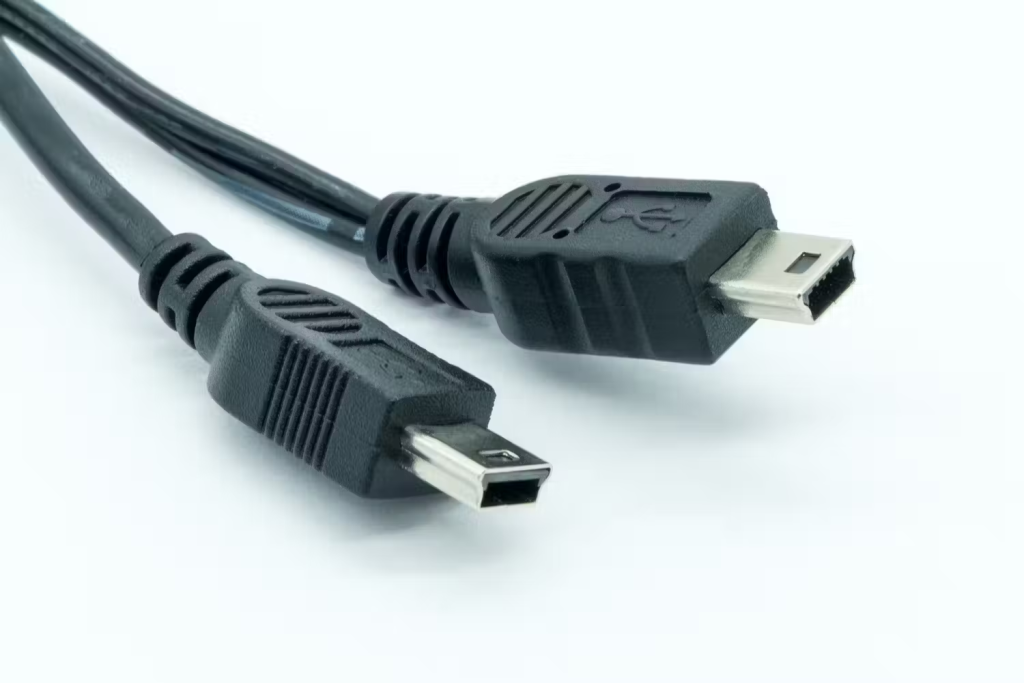
Mini-USB: Predating Micro-USB, Mini-USB was used for smaller devices such as early tablets and digital cameras. While not as prevalent today, it’s still found on specific older models.
USB-C: The latest standard, USB-C is known for its small, reversible design and robust power delivery capabilities. It is used across most modern devices, including smartphones, laptops, and tablets, supporting fast charging and high-speed data transfers.
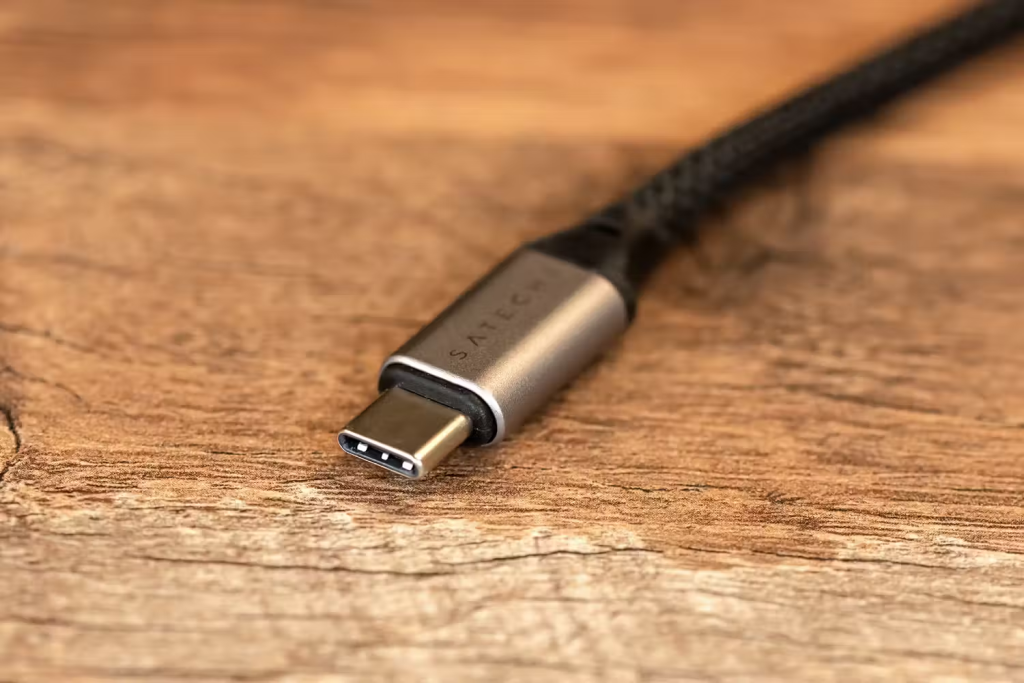
Unique Capabilities of USB-C USB-C not only streamlines power and data delivery but also supports video output. Capable of delivering up to 100 watts of power and transferring data at speeds up to 40 Gbps, USB-C can also output video to external monitors, supporting up to 5K resolution. Its versatility makes it a potential single-cable solution for future devices, reducing the need for multiple cords.
Lightning
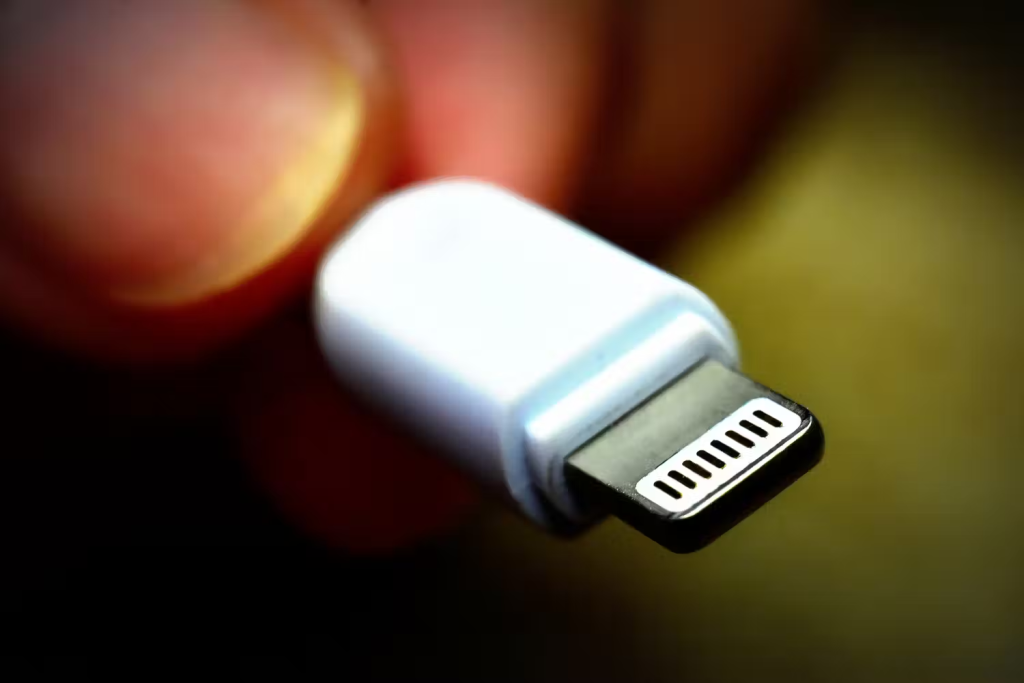
Technically, Lightning is not USB, but rather Apple’s proprietary connector type that works similarly to USB. You can see it on Apple’s devices, like the iPad and iPhone. It’s similar to USB-C in that it is reversible. It supports speeds similar to USB 3.0.
Legacy USB Types and Speed Considerations
- USB 1.x is significantly outdated, with speeds only up to 1.5 Mbps.
- USB 2.0 offers speeds up to 480 Mbps and is still common in many devices for moderate data transfer tasks.
- SuperSpeed USB 3.x can achieve between 5 and 20 Gbps, suitable for more intensive data transfer needs.
- USB 4.0 and Thunderbolt 3/4 deliver the highest speeds up to 40 Gbps, ideal for professional-grade applications requiring extensive data transfer.
Power Delivery and Charging USB cables vary in their power delivery capabilities:
- USB 2.0 supports up to 2.5W charging, while USB 3.0 can handle up to 4.5W.
- USB Power Delivery (PD) can manage up to 100W, enough to charge laptops and power external monitors.
Video Delivery Options USB-C and Thunderbolt cables offer advanced video delivery options:
- USB-C supports 4K video output, and Thunderbolt 4 can handle dual 4K displays or a single 8K display. This makes them suitable replacements for traditional HDMI or VGA cables in future setups.
Choosing the Right USB Cable When purchasing USB cables, it’s crucial to opt for those with USB-IF certification to ensure safety and compatibility. Renowned brands like Anker, Aukey, and Belkin are recommended for their reliable products.
Conclusion Understanding the various USB types and their specifications helps users make informed decisions about connecting and charging their devices. As technology progresses, USB-C is poised to become the universal standard, promising a simpler, more efficient technological environment.