


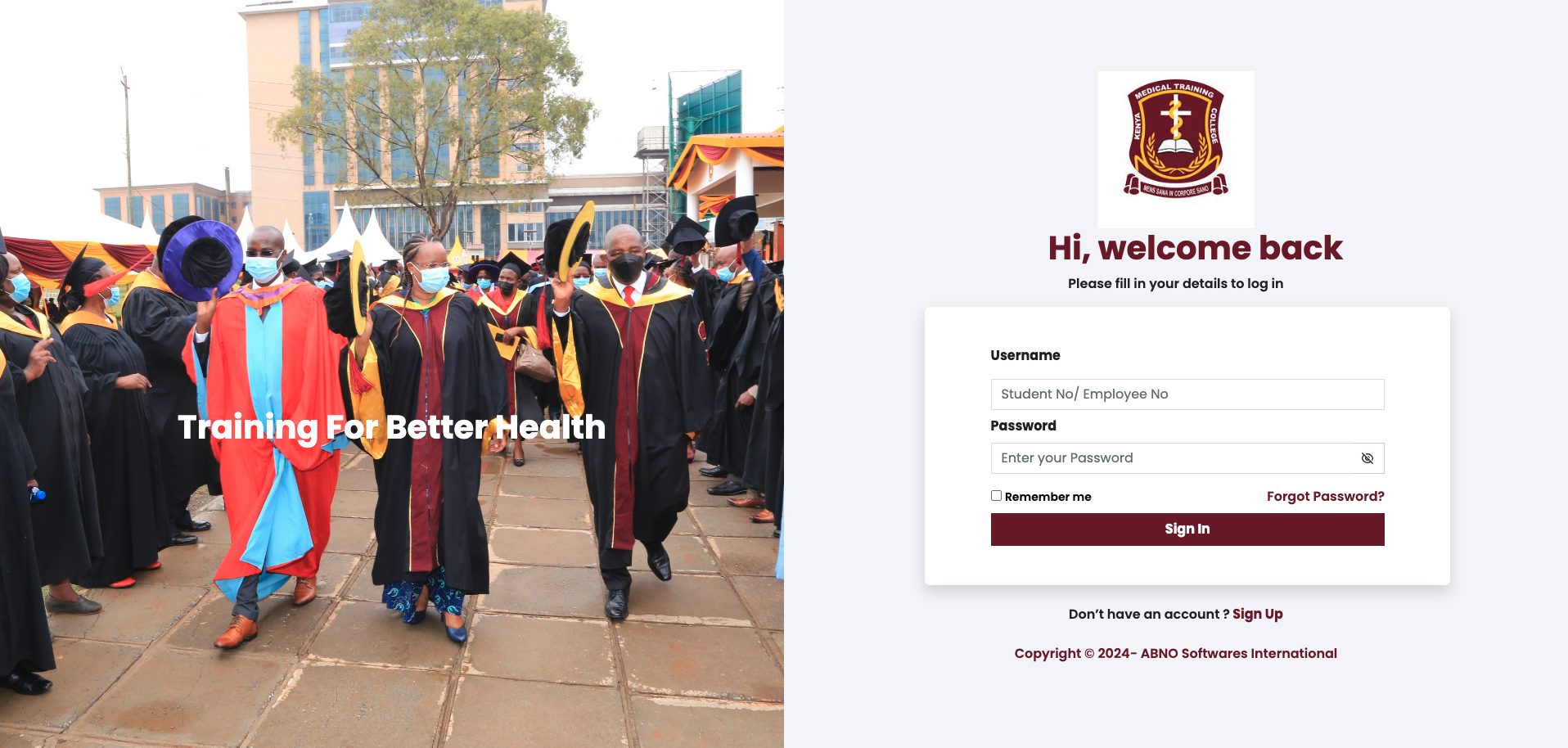
How to Access the KMTC Student Portal Online. Kenya Medical Training College (KMTC) is a prominent institution with over 70 campuses across Kenya, offering training at Certificate, Diploma, and Higher Diploma levels in various health-related fields. To facilitate administrative tasks and communication, KMTC provides a Student Portal for its students. This guide explains how to access the KMTC Student Portal both on a PC and a smartphone.
Services Available on the KMTC Student Portal
The KMTC StudentPortal allows students to perform several important tasks online, reducing the need to visit the college offices. The services include:
- Checking fee balance and fee statements
- Self-reporting to the institution
- Registering for units/courses
- Downloading and printing KMTC exam cards
- Downloading provisional transcripts
- Booking hostels
- Communicating with lecturers, school, and other students
- Completing online clearance
- Checking specific student timetables
Steps to Access the KMTC Student Portal
To access the KMTC StudentPortal, follow these steps:
- Open Your Browser:
- Use any web browser on your smartphone or PC (e.g., Chrome, Firefox).
- Visit the KMTC Website:
- In the URL bar, type https://kmtc.ac.ke and press Enter.
- Navigate to the Student Portal:
- On the top menu of the KMTC website, click on the “Staff & Student Portal” link located at the top left corner. Alternatively, you can directly visit the portal using this link: https://portal.kmtc.ac.ke/.
- Log In to the Student Portal:
- Once the Student Portal page loads, enter your Student Number/Registration Number (e.g., D/NURS/XXXX/XX for nursing students).
- Enter your portal password.
- Click on the “Login” button.
- Access Portal Services:
- After logging in, you will be redirected to the KMTC Student Portal dashboard. Here, you can access all the available services such as checking fee balances, downloading exam cards, booking hostels, and more.
Additional Information
If you are having trouble accessing the portal or need further assistance, you can contact KMTC through their official website or reach out to the specific campus you are enrolled in. Each campus has dedicated support to help students with portal-related issues.
Contacts for KMTC
For further inquiries or assistance, you can contact KMTC using the following details:
- Website: https://kmtc.ac.ke
- Phone: Refer to specific campus contact information available on the KMTC website.
- Email: Contact the respective campus or the main KMTC office through emails provided on their official website.
By following these steps, you should be able to easily access and utilize the KMTC StudentPortal to manage your academic and administrative tasks efficiently.




