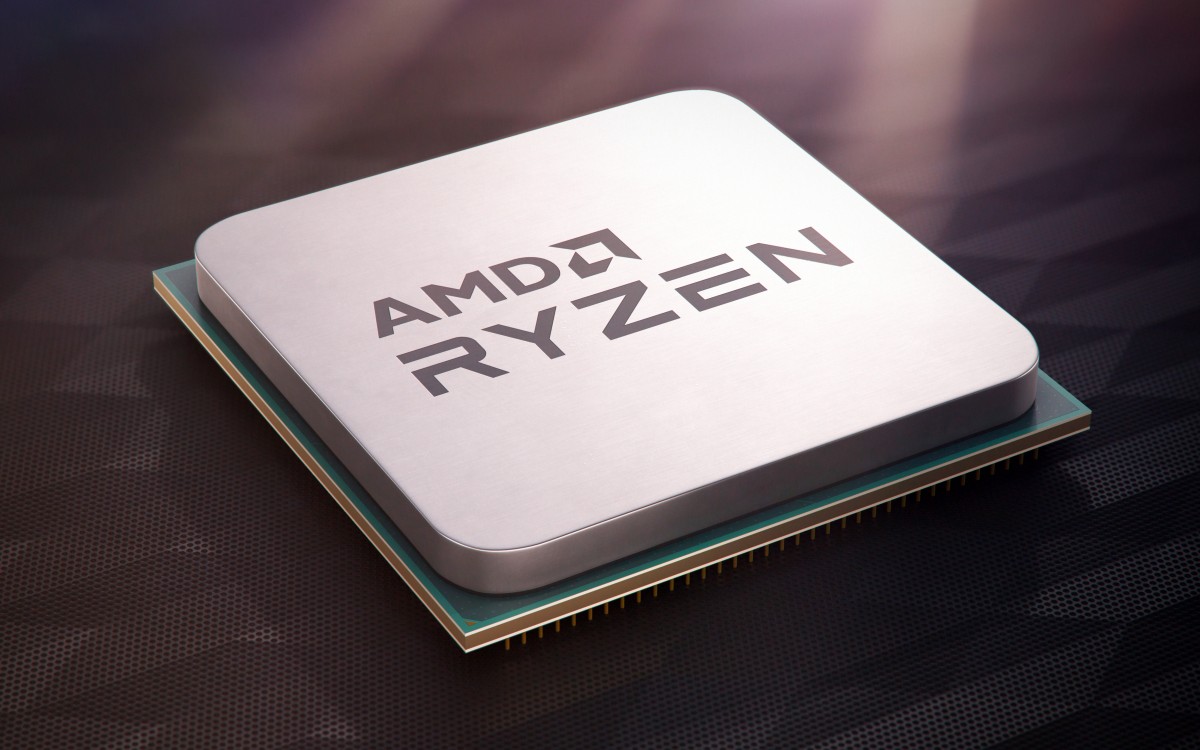
At this year’s Game Developers Conference (GDC) 2025, Google made a major announcement for PC gamers: Google Play Games is now officially supported on AMD-powered PCs. This expansion means that players with AMD CPUs and GPUs can now access and play Android games natively on their Windows machines.
AMD Joins the Party: A Long-Awaited Update
Until now, Google Play Games for Windows had strict hardware requirements, including at least an Intel UHD Graphics 630 iGPU or a Nvidia GeForce MX450 for optimal performance. This left AMD users out of the loop, forcing them to rely on third-party emulators like BlueStacks or NoxPlayer to run Android games on their machines.
With this update, integrated and discrete AMD GPUs are now fully supported, offering a more seamless and native experience for users who want to play Android games on Windows PCs.
Key Features & Improvements
In addition to expanding support for AMD hardware, Google Play Games for Windows is introducing several new features aimed at improving the gaming experience:
✅ Performance Labels: The app will now inform users whether a game is:
- Optimized (Runs smoothly)
- Playable (May work, but with potential issues)
- Not Supported (Won’t run on your PC)
✅ Multi-Account Support: Players can now switch between multiple Google accounts, a feature previously missing from Google Play Games but commonly found in third-party emulators.
✅ Multi-Instance Gaming: Gamers can run multiple instances of the same game, allowing for multi-tasking or managing multiple game accounts simultaneously.
✅ Pre-Installed on New PCs: Google is partnering with PC manufacturers (OEMs) to pre-install Google Play Games on Windows PCs, further integrating Android gaming into the broader PC ecosystem.
✅ Automatic Game Listings: Once a game is published on Google Play, it will automatically appear on the Windows app unless the developer opts out, ensuring a growing catalog of PC-compatible Android games.
What This Means for PC Gamers
The addition of AMD support significantly expands access to Google Play Games on Windows, providing a native, optimized, and stable alternative to traditional emulators. While emulators still offer advanced customization and root access, Google’s solution ensures official support, improved performance, and seamless integration.
For casual gamers, this means easier access to Android games without the need for third-party software. For developers, this opens up a larger audience as their games can now reach PC users without requiring extra development efforts.
Final Thoughts
This update marks a big step forward in bringing Android gaming to a wider audience, and with Google’s continued investment in the PC gaming space, we may see further optimizations, controller support, and even cloud gaming integration in the future.
As Google Play Games for Windows continues to evolve, this native Android gaming experience on PC could become a game-changer—especially for those with AMD-powered setups.