Choosing the right monitor is crucial for enhancing productivity, especially for software developers who spend long hours coding. BenQ monitors are designed to meet the specific needs of programmers with features that promote comfort, efficiency, and eye health. Here are five reasons why BenQ monitors are the best choice for programming in 2023.
1. Coding Mode to Boost Productivity
BenQ’s exclusive Coding Mode optimizes the contrast and saturation of dark mode, a favorite among programmers. After researching user habits, BenQ developed this feature to ensure better visibility and eye comfort while working in low-light environments. With this mode, developers can focus better and enhance their productivity, reducing eye strain during long coding sessions.
2. Vertical Monitors for More Code on Screen
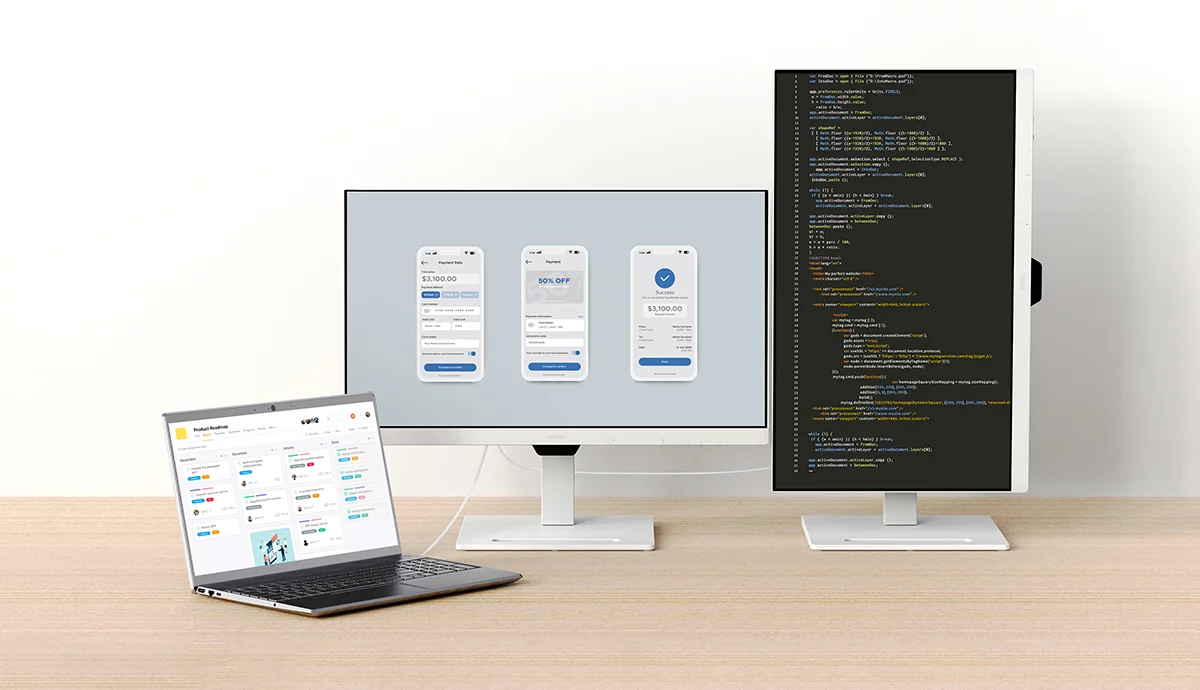
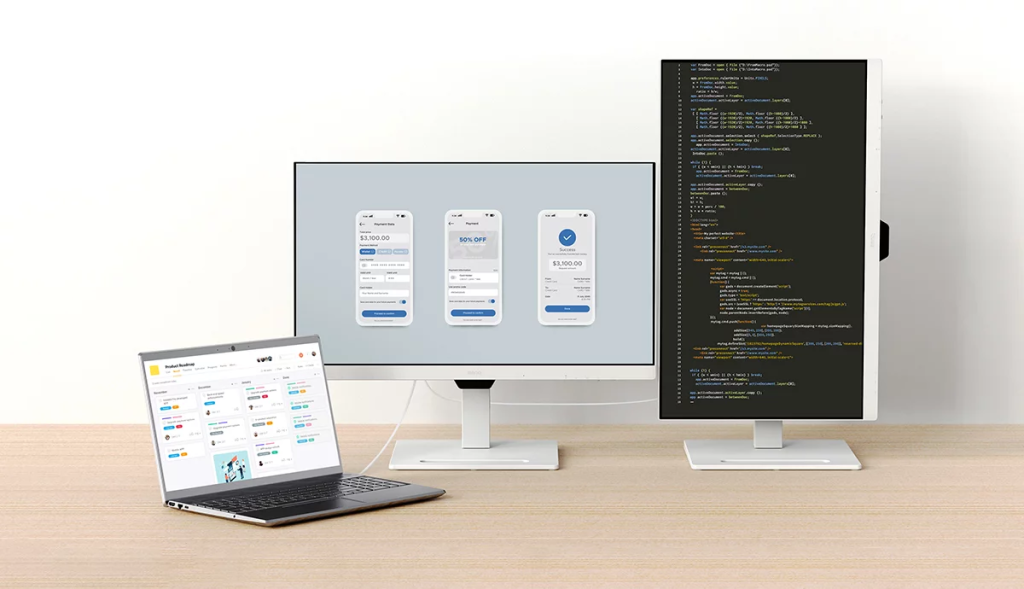
BenQ’s vertical monitor setup allows programmers to view more lines of code by rotating the screen 90 degrees. This increases screen real estate by up to 180%, making it easier to read and work on long content such as code or documents. A vertical monitor cuts out wasted space, enabling programmers to concentrate more effectively on their work.
3. Seamless Dual Monitor Setup
Many programmers benefit from dual monitors to handle multiple windows and tasks efficiently. BenQ’s monitors support easy dual monitor setups with USB-C and daisy chain capabilities, allowing users to connect 2 to 4 monitors effortlessly. With customizable monitor stands, developers can create personalized, ergonomic setups to suit their workspace.
4. Height Adjustable for Comfortable Viewing
BenQ’s GW85TC/GW90QT monitors come with flexible adjustment options such as height, tilt, pivot, and swivel, enabling users to customize their viewing experience. Whether you prefer a vertical or horizontal monitor setup, these monitors offer ergonomic flexibility to ensure comfort during long hours of programming.
5. Eye-Care Features to Reduce Strain
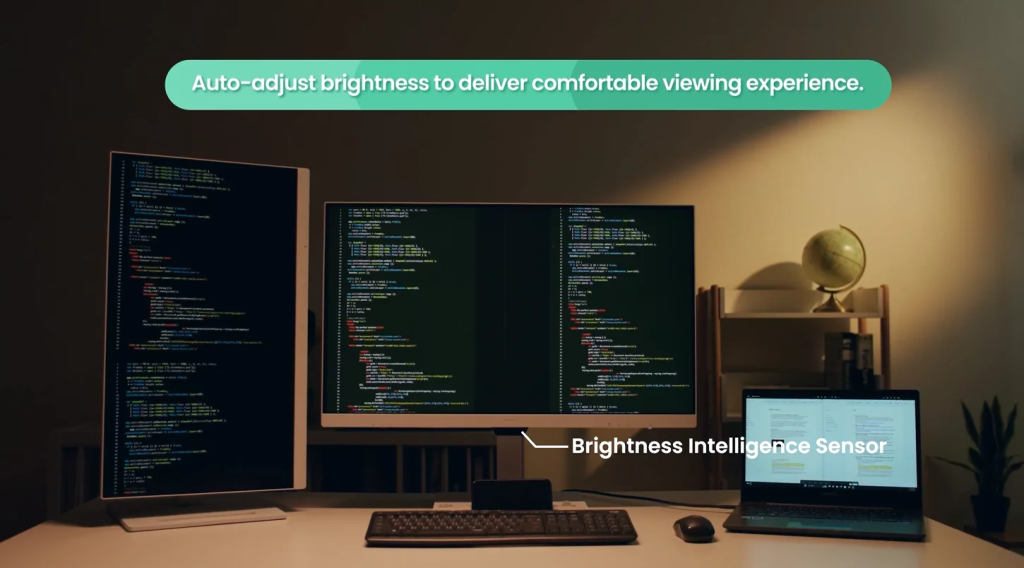
BenQ is a leader in Eye-Care technology, offering features like Brightness Intelligence (B.I.), Low Blue Light Plus, Flicker-Free, and Color Weakness Mode. These features protect your eyes from strain, especially during extended coding sessions. Brightness Intelligence adjusts screen brightness based on ambient light, ensuring optimal conditions for coding in any environment. Additionally, for those with color vision deficiencies, BenQ’s Color Weakness Mode makes distinguishing colored codes easier.
Bonus: ScreenBar Halo for Home Office Lighting
Lighting is just as important as the monitor in a programmer’s workstation. The BenQ ScreenBar Halo provides high-quality lighting that reduces eye strain and enhances focus, especially in dim environments. It’s the perfect complement to your home office setup.
Conclusion
BenQ monitors are the ideal choice for programmers, offering features that enhance productivity, comfort, and eye health. From the innovative Coding Mode to ergonomic adjustments and eye-care technologies, BenQ has everything you need for an efficient and comfortable coding experience.