


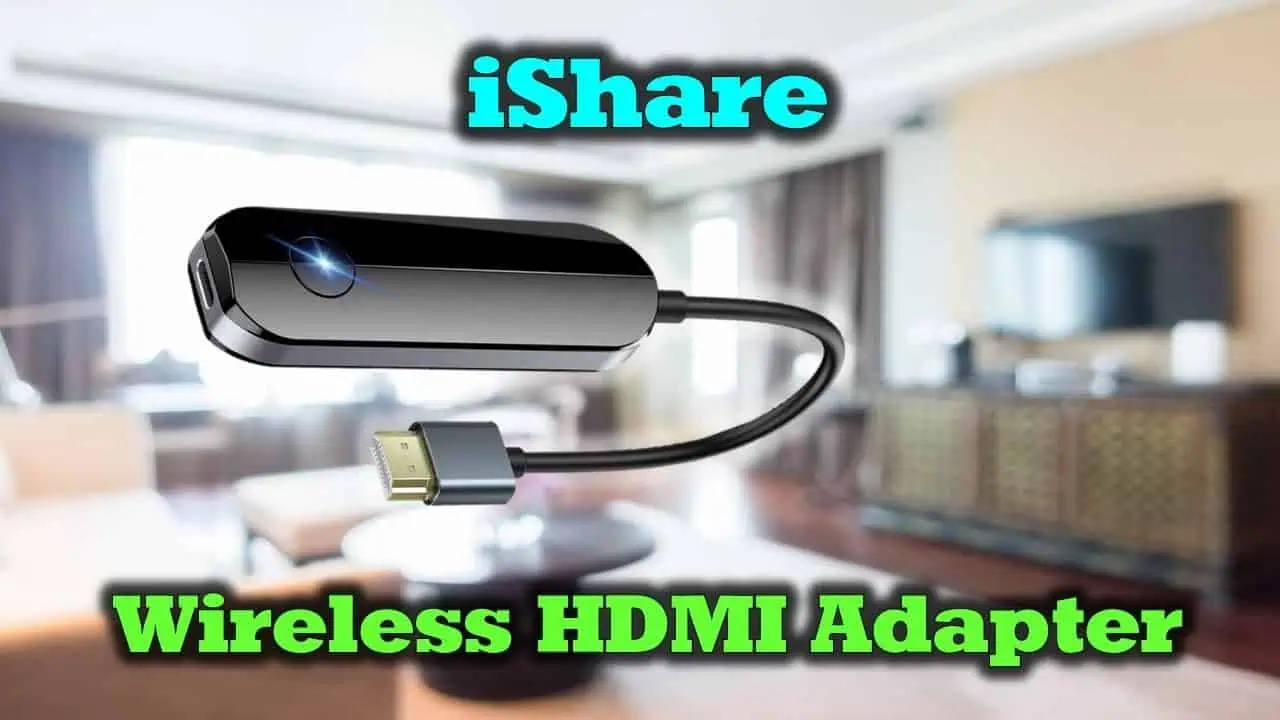
The iShare iOS Wireless HDMI Display Adapter promises an easy solution for iPhone and iPad users who want to mirror their screen to a TV or monitor without the hassle of cables, apps, or complicated setups. It’s a small, simple device that plugs into your display’s HDMI port and connects to your iPhone over Wi-Fi. In seconds, you can display photos, videos, presentations, or apps on a bigger screen. Let’s dive into how it works, its performance, and when it makes the most sense.
How It Works
Setup is incredibly straightforward. Plug the adapter into an HDMI port on your TV or projector, power it with USB, and select the appropriate HDMI input on your display. The adapter then creates its own Wi-Fi signal. On your iPhone or iPad, simply connect to that signal and enable screen mirroring from the Control Center.
No downloads, no account setup, no complicated pairing. Once connected, your iOS screen mirrors seamlessly to the display, showing photos, Safari, presentations, YouTube, and many third-party apps.
Performance and Limitations
For everyday use, the iShare adapter works well. There is a slight delay, which is common for wireless mirroring. You’ll notice it when scrolling quickly or watching videos, but for casual tasks like presentations, browsing, or sharing media with friends, it’s not distracting.
Streaming apps like Netflix or Disney Plus may be problematic, though. These services have strict DRM (Digital Rights Management) policies that block wireless mirroring. This isn’t a problem with the iShare adapter itself, but a limitation of these platforms. YouTube and local videos/photos generally work fine.
Audio stays in sync for casual viewing. However, for gaming or video editing where you need precision and no delay, this tool may not be suitable.
When iShare Makes Sense
The iShare adapter excels in practical, everyday situations. If you want to share vacation photos on a hotel TV, give a presentation without searching for cables, or show a video to family on a living room screen, iShare is perfect. It’s also ideal for classrooms or small offices where quick and easy connections are needed.
If you require absolute reliability for streaming services or need zero latency, a wired Lightning or USB-C adapter would be a better option. But if convenience is your top priority and perfection isn’t a must, the iShare adapter delivers a seamless experience.
Bottom Line
The iShare iOS Wireless HDMI Display Adapter does one thing and does it well. It’s small, simple, and easy to use, offering an excellent way for casual screen sharing without cables. It’s not meant for high-demand streaming or gaming, but for general media sharing and presentations, it’s a practical and efficient tool.




