Nyongesa Sande
No Result
View All Result
  • News
    • World
    • Africa
  • Politics
  • Business
  • Tech
  • AI
  • Telecom
  • Sports
  • Opinion
  • Lifestyle
  • Live
  • World Cup 2026
    • World Cup 2026 Standings
    • World Cup 2026
Nyongesa Sande
  • About Us
    • Nyosake Designers
      • Nyosake Webmasters
      • Nyosake Investment
  • Contact Us
    • Newsroom Contact
  • Ownership Disclosure
  • Advertise
No Result
View All Result
Nyongesa Sande
No Result
View All Result
  • News
  • Politics
  • Business
  • Tech
  • AI
  • Telecom
  • Sports
  • Opinion
  • Lifestyle
  • Live
  • World Cup 2026
ADVERTISEMENT

Home » How to Deposit Cash Into Your Bank Account

How to Deposit Cash Into Your Bank Account

Simple and Secure Methods for Depositing Cash at Banks, ATMs, and Online

NyongesaSande News Desk by NyongesaSande News Desk
1 year ago
in Banking, How To
Reading Time: 5 mins read
A A
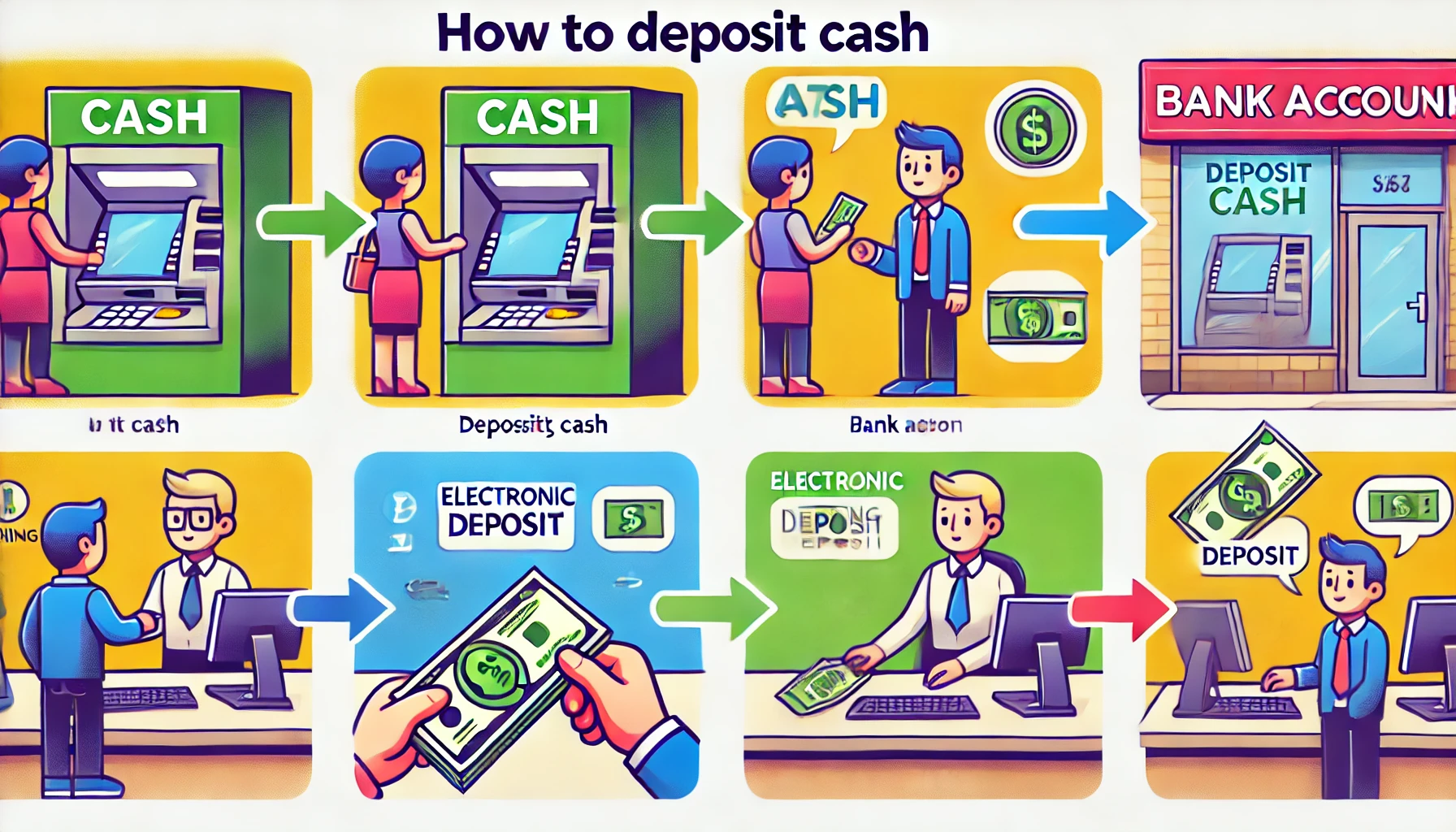
How to Deposit Cash Into Your Bank Account

Learn how to deposit cash at a bank, ATM, or online bank. Understand deposit limits, safety tips, and alternative deposit methods in this comprehensive guide.

  • Method 1: Depositing Cash at a Bank
    • Step 1: Fill Out a Deposit Slip
    • Step 2: Bring Your Deposit Slip, Cash, and ID to the Teller
    • Step 3: Collect and Verify Your Receipt
  • Method 2: Depositing Cash Into an Online Bank
    • Step 1: Use an Online Bank With a Physical Location or ATM
    • Step 2: Buy a Money Order
    • Step 3: Transfer Funds Electronically From a Traditional Bank
    • Step 4: Use a Wire Transfer Service
    • Step 5: Load Cash Onto a Reloadable Prepaid Debit Card
  • Method 3: Depositing Cash at an ATM
    • Step 1: Locate an ATM That Accepts Cash Deposits
    • Step 2: Insert Your Debit Card and Select ‘Deposit’
    • Step 3: Insert Cash According to ATM Guidelines
    • Step 4: Verify and Confirm the Deposit Amount
  • FAQs
    • Can I Send Cash Through the Mail?
    • How Much Cash Can I Deposit at Once?
    • Can I Deposit Cash Into Someone Else’s Account?
    • Can I Deposit Cash at Any ATM?
    • What Are My Options if I Need to Deposit Cash While Traveling?
    • Are Cash Deposits Available Immediately?

Method 1: Depositing Cash at a Bank

Step 1: Fill Out a Deposit Slip

A deposit slip is required when depositing cash at a bank. You can use a pre-printed deposit slip from your checkbook or fill out one at the bank. Ensure you include:

  • Your name and address
  • Your account number
  • The bank’s name and address
  • The amount of cash you’re depositing
  • If applicable, the check numbers for any checks included in the deposit

Double-check the information before proceeding to the teller.

ADVERTISEMENT

Step 2: Bring Your Deposit Slip, Cash, and ID to the Teller

Once your deposit slip is completed, take it to the bank teller along with the cash and a form of identification. The teller will verify the details and process the deposit.

Tip: If you’re unsure about your account number, bring your debit card, which can help the teller locate your account.

ADVERTISEMENT

Step 3: Collect and Verify Your Receipt

Once the deposit is processed, the teller will provide a receipt. Ensure that the amount on the receipt matches what you deposited. The funds should be available within one business day.

Method 2: Depositing Cash Into an Online Bank

Step 1: Use an Online Bank With a Physical Location or ATM

Some online banks have physical branches or partner ATMs where you can deposit cash. Check your online bank’s website for nearby deposit locations.

Step 2: Buy a Money Order

Since most online banks do not accept cash deposits, purchasing a money order is an effective alternative. Money orders function like checks and can be deposited via mobile check deposit or mailed to the bank.

ADVERTISEMENT

Important: Verify whether your bank accepts money orders before purchasing one.

Step 3: Transfer Funds Electronically From a Traditional Bank

If you have an account at a traditional bank, deposit cash there and transfer the funds electronically to your online bank. Most banks allow electronic funds transfers via their websites or mobile apps.

Step 4: Use a Wire Transfer Service

Wire transfers are another option for moving cash to an online bank. Deposit your cash at a traditional bank and request a wire transfer. Be aware that wire transfers often have associated fees.

Step 5: Load Cash Onto a Reloadable Prepaid Debit Card

Many prepaid debit cards allow cash deposits at select retail stores. Once loaded, you can transfer the funds to your online bank.

Note: Prepaid debit cards may have associated fees, so check the terms before using this option.

Method 3: Depositing Cash at an ATM

Step 1: Locate an ATM That Accepts Cash Deposits

Not all ATMs accept cash deposits. Use your bank’s website or mobile app to find a nearby deposit-enabled ATM.

Step 2: Insert Your Debit Card and Select ‘Deposit’

After inserting your debit card and entering your PIN, select the option to make a deposit and choose the appropriate account.

Step 3: Insert Cash According to ATM Guidelines

ATMs typically accept a stack of cash, but some may require an envelope. Follow the ATM’s instructions to ensure a smooth transaction.

Step 4: Verify and Confirm the Deposit Amount

The ATM will count your cash and display the total. Confirm the amount before completing the transaction and collecting your receipt.

FAQs

Can I Send Cash Through the Mail?

Most banks do not allow cash deposits by mail due to security risks. Instead, convert cash to a money order and deposit it using mobile check deposit or mail it to your bank.

How Much Cash Can I Deposit at Once?

Banks must report deposits over $10,000 to the IRS. Your bank may have its own limits, so check with them before making large deposits.

Can I Deposit Cash Into Someone Else’s Account?

Some banks allow third-party deposits if you provide the recipient’s account number. Others may prohibit this due to security concerns. If unavailable, consider a wire transfer or mobile payment service.

Can I Deposit Cash at Any ATM?

No, not all ATMs accept cash deposits, and many only process deposits for account holders of that bank. Verify with your bank before attempting an ATM deposit.

What Are My Options if I Need to Deposit Cash While Traveling?

Many banks allow deposits at CO-OP networks or partner branches. ATMs may also be an option if you find one within your bank’s network. Alternatively, purchase a money order and deposit it electronically.

Are Cash Deposits Available Immediately?

Cash deposits at a bank are usually available within one business day. ATM deposits and wire transfers may take additional processing time.

By following these methods, you can securely and efficiently deposit cash into your bank account, whether using a traditional bank, an online bank, or an ATM.


Tags: How To
Share4Tweet2SendShareScanSharePin1Share1Share
Google Add as a Preferred Source on Google
Previous Post

How to add money to a bank account

Next Post

Samsung Galaxy M16 5G and Galaxy M06 5G Launch Date Revealed

NyongesaSande News Desk

NyongesaSande News Desk

Nyongesa Sande offers diverse content across news, technology, entertainment, and more, aiming to provide readers with a wide range of informative and engaging articles. NYONGESA SANDE's dedicated team provides our audience not only with the highly relevant news but also with outstanding interactive experience.

Related Posts

UK B2B Payment Processing Is Changing
Banking

UK B2B Payment Processing Is Changing

19 hours ago
KCB Bank Kenya Funding and Growth Strategy
Banking

KCB Bank Funding: How KCB Bank Kenya Built Its Financial Platform

2 weeks ago
I&M Group Funding: How I&M Built Its East African Banking Platform
Banking

I&M Group Funding: How I&M Built Its East African Banking Platform

2 weeks ago
How to Weld a 2-Block Rectangular Hollow Block Mold: Measurements, Materials and Step-by-Step Guide
How To

How to Weld a 2-Block Rectangular Hollow Block Mold: Measurements, Materials and Step-by-Step Guide

1 month ago
List of SBM Bank Kenya Branches and Contacts
Banking

SBM Bank Profit Surges to Sh246 Million

1 month ago
Equity Group Holdings
Banking

Equity Group Shifts to Angola Expansion

1 month ago
Load More
Next Post
Samsung Galaxy M16 5G and Galaxy M06 5G Launch Date Revealed

Samsung Galaxy M16 5G and Galaxy M06 5G Launch Date Revealed

Gigabyte Announces NVIDIA GeForce RTX 50 Series GPU Lineup

Gigabyte Announces NVIDIA GeForce RTX 50 Series GPU Lineup

Trending

  • Top 10 Richest People in Tripura (2026)

    Top 10 Richest People in Tripura (2026)

    171 shares
    Share 68 Tweet 43
  • Product Review: Bose Portable Smart Speaker

    187 shares
    Share 75 Tweet 47
  • Gillette Stadium World Cup 2026 Guide: Capacity, Location, Matches and Quarterfinal Venue

    1 shares
    Share 0 Tweet 0
  • Top 10 Richest People in Meru County

    88 shares
    Share 35 Tweet 22
  • Mukangala – Jacob Luseno (Lyrics)

    26 shares
    Share 10 Tweet 7
  • Colombia vs Uzbekistan: FIFA 2026 World Cup Preview

    2 shares
    Share 1 Tweet 1
  • Levi’s Stadium World Cup 2026 Guide: Capacity, Location, Matches and Round of 32 Venue

    2 shares
    Share 1 Tweet 1
  • MetLife Stadium World Cup 2026 Guide: Capacity, Location, Matches and Final Venue

    1 shares
    Share 0 Tweet 0
  • Top 10 Richest People in Manipur (2026)

    59 shares
    Share 24 Tweet 15
  • List of Elected MCAs in Narok County 2022-2027

    59 shares
    Share 24 Tweet 15
ADVERTISEMENT
ADVERTISEMENT

Who We Are

Nyongesa Sande

NyongesaSande.com is a digital news and media platform covering breaking news, business, technology, AI, politics, sports, world affairs and African innovation.

News Sections

  • News
    • World
    • Africa
  • Politics
  • Business
  • Tech
  • AI
  • Telecom
  • Sports
  • Opinion
  • Lifestyle
  • Live
  • World Cup 2026
    • World Cup 2026 Standings
    • World Cup 2026

Editorial Standards

  • Editorial Policy
  • Fact Checking Policy
  • Corrections Policy
  • Ethics Policy
  • AI Usage Policy
  • News Tips
  • Submit Press Release

Legal

  • Privacy Policy
  • Terms of Use
  • Cookie Policy
  • Risk Disclaimer
  • Disclaimer
  • DMCA
  • Ad Choices

Our Company

  • About Us
    • Nyosake Designers
      • Nyosake Webmasters
      • Nyosake Investment
  • Contact Us
    • Newsroom Contact
  • Ownership Disclosure
  • Advertise
  • Privacy Policy
  • Terms of Use
  • Cookie Policy
  • Risk Disclaimer
  • Disclaimer
  • DMCA
  • Ad Choices

NyongesaSande.com is an independent digital news and media platform covering Africa, business, technology, AI, politics and global developments.

© 2026 NyongesaSande.com. All rights reserved.

No Result
View All Result
  • News
    • World
    • Africa
  • Politics
  • Business
  • Tech
  • AI
  • Telecom
  • Sports
  • Opinion
  • Lifestyle
  • Live
  • World Cup 2026
    • World Cup 2026 Standings
    • World Cup 2026

NyongesaSande.com is an independent digital news and media platform covering Africa, business, technology, AI, politics and global developments.

© 2026 NyongesaSande.com. All rights reserved.