How to Become a DCP Member in Kenya (Step-by-Step Guide)
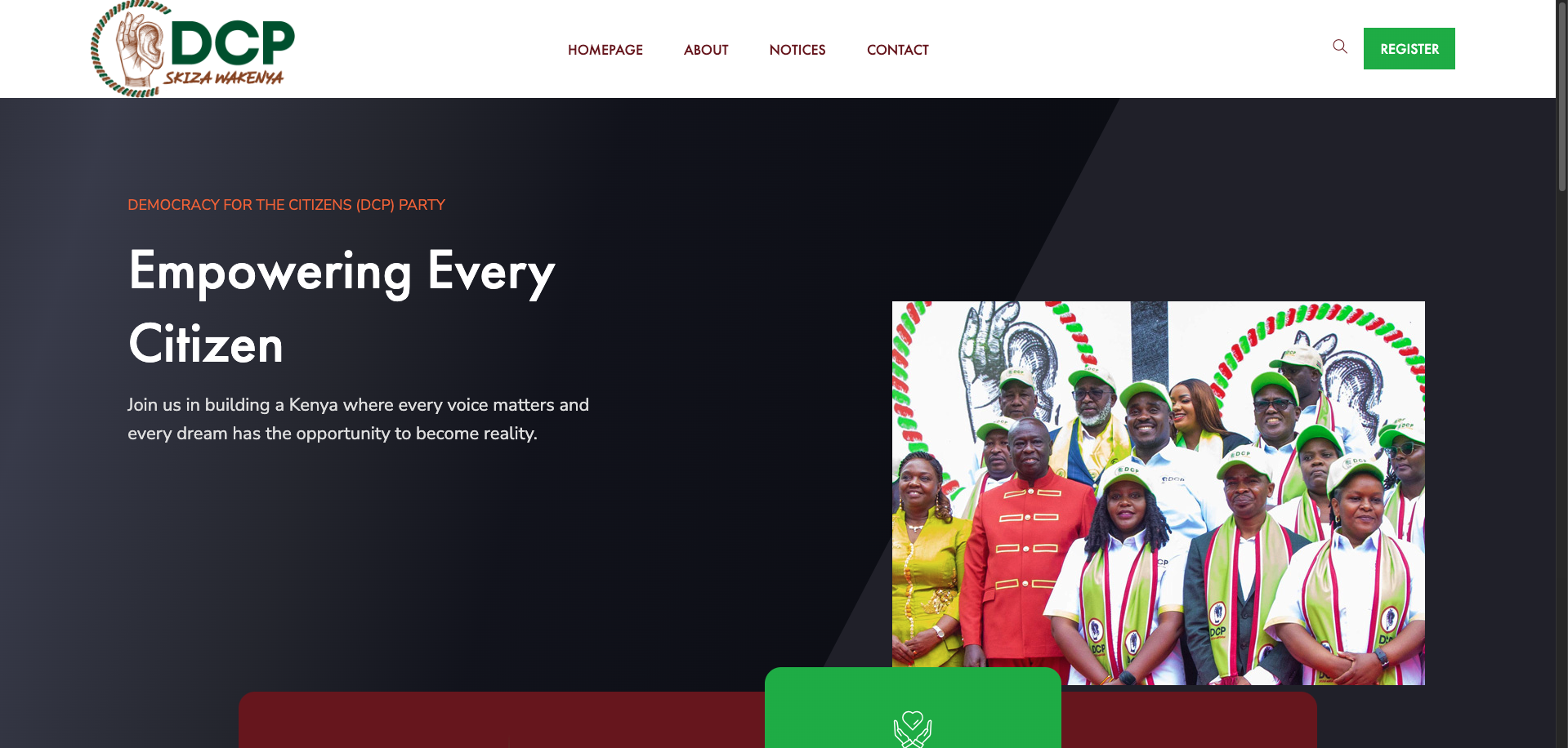
How to become a DCP member is a common question for Kenyans looking to join the Democracy for the Citizens Party (DCP). Whether you’re switching allegiance or joining a political movement that resonates with your values, the process is straightforward through the Office of the Registrar of Political Parties (ORPP). Here’s a complete guide to help you resign from your current political party and register as a DCP member using either the USSD code or online portal.
Step 1: Resign from Your Current Political Party
Before registering as a DCP member, you must first resign from your current party. The ORPP offers two options:
Option A: Resign Using USSD Code *509#

- Dial
*509#on your mobile phone. - If you’re a first-time user, register using your ID number and first name.
- You’ll receive an ORPP PIN via SMS.
- Dial
*509#again and enter the PIN. - Choose “Membership” then select Option 3: Resign.
- Confirm your details to complete the resignation.
Option B: Resign Online via ORPP Portal
- Visit https://ippms.orpp.or.ke or log in through eCitizen.
- Register or log in with your ID number and first name.
- Go to “Membership Resignation”.
- Follow the prompts and enter the OTP sent to your mobile.
- Confirm your resignation and check your status to ensure you’re unaffiliated.
Step 2: Register as a DCP Member
Once your resignation is confirmed, you can now join DCP.
Option A: Register via USSD *509#
- Dial
*509#. - Enter your ORPP PIN.
- Select “Membership” and then choose “Join a party”.
- Enter the party name: DCP.
- Input the party code: 829.
- Provide your county, constituency, and ward codes.
- Confirm your details to complete the process.
Option B: Register Online via ORPP Portal
- Log in to IPPMS or eCitizen.
- Navigate to the “Join a Party” section.
- Select Democracy for the Citizens Party (DCP).
- Fill in your personal details and submit the form.
- Wait for confirmation; your membership will reflect upon approval.
Important Tips
- Ensure your ID details are accurate.
- Use the same phone number throughout the process.
- If you face technical issues, visit the ORPP website or the DCP headquarters for support.