Nyongesa Sande
No Result
View All Result
  • News
    • World
    • Africa
  • Politics
  • Business
  • Tech
  • AI
  • Telecom
  • Sports
  • Opinion
  • Lifestyle
  • Live
  • World Cup 2026
    • World Cup 2026 Standings
    • World Cup 2026
Nyongesa Sande
No Result
View All Result
Nyongesa Sande
No Result
View All Result
  • News
  • Politics
  • Business
  • Tech
  • AI
  • Telecom
  • Sports
  • Opinion
  • Lifestyle
  • Live
  • World Cup 2026
ADVERTISEMENT

Home » NEDP Explains How to Check, Join or Resign Political Party Membership via USSD *509#

NEDP Explains How to Check, Join or Resign Political Party Membership via USSD *509#

News Desk by News Desk
4 months ago
in Political Parties
Reading Time: 5 mins read
A A
NEDP Explains How to Check, Join or Resign Political Party Membership via USSD *509#

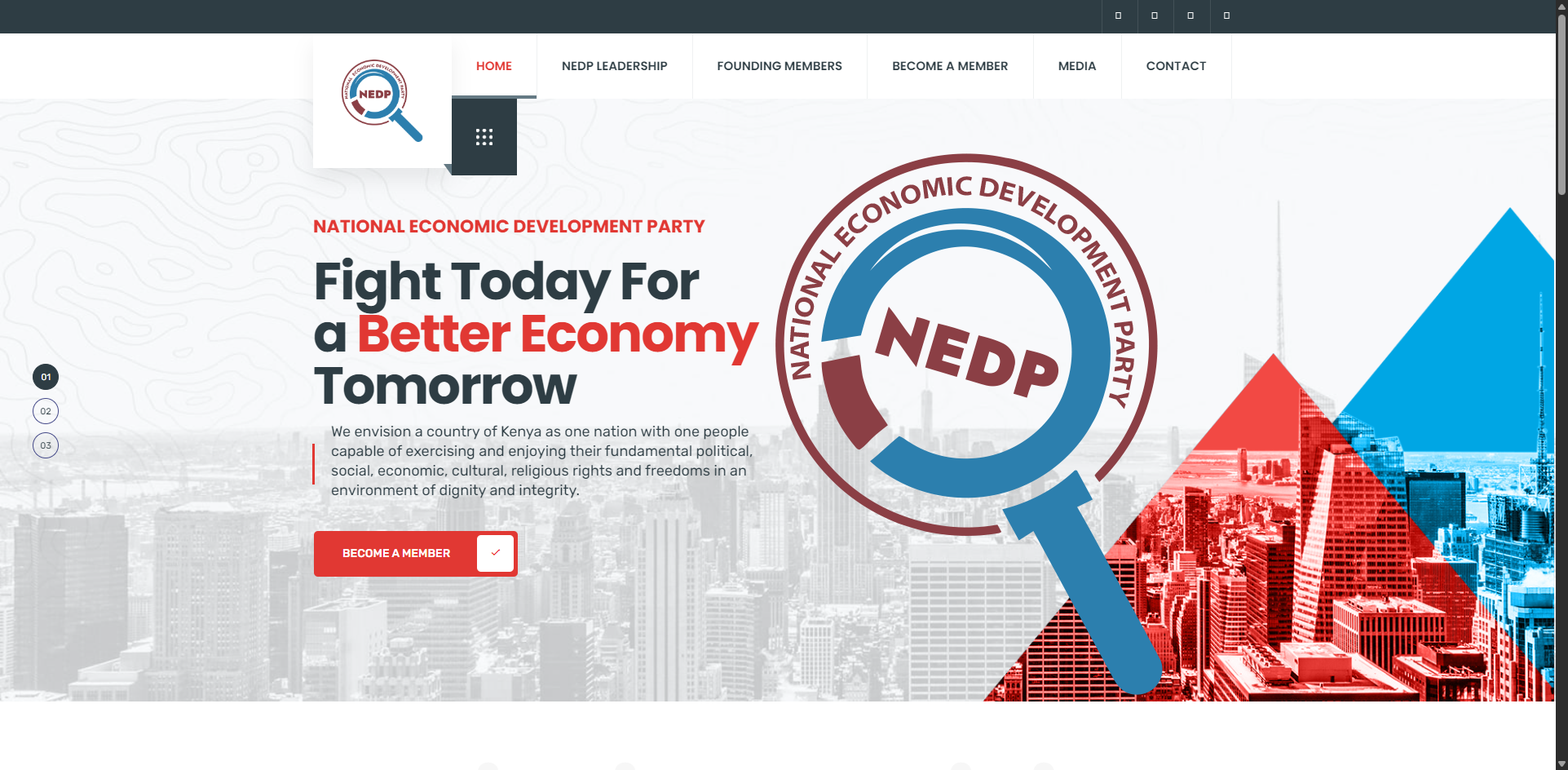
The National Economic Development Party has released detailed guidance on how Kenyans can check their political party membership status, join a party or resign from one using the USSD code *509#. The process is conducted through the Office of the Registrar of Political Parties platform, commonly referred to as ORPP.

  • Step One: Setting Up an Account on the ORPP Platform
  • Step Two: Setting Up Your PIN and Accessing Membership Options
  • How to Join a Political Party
  • Checking Your Membership Status
  • How to Resign from a Political Party
  • Why the USSD *509# System Matters

The move reflects growing digitization of political party administration in Kenya. Instead of visiting offices physically, citizens can now manage their party affiliation directly from their mobile phones. The service is accessible through basic handsets, making it widely available across the country.

According to the procedure outlined by the National Economic Development Party, the process involves two main stages: setting up an account on the ORPP platform and then managing membership options using a secure PIN.

ADVERTISEMENT

Step One: Setting Up an Account on the ORPP Platform

To begin, users must dial *509# on their mobile phone.

After dialing the code, follow these steps:

ADVERTISEMENT
  1. Select option 1 for Review to agree to the terms and conditions.
  2. Enter your First Name exactly as it appears on your national identification document and press OK.
  3. Select option 1 for ID as your identification document and press OK.
  4. Enter your ID number.
  5. Choose your gender by selecting 1 for Female or 2 for Male, then press OK.
  6. Select 1 to confirm your details.
  7. You will receive a PIN from the ORPP platform. This PIN will be used for future access and verification.

This first stage essentially registers you on the ORPP system. The PIN sent to your phone is crucial because it allows you to manage your membership status securely.

Step Two: Setting Up Your PIN and Accessing Membership Options

After receiving your PIN, dial *509# again.

  1. Enter the PIN as received from the ORPP.
  2. Select Membership (Option 1).
  3. Choose the action you want to take.

The platform allows three main actions:

ADVERTISEMENT
  • Checking your membership status
  • Joining a political party
  • Resigning from a political party

This centralized system ensures that all political party membership records are managed under the Registrar’s oversight, improving transparency and accountability.

How to Join a Political Party

If you wish to join a party such as the National Economic Development Party, follow these steps after entering your PIN:

  1. Enter your PIN as received from the ORPP.
  2. Select Join a Party (Option 2) and press OK.
  3. Enter your County Code and press OK.
  4. Enter your Constituency Code and press OK.
  5. Enter your Ward Code and press OK.
  6. Enter 999 followed by the specific party code and press OK.
  7. Confirm (Option 1) Membership and press OK.

After completing these steps, the selected political party will review your request. The party then confirms your membership by either approving or rejecting the application.

Checking Your Membership Status

To confirm whether you are currently registered under a political party:

  1. Dial *509#.
  2. Enter your PIN.
  3. Select Membership.
  4. Choose the option to check membership status.

The system will display your current political party affiliation, if any. This is particularly useful during election periods when disputes over party membership can affect nominations and eligibility.

How to Resign from a Political Party

If you wish to resign from a party:

  1. Dial *509#.
  2. Enter your PIN.
  3. Select Membership.
  4. Choose the option to resign from a party.
  5. Confirm your decision.

Once submitted, the request is processed through the ORPP platform and recorded officially.

Why the USSD *509# System Matters

The introduction of the USSD-based system simplifies political participation. Previously, citizens often faced challenges confirming their party registration status, especially if they were unknowingly listed under a party.

The *509# service enhances transparency, reduces paperwork and allows voters to control their political affiliation directly. It also ensures that political parties maintain accurate membership databases in compliance with regulatory requirements.

As political activities intensify ahead of election cycles, digital systems such as the ORPP USSD platform are expected to play an increasingly central role in managing party records efficiently and securely.

Share1Tweet1SendShareSharePinShareShare
Google Add as a Preferred Source on Google
Previous Post

Nairobi Flood Victims to Receive Funeral Support From Sonko

Next Post

How Nuclear Weapons Work and Why They Remain So Dangerous

News Desk

News Desk

Nyongesa Sande offers diverse content across news, technology, entertainment, and more, aiming to provide readers with a wide range of informative and engaging articles. NYONGESA SANDE's dedicated team provides our audience not only with the highly relevant news but also with outstanding interactive experience.

Related Posts

Tina Ogal Joins Orange Democratic Movement
Politics

Tina Ogal Joins Orange Democratic Movement

3 months ago
Jubilee Appoints Ole Kenta as New Party Secretary General
Political Parties

Jubilee Appoints Ole Kenta as New Party Secretary General

6 months ago
List of Elected MPs in Kenya 2017 General Elections
Political Parties

Complete List of Members of the 13th Parliament of Kenya by Party (2023)

7 months ago
Moi’s Children: The Moi Siblings and Alleged Children
Political Parties

Full List of Rigathi Gachagua’s Party Officials

7 months ago
Sonko’s Back! Former Governor Launches New Party and Eyes 2027 Presidential Race
Political Parties

Sonko’s Back! Former Governor Launches New Party and Eyes 2027 Presidential Race

7 months ago
UDA to Discipline Mutahi Kahiga Over Remarks on Raila Odinga’s Death
Political Parties

UDA to Discipline Mutahi Kahiga Over Remarks on Raila Odinga’s Death

9 months ago
Load More
Next Post
How Nuclear Weapons Work and Why They Remain So Dangerous

How Nuclear Weapons Work and Why They Remain So Dangerous

List of best Data Recovery Services in Kenya

Data Recovery Services in Malawi with Complete Phone Numbers

ADVERTISEMENT

Who We Are

Nyongesa Sande

NyongesaSande.com is a digital news and media platform covering breaking news, business, technology, AI, politics, sports, world affairs and African innovation.

Our Brands

  • YouTube
  • Forums
  • Law Archive
  • Sandes Kitchen

News Sections

  • News
    • World
    • Africa
  • Politics
  • Business
  • Tech
  • AI
  • Telecom
  • Sports
  • Opinion
  • Lifestyle
  • Live
  • World Cup 2026
    • World Cup 2026 Standings
    • World Cup 2026

Editorial Standards

  • Editorial Policy
  • Fact Checking Policy
  • Corrections Policy
  • Ethics Policy
  • AI Usage Policy
  • News Tips
  • Submit Press Release

Legal

  • Privacy Policy
  • Terms of Use
  • Cookie Policy
  • Disclaimer
  • Risk Disclaimer
  • DMCA
  • Ad Choices
  • YouTube

Our Company

  • About Us
    • Nyosake Designers
      • Nyosake Webmasters
      • Nyosake Investment
  • Contact Us
    • Newsroom Contact
  • Ownership Disclosure
  • Advertise
  • Privacy Policy
  • Terms of Use
  • Cookie Policy
  • Disclaimer
  • Risk Disclaimer
  • DMCA
  • Ad Choices
  • YouTube

NyongesaSande.com is an independent digital news and media platform covering Africa, business, technology, AI, politics and global developments.

© 2026 NyongesaSande.com. All rights reserved.

No Result
View All Result
  • News
    • World
    • Africa
  • Politics
  • Business
  • Tech
  • AI
  • Telecom
  • Sports
  • Opinion
  • Lifestyle
  • Live
  • World Cup 2026
    • World Cup 2026 Standings
    • World Cup 2026

NyongesaSande.com is an independent digital news and media platform covering Africa, business, technology, AI, politics and global developments.

© 2026 NyongesaSande.com. All rights reserved.