


Creating a bill of sale for an RV is an important step when transferring ownership of your recreational vehicle. Even if your state doesn’t require one, a bill of sale provides a clear legal record of the transaction and protects both parties from future disputes. Follow these steps to make sure your document is complete, valid, and compliant with local laws.
Step-by-Step Guide: How to Write a Bill of Sale for an RV
| Step | Action |
|---|---|
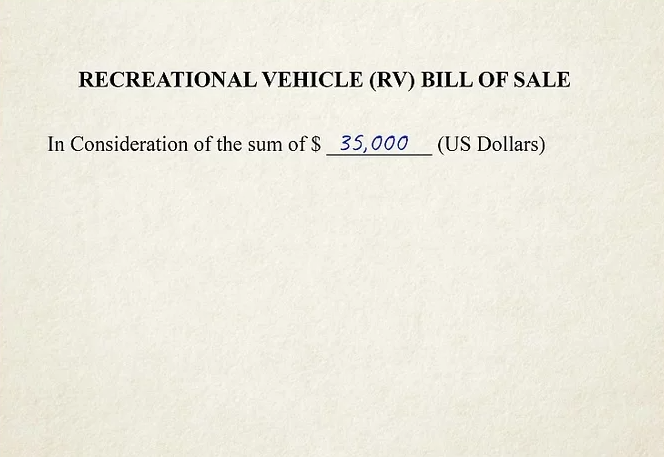
| 1. List the Sale Price | Begin by stating the agreed purchase amount. Write a line such as “In consideration for the sum of $____” followed by the price. |
| 2. Add Buyer and Seller Details | Include the full names and addresses of both the buyer and seller. Clearly label each party to avoid confusion later. |
| 3. Identify the Vehicle | Specify that the item sold is an RV. Note the type (motorhome, camper, trailer) and include the VIN, make, model, year, and color. |
| 4. Describe the RV in Detail | Include registration or plate numbers, odometer reading, weight or length, and any accessories or add-ons included in the sale. |
| 5. State Ownership and Condition | Write a clause stating that the seller is the rightful owner and that the RV is sold “free and clear” of liens or claims. If sold as-is, include that term. |
| 6. Add the Date of Sale | Write the date of the agreement, such as “on the __ day of [month], [year].” This confirms when ownership officially transfers. |
| 7. Sign and Witness the Document | Leave space for both buyer and seller signatures. Some states require one or two witnesses, so include lines for them as well. |
| 8. Notarize the Bill of Sale (if required) | Some states require notarization. Have all parties sign before a notary public, who will verify identities and stamp the document. |
| 9. Make Copies for Each Party | Provide copies to both the buyer and seller for recordkeeping. The bill of sale may be needed later for DMV registration or tax purposes. |
| 10. Check State Requirements | Call or visit your local DMV or DOT website to ensure the document meets your state’s rules. Download state-specific templates if available. |
Practical Tips
- Use your state’s official DMV form if one is provided.
- Always include the VIN and odometer reading for accuracy.
- Keep a copy for your records even after the sale is finalized.
- If unsure about legality, ask a lawyer or notary to review your document.




