


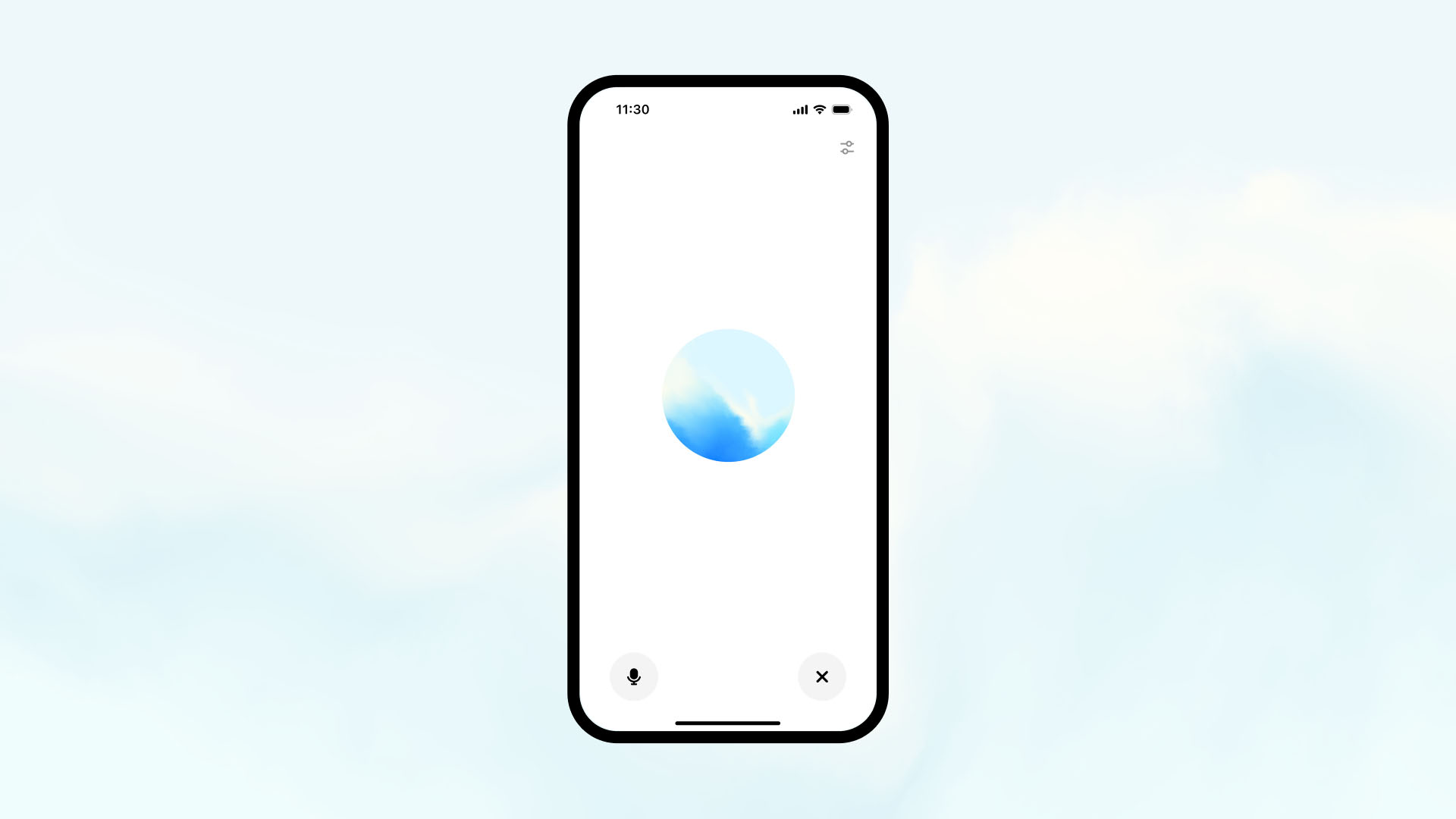
ChatGPT primarily functions through text-based interaction, but with the growing demand for more immersive experiences, voice mode has become a popular feature. Although ChatGPT doesn’t natively have a voice mode feature, you can use voice input and voice output in various ways by integrating third-party tools and platforms. Here’s a comprehensive guide on how to use ChatGPT’s voice mode.
1. Using ChatGPT’s Voice Mode on Mobile Devices
If you’re using a mobile device (iOS or Android), you can take advantage of the built-in voice-to-text features on your phone, which allows you to interact with ChatGPT using voice commands.
- On iOS (iPhone/iPad):
- Open the ChatGPT app or access the web platform.
- Tap on the microphone icon on your keyboard.
- Speak your query clearly, and your words will be transcribed into text.
- ChatGPT will generate a text-based response.
- On Android:
- Open the ChatGPT app or web platform.
- Tap on the microphone icon on your keyboard or use Google’s voice-to-text feature.
- Speak your question, and the app will transcribe it into text for ChatGPT to respond.
2. Using Speech-to-Text Tools with ChatGPT
While ChatGPT doesn’t have a built-in voice mode, you can use third-party speech-to-text tools to convert your voice into text input. Here’s how to integrate these tools:
- Google Speech-to-Text or Microsoft Dictate:
These tools allow you to speak to your device, and they will convert your speech into text, which you can then input into ChatGPT. The process involves dictating your message, allowing ChatGPT to respond to your query. - Voice Recognition Extensions:
For browsers like Google Chrome, extensions like Voice In allow you to speak directly into the ChatGPT text field. Once your speech is converted to text, ChatGPT will process your request as usual.
3. Using Text-to-Speech for Voice Output
If you want ChatGPT to speak its responses, you can integrate text-to-speech (TTS) tools that read out loud the responses generated by ChatGPT. Here’s how to enable TTS:
- On Desktop:
Many operating systems (like Windows, macOS) have built-in text-to-speech capabilities. You can copy ChatGPT’s response and use the system’s TTS function to have it read out loud. - On Mobile:
iOS and Android devices offer TTS functionality in their accessibility settings. You can use the “Speak Selection” or “Text-to-Speech” options to have the device read aloud the responses from ChatGPT.
4. Integrating Voice Assistants with ChatGPT
If you want to fully utilize voice mode, integrating ChatGPT with voice assistants like Google Assistant or Amazon Alexa can be a great option. By using platforms like Zapier, you can set up an automation that triggers ChatGPT’s responses from voice commands.
- For example, you could ask Google Assistant a question, and it could trigger an automation that sends the question to ChatGPT and reads out the response via a connected speaker.
5. The Future of ChatGPT’s Voice Mode
As of now, ChatGPT doesn’t offer a native voice mode feature, but the integration of voice input and voice output tools through third-party apps and services can help achieve a voice-interactive experience. In the future, we may see OpenAI implementing direct voice mode features for smoother and more seamless interaction.
6. Limitations of ChatGPT’s Voice Mode
- Accuracy: The accuracy of voice-to-text transcription may vary depending on the tool or platform you’re using. Background noise, speech clarity, or accents can affect the quality of the transcription.
- Voice Output: While third-party TTS tools can read responses aloud, ChatGPT itself does not have a built-in voice output feature. This requires external tools to provide that functionality.
- Integration with Voice Assistants: Full voice integration with voice assistants requires third-party platforms like Zapier and is not a native feature of ChatGPT.
Conclusion
While ChatGPT’s voice mode isn’t a native feature, it’s possible to use voice input and voice output through third-party tools and integrations. Whether you’re using mobile voice-to-text features, speech-to-text tools, or integrating voice assistants with ChatGPT, there are plenty of ways to interact with ChatGPT using your voice. As voice recognition technology improves, future versions of ChatGPT may offer more robust voice capabilities.










