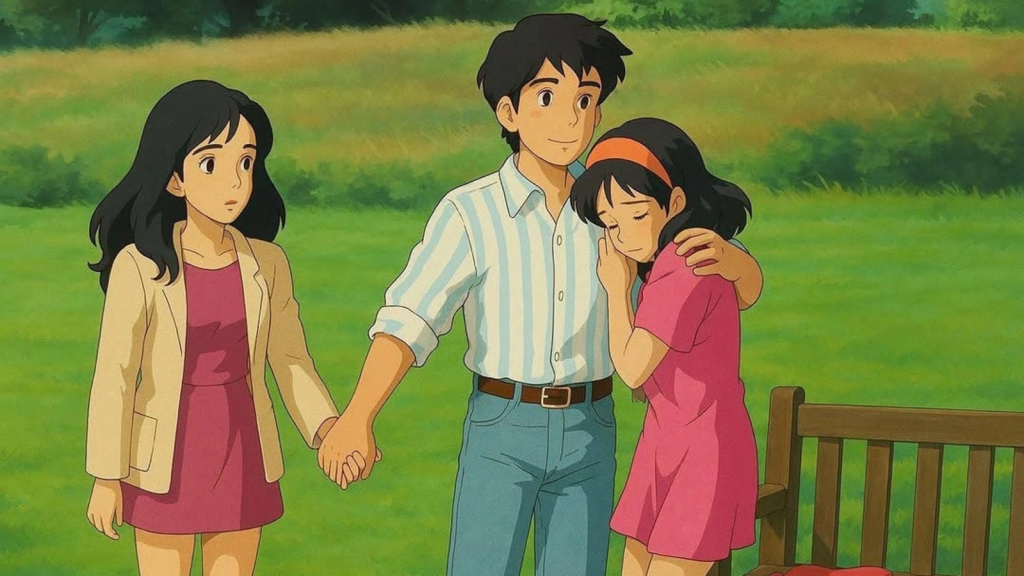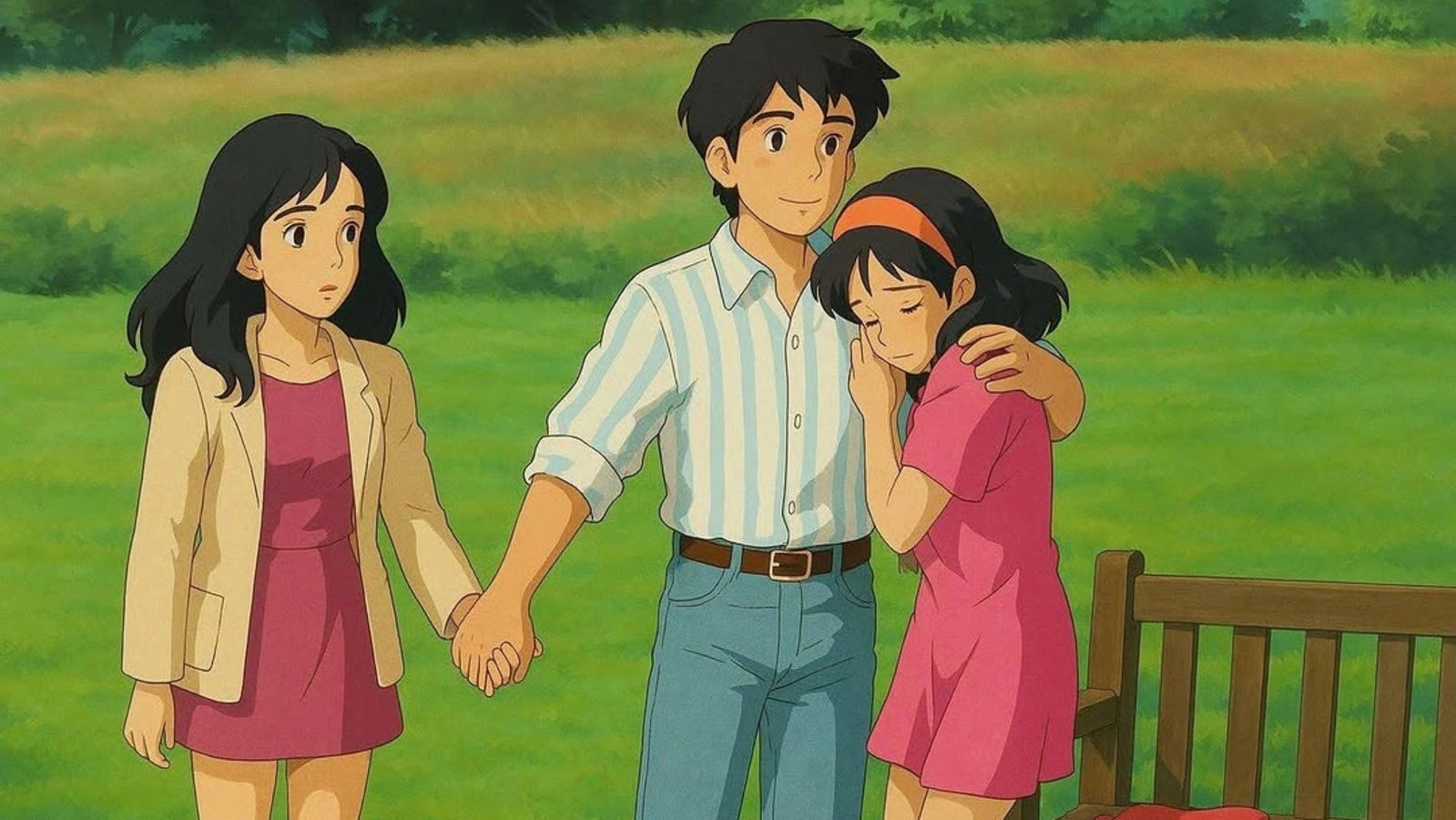
If you’ve ever wanted to see yourself or your favorite photo transformed into a whimsical, hand-painted style reminiscent of Studio Ghibli films, you’re in luck. OpenAI’s native image generation feature in ChatGPT now lets you do just that—turning real-life photos into beautiful Ghibli-style artwork. This tool captures the dreamy, artistic aesthetic of Ghibli films with amazing accuracy, offering an exciting way to experiment with your photos.
In this guide, we’ll walk you through how to create your own Ghibli-style AI images using ChatGPT, completely free of charge (within the usage limits). Whether you’re looking to turn a selfie into a magical character or give your landscape photos a fantastical twist, this is a fun and creative way to bring Ghibli-inspired magic to life.
How to Create Ghibli Style AI Images Using ChatGPT
Follow these simple steps to turn your photos into Ghibli-style artwork:
Step 1: Visit ChatGPT Website or Open the App
First, make sure you’re logged into your OpenAI account. You can use either the ChatGPT website or the app, whichever you prefer.
Step 2: Upload Your Image
Once you’re in ChatGPT, locate the “+” sign at the bottom left corner of the screen to upload your photo. Choose the image you want to transform into Ghibli style—this can be a selfie, a picture of your pet, or any other image you want to see turned into whimsical artwork.
Step 3: Enter the Prompt
After uploading your image, type a simple prompt like “Ghiblify this” or “Transform this photo into Studio Ghibli style” into the chat. ChatGPT will use this prompt to process your image and apply a Ghibli-inspired effect.
Step 4: Download Your Ghibli-Style Artwork
Within a short processing time, your Ghibli-style artwork will be ready. Simply click the download option to save your newly transformed image to your device. You can now enjoy or share your AI-generated, Ghibli-inspired artwork!
Limitations on Image Generation
While OpenAI’s image generation feature is a fun and powerful tool, there are a few limitations due to high demand. Initially, this feature was available only for paid users, but it has now been made accessible to free accounts as well, though with some restrictions.
Currently, free ChatGPT users can generate up to three images per day. This limit has been imposed to prevent overloading OpenAI’s servers, as the high demand was impacting the system’s performance. So, while you can still use the tool for free, be mindful of this daily cap on image generations.
Conclusion
Creating Ghibli-style AI images using ChatGPT is a fun and easy way to transform your photos into magical artwork. By following these simple steps, you can experiment with different images and create whimsical, Studio Ghibli-inspired artwork for free (within the daily usage limit). Whether you’re a fan of Ghibli films or simply love the dreamy art style, this tool brings a piece of that magic to your own photos.
Keep in mind that while the service is free, there are some usage limits. However, the ability to generate up to three images per day still offers plenty of creative potential.