
Nyongesa Sande
No Result
View All Result
  • News
    • World
    • Africa
  • Politics
  • Business
  • Tech
  • AI
  • Telecom
  • Sports
  • Opinion
  • Lifestyle
  • Live
  • World Cup 2026
    • World Cup 2026 Standings
    • World Cup 2026
Nyongesa Sande
  • About Us
    • Nyosake Designers
      • Nyosake Webmasters
      • Nyosake Investment
  • Contact Us
    • Newsroom Contact
  • Ownership Disclosure
  • Advertise
No Result
View All Result
Nyongesa Sande
No Result
View All Result
  • News
  • Politics
  • Business
  • Tech
  • AI
  • Telecom
  • Sports
  • Opinion
  • Lifestyle
  • Live
  • World Cup 2026
ADVERTISEMENT

Home » How To Check Fuliza M-Pesa Limit and Balance

How To Check Fuliza M-Pesa Limit and Balance

NyongesaSande News Desk by NyongesaSande News Desk
6 months ago
in How To
Reading Time: 4 mins read
A A
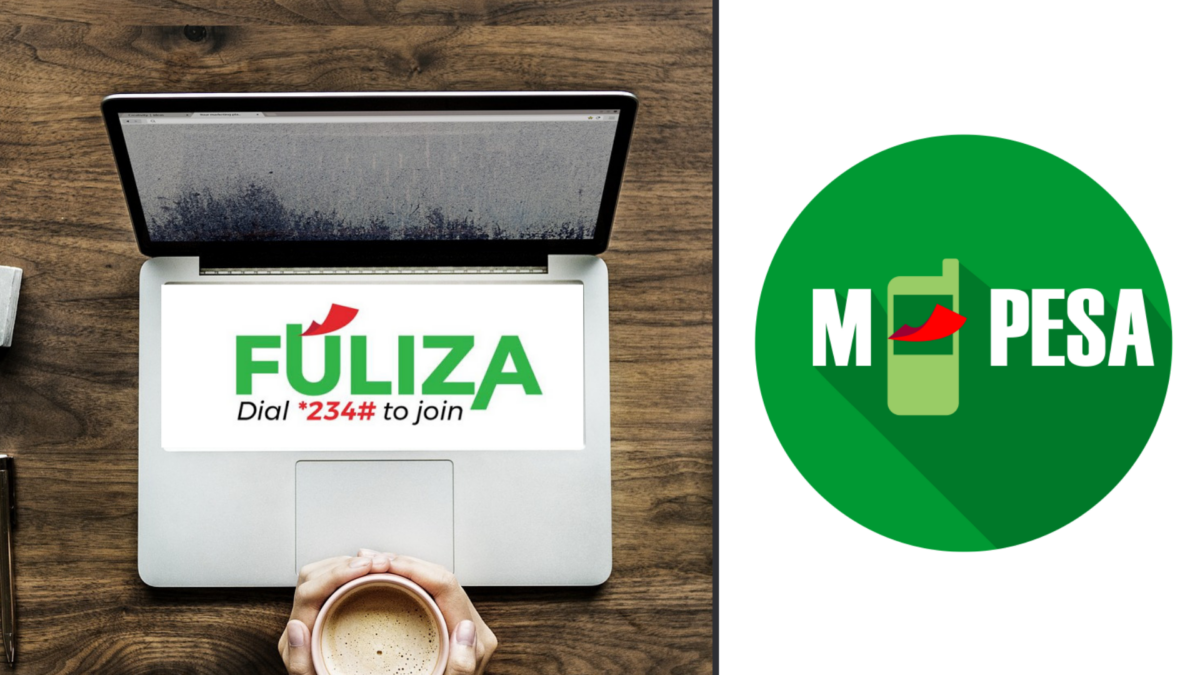
How To Check Fuliza M-Pesa Limit and Balance

Ever had an M-Pesa transaction fail because your balance was too low? Fuliza M-Pesa steps in to cover the shortfall, letting you complete payments even with zero balance. It’s a convenient overdraft service—but it’s important to know how much you can borrow and what you currently owe to avoid surprises.

  • Fuliza Explained and Why You Should Monitor It
  • Steps on How To Check Fuliza M-Pesa Limit and Balance (USSD)
  • Other Ways to Check Fuliza Limit and Balance (mySafaricom App)
  • Final Tips

This guide shows you how to check your Fuliza M-Pesa limit and balance using USSD and the mySafaricom app.

Fuliza Explained and Why You Should Monitor It

Fuliza M-Pesa is offered by Safaricom in partnership with banks including Kenya Commercial Bank and Commercial Bank of Africa (now part of NCBA). It works like an overdraft, allowing you to:

ADVERTISEMENT
  • Pay for goods and services
  • Send money
  • Pay bills

—even when your M-Pesa balance is insufficient.

Why you should keep track of Fuliza:

ADVERTISEMENT
  • Avoid surprises: Know your available limit and outstanding balance
  • Control spending: Overuse can build debt quickly
  • Improve your limit: Timely repayments can increase your borrowing limit over time

You can access Fuliza via USSD *234# or the mySafaricom app.

Steps on How To Check Fuliza M-Pesa Limit and Balance (USSD)

Follow these quick steps on any phone:

  1. Dial *234# on your Safaricom line
    • Ensure your line is registered for M-Pesa and Fuliza (opt in if you haven’t).
  2. Select Option 0 – Fuliza M-Pesa
  3. Choose what to check
    • Press 1 to check your Fuliza limit
    • Press 2 to check your Fuliza balance
  4. Wait for confirmation
    • The request processes instantly.
  5. Receive an SMS
    • You’ll get a message showing your current limit and/or outstanding balance.

Other Ways to Check Fuliza Limit and Balance (mySafaricom App)

If you prefer a visual, app-based method:

ADVERTISEMENT
  1. Open the mySafaricom app (Android or iOS) and log in with your Safaricom number
  2. Go to M-Pesa
  3. Tap Fuliza
  4. View your Fuliza limit and balance displayed on the screen

The app is ideal for tracking usage trends and reviewing repayment details over time.

Final Tips

  • Check your Fuliza details before making large transactions
  • Repay promptly to reduce fees and improve your future limit
  • Use the app for ongoing monitoring and better money management

Knowing how to check Fuliza M-Pesa limit and balance helps you stay in control, avoid unwanted deductions, and use mobile money smarter.
Share1Tweet1SendShareScanSharePinShareShare
Google Add as a Preferred Source on Google
Previous Post

Why Your KPLC Token Meter Is Not Connecting and How to Fix It

Next Post

Understanding How To File For Residential Rental Income Tax In Kenya

NyongesaSande News Desk

NyongesaSande News Desk

Nyongesa Sande offers diverse content across news, technology, entertainment, and more, aiming to provide readers with a wide range of informative and engaging articles. NYONGESA SANDE's dedicated team provides our audience not only with the highly relevant news but also with outstanding interactive experience.

Related Posts

How to Weld a 2-Block Rectangular Hollow Block Mold: Measurements, Materials and Step-by-Step Guide
How To

How to Weld a 2-Block Rectangular Hollow Block Mold: Measurements, Materials and Step-by-Step Guide

2 months ago
How to Create a Facebook Account on iPhone App
How To

How to Fix Facebook Confirmation Email Not Received

2 months ago
How to Create a Facebook Account on iPhone App
How To

How to Fix Facebook Confirmation Code Not Received

2 months ago
How to Create a Facebook Account on iPhone App
How To

How to Confirm Your Facebook Email or Phone Number

2 months ago
How to Create a Facebook Account on iPhone App
How To

How to Understand Your Facebook Account and Profiles

2 months ago
How to Create a Facebook Account on iPhone App
How To

How to Fix Facebook Name Not Accepted

2 months ago
Load More
Next Post
Understanding How To File for Residential Rental Income Tax in Kenya

Understanding How To File For Residential Rental Income Tax In Kenya

How To Apply For KCB Corporate Card

How To Apply For KCB Corporate Card

ADVERTISEMENT

Who We Are

Nyongesa Sande

NyongesaSande.com is a digital news and media platform covering breaking news, business, technology, AI, politics, sports, world affairs and African innovation.

News Sections

  • News
    • World
    • Africa
  • Politics
  • Business
  • Tech
  • AI
  • Telecom
  • Sports
  • Opinion
  • Lifestyle
  • Live
  • World Cup 2026
    • World Cup 2026 Standings
    • World Cup 2026

Editorial Standards

  • Editorial Policy
  • Fact Checking Policy
  • Corrections Policy
  • Ethics Policy
  • AI Usage Policy
  • News Tips
  • Submit Press Release

Legal

  • Privacy Policy
  • Terms of Use
  • Cookie Policy
  • Disclaimer
  • Risk Disclaimer
  • DMCA
  • Ad Choices

Our Company

  • About Us
    • Nyosake Designers
      • Nyosake Webmasters
      • Nyosake Investment
  • Contact Us
    • Newsroom Contact
  • Ownership Disclosure
  • Advertise
  • Privacy Policy
  • Terms of Use
  • Cookie Policy
  • Disclaimer
  • Risk Disclaimer
  • DMCA
  • Ad Choices

NyongesaSande.com is an independent digital news and media platform covering Africa, business, technology, AI, politics and global developments.

© 2026 NyongesaSande.com. All rights reserved.

No Result
View All Result
  • News
    • World
    • Africa
  • Politics
  • Business
  • Tech
  • AI
  • Telecom
  • Sports
  • Opinion
  • Lifestyle
  • Live
  • World Cup 2026
    • World Cup 2026 Standings
    • World Cup 2026

NyongesaSande.com is an independent digital news and media platform covering Africa, business, technology, AI, politics and global developments.

© 2026 NyongesaSande.com. All rights reserved.