


So, you’ve stumbled across a site like X, Tumblr, or Instagram that you love, but your parents said no to getting an account. Now you’re tempted to sneak around online without them knowing. This guide lays out how to create a secret digital life—though it’s not foolproof, and you’ll need to know your way around a computer or phone. Be warned: getting caught could mean bigger trouble than just coming clean. Here’s how to pull it off (if you must).
Steps to Keep Your Online Life Under Wraps
1. Cover Your Tracks
Learn to erase your browser history smoothly. Delete it after a session, then visit a few innocent, related sites—like a school project page or a hobby blog—to explain your screen time. Keep it believable: don’t jump from “cat care tips” to a random TV show site. Stick to stuff your parents know you’re into, so it doesn’t raise red flags.
2. Go Incognito
Use private browsing mode (available on most updated browsers like Chrome or Firefox)—it skips saving your history. Handy if your parents snoop daily. But heads-up: if they call your internet provider, they can still see where you’ve been. Private mode isn’t invisible.
3. Master the Tab Switch
Open a “safe” site they approve (like a news page) in one tab, and your secret site in another. When they walk in, casually switch to the safe tab—don’t panic or flick too fast, or they’ll smell something’s up. Clear the sneaky tab’s history after. Or use separate windows and hide the tab bar for extra stealth.
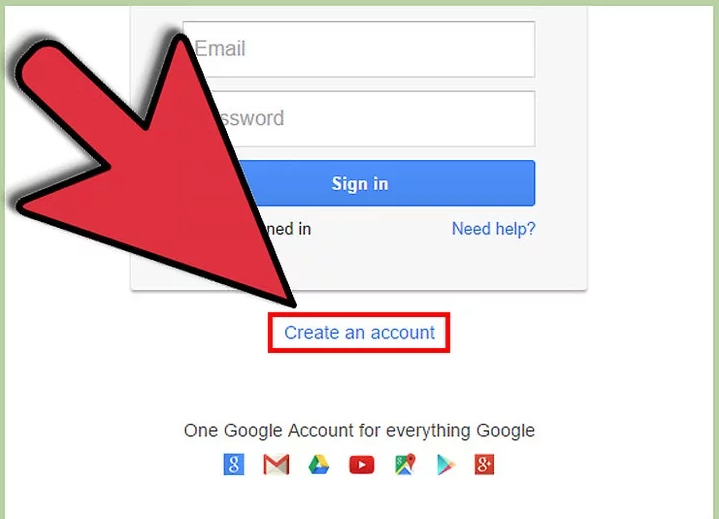
4. Set Up Secret Accounts
Create a new email (one they don’t know) for your X or Tumblr sign-up. Pick a username that’s you but not obvious—skip “@YourRealName” for something like “@SciFiFan42” if you love Star Wars. Never link it to public profiles like Facebook—friends’ parents might spot it and spill. Log out fully on shared devices; you don’t want Mom finding your spicy fanfic.
5. Secure Your Access
On a family computer, make a password-protected user account—your own digital bunker. It’s safer for browsing banned sites. Bonus tip: if you stumble on weird stuff (like that fanfic that ruins your next movie night), brush it off—don’t let it mess with your head or your poker face.
6. Balance Your Screen Time
Don’t vanish into your secret online world for hours—parents notice. Mix it with “normal” stuff like homework or chores. If they ask what you’ve been up to and you’ve got nothing to show, they’ll dig deeper. Keep it low-key.
7. Google Yourself
Search your full name. If anything ties back to your secret accounts—like a stray post—delete it or move it to a new profile. Parents can (and do) Google you—it’s their fastest detective trick. Stay ahead of their sleuthing.
8. Act Natural
Sudden shadiness screams guilt. Don’t slink around or lock your door obsessively. If you want a vibe shift (like less hovering), talk it out: “I’d like more space online—can we discuss it?” Normalcy is your shield.
9. Roll It Out Slowly
Don’t flip all these switches at once—gradual changes dodge suspicion. Ease into private browsing or new accounts over weeks, not overnight.
10. Keep Posts Grandma-Friendly
Avoid pics of yourself or updates you’d cringe at Grandma seeing. Random edits of celebs? Fine. Your daily diary online? Risky—strangers and parents alike could peek.
11. Fess Up If Caught
If they confront you—“We found your X account”—truth is safest: “Yeah, it’s mine—I’m sorry I hid it.” If it’s truly anonymous (no name, no pics), you could deny it: “No proof it’s me.” Worst case, blame a friend vaguely: “They asked me to check something.” Don’t name names—they’ll call your bluff.
12. Double Up on Emails
Got one email they know? Make a second, secret one for banned sites. If they demand passwords, they’ll only see the tame stuff on your old account—keeping your wild side hidden.
13. Try Virtual Desktops
Like tab-switching, but slicker—flip to a clean desktop when they’re near. Your secret tabs stay out of sight entirely.
14. Use a VPN
A VPN (like Nord or Proton) masks your activity from the internet provider—logs just show you connected to the VPN, not where you went. It’s a ninja-level move, but some cost money or slow your speed.
15. Enjoy (Quietly)
You’ve got your digital hideout—savor it, but don’t get cocky. Stay smart, not smug.
Why It’s Tricky (and Risky)
This isn’t airtight—parents can outsmart you via ISPs, random checks, or sheer luck. Readers suggest tricks like headphones (keep one ear free), temporary app downloads, or fake parental controls with a secret PIN. But the real kicker? Time and trust. Obsess online, and they’ll notice. Get caught, and it’s not just the account—they’ll doubt you more. Tips say use a spare browser (Tor wipes history automatically) or mobile sites for stealth, but balance is key.
Honesty might sting less than a busted lie. If it’s about freedom, not just rebellion, maybe talk it out instead. Sneaky’s fun—until it isn’t.




