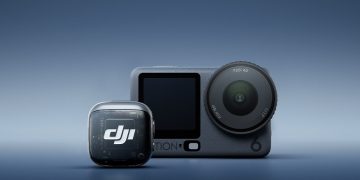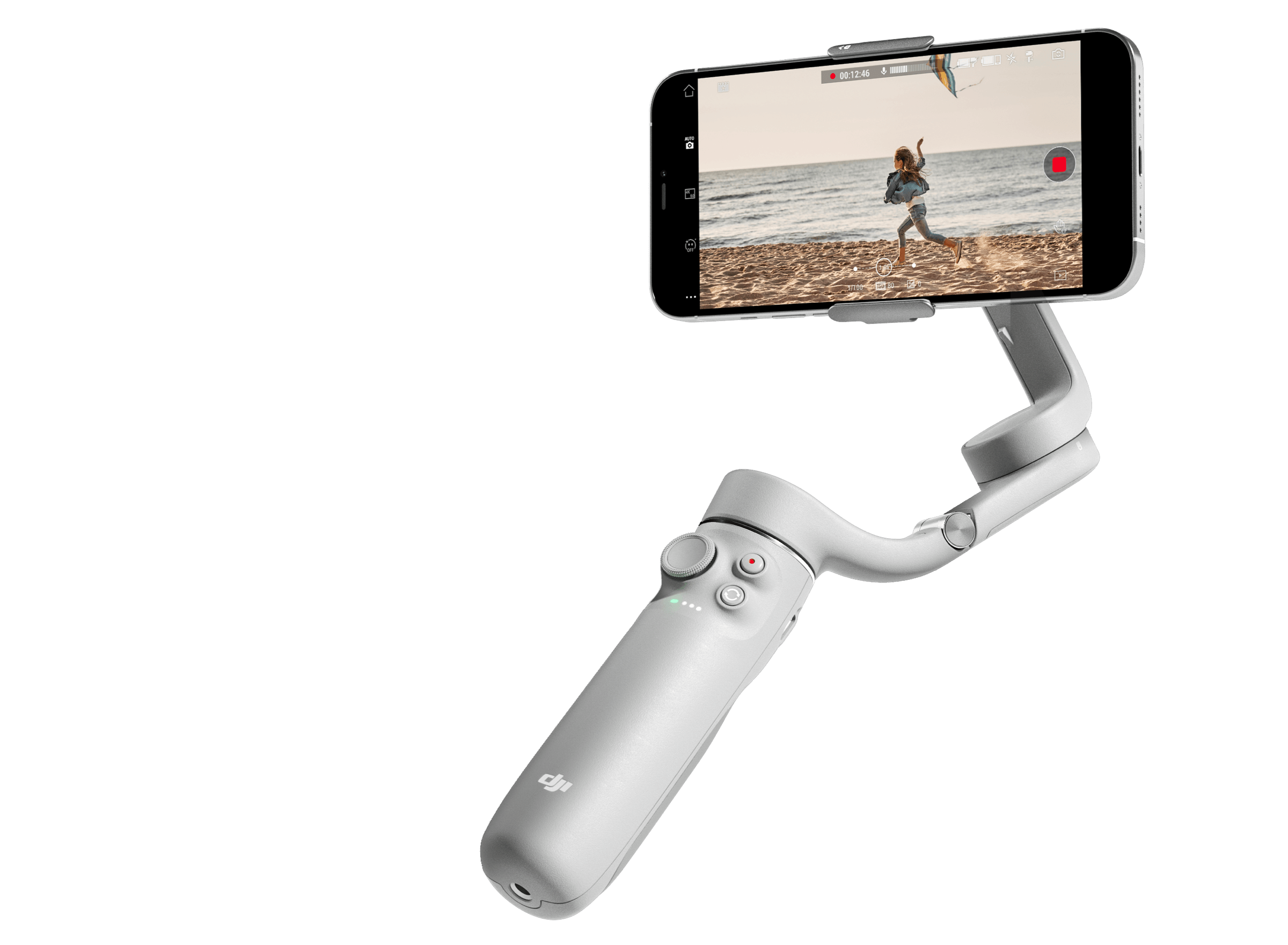
The DJI Mimo app is a powerful companion tool designed to connect your smartphone to DJI’s handheld camera and gimbal devices. From advanced video capture to intelligent editing tools, the app enhances the capabilities of your Osmo Action, Osmo Pocket, and Osmo Mobile devices. However, not all smartphones are compatible with DJI Mimo. This article provides the official list of supported phones and system requirements as of 2025.
The supported model list will be constantly updated. Please stay tuned to DJI’s official website:「Support > More support options > Download Center」.
🎥 Applicable DJI Products
DJI Mimo supports the following products:
🔹 Osmo Action Series
- Osmo Action 5 Pro
- Osmo Action 4
- Osmo Action 3
- DJI Action 2
- Osmo Action
🔹 Osmo Pocket Series
- Osmo Pocket 3
- DJI Pocket 2
- Osmo Pocket
🔹 Osmo Mobile Series
- Osmo Mobile 7P
- Osmo Mobile 7
- Osmo Mobile 6
- Osmo Mobile SE
- DJI OM 5
- DJI OM 4 SE
- DJI OM 4
- Osmo Mobile 3
🍏 iOS Compatibility
DJI Mimo iOS Version: v2.2.2
Minimum Requirement: iOS 14.0 and above
Requires iOS 14.0 or above.
For Below iOS 12.0, please click to download
For Below iOS 14.0, please click to download
✅ Compatible iPhones:
- iPhone 16 Series: 16 Pro Max, 16 Pro, 16 Plus, 16
- iPhone 15 Series: 15 Pro Max, 15 Pro, 15 Plus, 15
- iPhone 14 Series: 14 Pro Max, 14 Pro, 14 Plus, 14
- iPhone 13 Series: 13 Pro Max, 13 Pro, 13, 13 Mini
- iPhone 12 Series: 12 Pro Max, 12 Pro, 12, 12 Mini
- iPhone 11 Series: 11 Pro Max, 11 Pro, 11
- iPhone X Series: XS Max, XS, XR, X
- iPhone SE: SE 3, SE 2
- iPhone 8 Series: 8 Plus, 8
✅ Compatible iPads:
- iPad Pro 2022
- iPad 2022
- iPad Air 5
- iPad Mini 6
🤖 Android Compatibility
DJI Mimo Android Version: v2.2.2
Minimum Requirement: Android 8.0 and above
✅ Compatible Devices:
🔹 Samsung
- Galaxy S24 Ultra
- Galaxy S23 Ultra
- Galaxy S22 Ultra
- Galaxy S21 Ultra
- Note 20 Ultra
- Galaxy A54
- Galaxy A53
🔹 HUAWEI
- Mate 60 Pro
- Mate 50 Pro
- Pura 70 Pro+
- P60 Pro
- P50 Pro
- nova11 Pro
🔹 Xiaomi
- Xiaomi 14 Pro
- Xiaomi 13 Ultra
- Xiaomi 12 Ultra
- Xiaomi 11 Ultra
- MIX 4
- POCO X5 Pro
- Redmi Note 12 Pro
- Redmi Note 11 Pro
- Redmi K60 Pro
- Redmi 12C
- Redmi K40 Pro
🔹 Honor
- Magic 5 Pro
- Magic 4
- Magic 3
- HONOR 80 Pro
🔹 OPPO
- Find X6 Pro
- Find X5 Pro
- Find X2 Pro
- Find N
- Reno6 Pro+ 5G (Snapdragon)
- Reno5 Pro+ 5G (Snapdragon)
- Reno 10 Pro
🔹 VIVO
- X100 Pro
- S17 Pro
- Y78+
- iQOO Neo8
- X90 Pro+
- X90 Pro
- X80 Pro
- X80
- X70 Pro
- X60 Pro
- X30 Pro
- iQOO 10 Pro
🔹 OnePlus
- OnePlus 11
- OnePlus 10 Pro
- OnePlus 9 Pro
- OnePlus 8 Pro
- OnePlus Nord CE 3
🔹 Pixel
- Pixel 8 Pro
💡 Tips for Installation & Use
- When downloading the DJI Mimo APK through your browser, ensure you locate the file in your download list and manually tap to install.
- If the installation fails or shows a version conflict, uninstall the existing version before reinstalling the updated one.
- Compatibility with newer models may expand over time as DJI continues testing and optimizing. Refer to the Mimo app page for updates.
Note: Device compatibility may be influenced by chipset variations, firmware versions, or region-specific models. DJI recommends testing the app on your device before professional use.
Conclusion
The DJI Mimo phone compatibility list ensures users can enjoy the full potential of DJI’s portable video gear. Whether you’re using the latest iPhone 16 or a flagship Samsung Galaxy, confirming compatibility guarantees smooth performance and seamless creativity.
Can a device not on the compatibility list be used with DJI Mimo?
DJI is unable to have compatibility tests on all mobile phones available on the market, as phone software and hardware update frequently. Mobile devices not on the compatibility list have not been verified for regular use. In theory, a device that meets system requirements can be used, but the stable performance of the app cannot be guaranteed. We recommend that you download the app first and then check compatibility.
If your device is included on the compatibility list, but you still experience any errors while using the app, please contact DJI Support for help.