


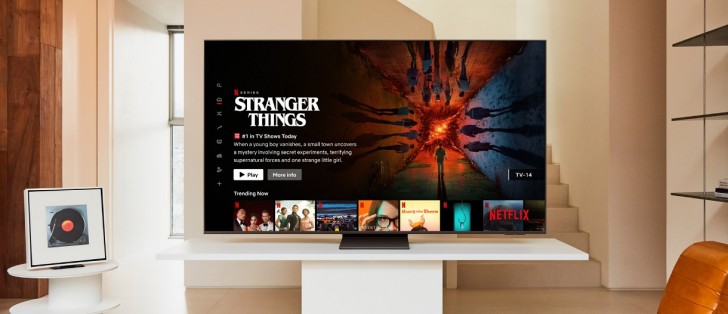
Subtitles can be useful, but they often become distracting if you don’t need them. If you want to turn off subtitles on Samsung TV, the process is simple. Samsung remotes don’t have a direct subtitle button, so you’ll need to use the settings menu. This guide explains every step, plus troubleshooting tips if captions keep appearing.
Quick Steps to Turn Off Subtitles
- Press Settings on your Samsung remote.
- Select General.
- Go to Accessibility.
- Choose Caption Settings.
- Toggle Captions off.
Your changes save automatically, and subtitles should disappear.
Step-by-Step Instructions
Step 1: Open Settings
Use your TV remote’s directional pad to navigate to the Settings tile. This is usually shown with a cogwheel icon. Some remotes also have a direct Settings button.
Step 2: Select General
From the menu, scroll and select General. It is usually next to the wrench icon.
Step 3: Open Accessibility
Go to Accessibility, often found at the top of the General menu.
Step 4: Go to Caption Settings
Click Caption Settings. This is normally the second or third option on the list.
Step 5: Turn Off Captions
Select Captions and toggle them off. The bubble will turn grey, and other caption options will also grey out. Press Exit on your remote to close settings.
Now, subtitles should be disabled.
Troubleshooting Subtitles on Samsung TV
If captions remain after you disable them, try these fixes:
Step 1: Turn Off Subtitles in Apps
Apps like Netflix, Hulu, and YouTube have their own subtitle menus. Make sure you also disable captions in the app settings.
Step 2: Restart the TV
If subtitles don’t go away, turn off your Samsung TV and unplug it. Wait a few minutes, then plug it back in.
Step 3: Reset Your Samsung TV
If captions still appear, reset your TV to default settings:
- Navigate to Settings.
- Select Support.
- Go to Device Care.
- Select Self Diagnosis.
- Choose Reset Smart Hub.
- Enter your TV PIN (default is 0000).
This will remove apps and settings but usually solves stubborn subtitle issues.
Conclusion
Learning how to turn off subtitles on Samsung TV helps you enjoy movies and shows without distractions. Use the settings menu to disable captions, check app-specific subtitle options, and reset your TV if necessary. Following these steps ensures a smooth viewing experience.


