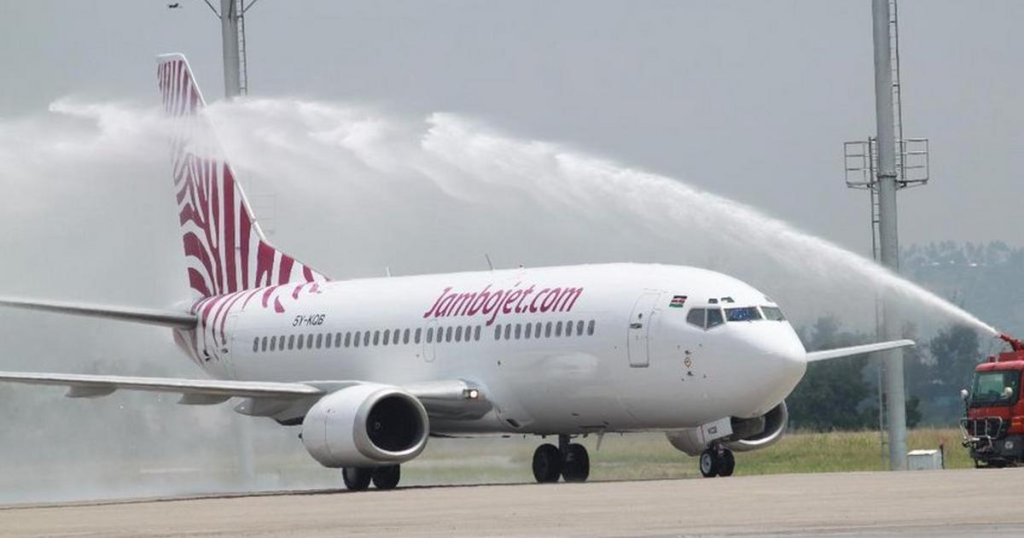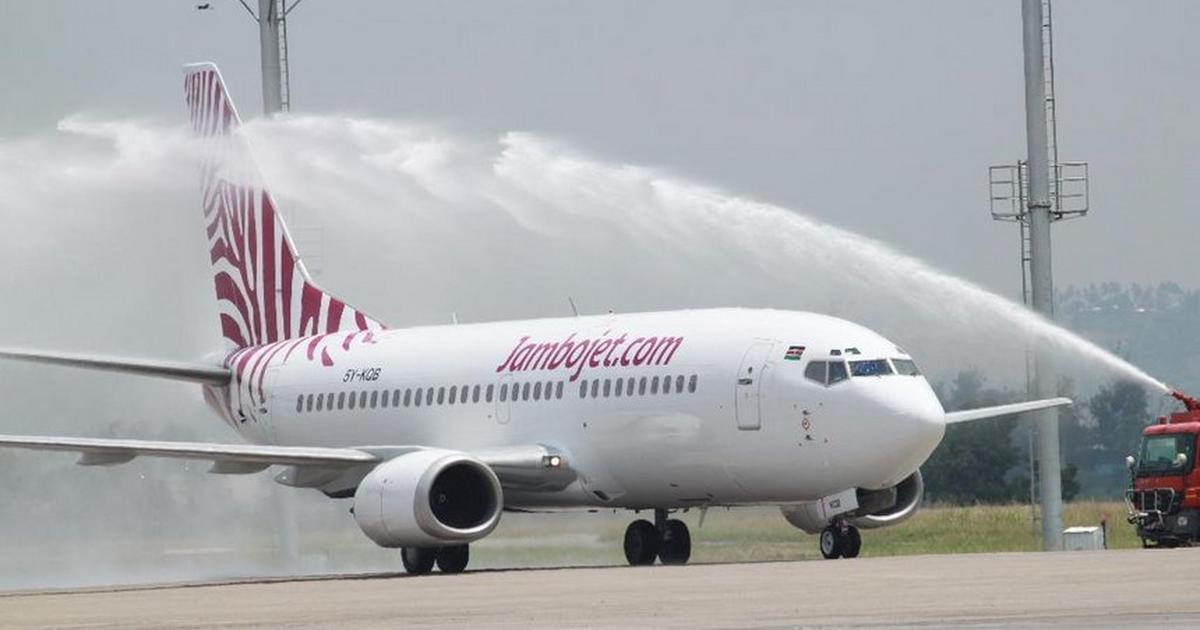
Planning a trip across Kenya or nearby destinations? Jambojet makes flying affordable and convenient, with M-Pesa as one of the easiest ways to pay.
Payment confirmation usually takes just a few minutes. Whether you’re traveling for business or leisure, this guide walks you through how to pay for your Jambojet ticket using Mpesa—clearly, quickly, and without confusion.
Step-by-Step Guide to Pay for Your Jambojet Ticket Using Mpesa
Follow these steps from booking to confirmation:
- Open your browser and visit jambojet.com.
- Enter your flight details (route, travel date, number of passengers).
- Fill in passenger information.
- Important: Use the same phone number you’ll pay with via Mpesa.
- Add extras if needed (baggage, seat selection).
- Proceed to Payment and choose Mobile as the payment method.
- Click Continue. You’ll receive an SMS with your booking reference and payment instructions.
- Your reservation is held for one hour.
- The SMS includes:
- Paybill: 737700
- Account Number: Your booking reference
- Complete payment on Mpesa:
- Open Mpesa
- Select Lipa na Mpesa
- Choose Paybill
- Enter 737700 as the Business Number
- Enter your booking reference as the Account Number
- Enter the ticket amount
- Input your Mpesa PIN and confirm
Within minutes, you’ll receive:
- An Mpesa confirmation SMS
- A Jambojet confirmation SMS
- An email with your flight details and ticket information
Why Mpesa Is the Easiest Way to Pay for Jambojet Flights
Mpesa is fast, widely used, and doesn’t require a credit card. With just your phone and sufficient balance, you can secure a flight in minutes—ideal for last-minute travel and busy schedules. Confirmation is near-instant, giving you peace of mind right away.
Jambojet Contact Information for Help
If you encounter any issues (wrong booking code, delayed confirmation, or Mpesa problems), contact Jambojet support. Have your booking reference and phone number ready.
- 0711 024 501
- 0711 024 545
- 0730 804 545