


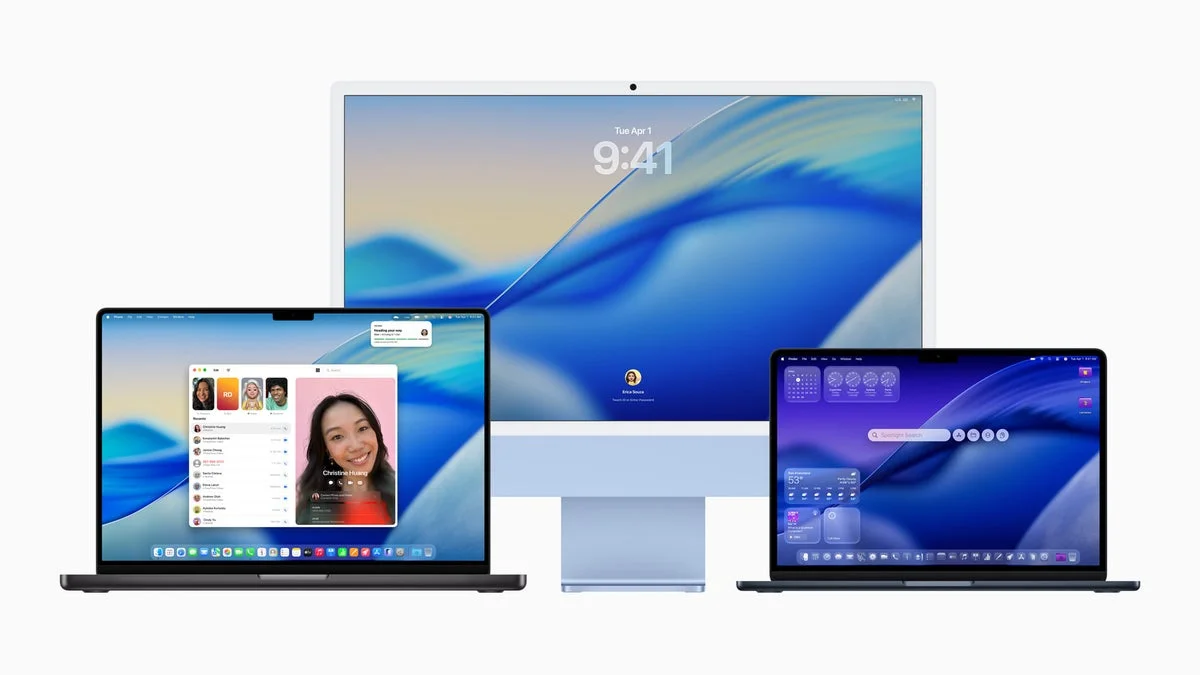
The macOS 26.2 beta introduces a game-changing feature for FaceTime and other video calls—Edge Light. This new addition to macOS Tahoe 26.2 provides a clever solution to the common problem of poor lighting during video calls, making it a welcome upgrade for users who struggle with inadequate room lighting. Set to be available in December 2025, this feature uses a light border around your Mac’s screen to enhance visibility during video calls.
Edge Light is a natural extension of Apple’s focus on improving video call experiences, ensuring users look better on-screen without the need for additional lighting equipment like ring lights. This feature aims to help anyone in a dimly lit room, offering a smarter alternative to traditional solutions.
How Edge Light Works
Edge Light works by adding a dynamic light border to the edges of your Mac’s display. Apple uses the Neural Engine in Apple Silicon Macs to detect your face’s position and size in the video frame. Based on this, the system intelligently adjusts the lighting, making sure you are well-lit without overpowering the image. This is especially useful when natural lighting is insufficient.
The light will also adapt to the ambient brightness in your environment, adjusting to suit your room’s lighting conditions. If you need to interact with content on the screen, the lighting will fade out temporarily to allow for better visibility of text or images. The feature ensures that you get adequate lighting during calls while still being able to focus on your work or presentation.
Additionally, users can adjust the color temperature of the light with a slider, choosing between warm or cool lighting options based on personal preference.
Improving Video Calls on macOS Devices
Edge Light isn’t just for FaceTime—Apple is integrating this feature into all video conferencing apps on macOS, allowing users to take advantage of enhanced lighting on platforms like Zoom, Google Meet, and Skype. The update aims to improve overall user experience, particularly for those using their Macs for remote work, education, or virtual meetings.
Another major advantage is that the feature works with both built-in webcams and external cameras connected to your Mac. Whether you’re using an integrated FaceTime HD camera or a third-party webcam, Edge Light provides enhanced lighting support across devices.
Automatic Activation on Newer Macs
For Macs introduced in 2024 or later, Edge Light can automatically activate when ambient light in the room drops. This automatic activation means you won’t have to manually adjust settings for optimal lighting—it’s all done for you. The technology behind this automatic lighting adjustment also ensures energy efficiency, allowing users to get the most out of their devices without overtaxing resources.
A Step Towards Better Video Call Integration
Apple’s latest macOS update reflects the company’s commitment to refining everyday user experiences with small yet significant enhancements. Video calls, once just a convenience, have become an integral part of professional and personal life, especially in the hybrid work era. Apple’s ability to integrate features like Edge Light into macOS shows its continued focus on improving remote communication tools for users.
This update, although small in scale, marks a meaningful leap forward in how we present ourselves in digital interactions. As video calls become an even more prominent feature in our daily lives, this addition to macOS is sure to be appreciated by many who rely on their Macs for virtual communication.


