


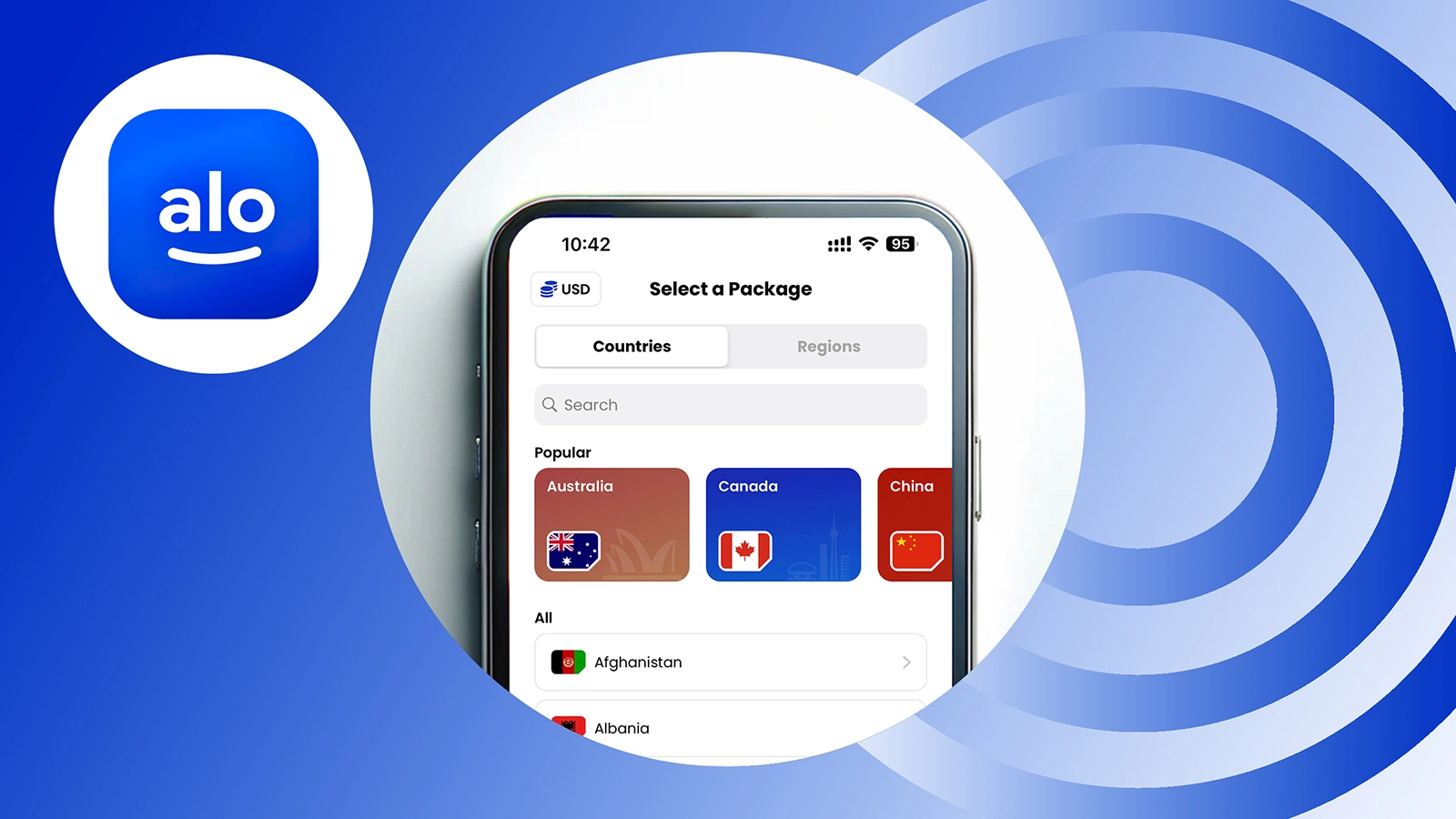
Traveling soon? With an eSIM installed on your iPhone or iPad, you can enjoy seamless, prepaid mobile data—no physical SIM or roaming fees required. Whether you’re heading to Europe, Asia, or the Middle East, installing an aloSIM eSIM ensures you stay connected the moment you land.
✅ Can Your iPhone or iPad Use eSIM?
Before you start, ensure your device supports eSIM. Check compatibility on aloSIM’s device checker.
🛠 When to Install Your eSIM
- Best time: While you’re still at home with strong Wi-Fi.
- You can also install: While already abroad, as long as you have Wi-Fi access.
Installing early ensures everything is working before you travel.
📲 How to Install eSIM on iPhone (Step-by-Step)
Step 1: Open aloSIM and Choose Your eSIM
- Open the aloSIM app or visit alosim.com
- Tap “My eSIMs”, select your package
- Tap “Install Your eSIM”
Step 2: Choose Installation Method
- Select Automatic for fastest setup
- Other options: QR Code or Manual installation (available if Automatic is unsupported)
Step 3: Tap Continue
Follow on-screen prompts. If you’re not in the target country, the eSIM installs but doesn’t activate yet.
Step 4: Set Primary SIM as Default Line
- Choose your Primary SIM when asked for your default line
- Even if you won’t use your number, this step is required
Step 5: Set Primary SIM for iMessage & FaceTime
This keeps messaging and FaceTime linked to your Apple ID, not your number.
Step 6: Choose Cellular Data Source
- If still at home → choose Primary SIM
- If already abroad → choose eSIM
Step 7: eSIM Successfully Installed
You’ll see a confirmation in the app. The eSIM is now embedded in your iPhone—just like a physical SIM, but digital and permanent.
Step 8: Activation
- Already in the destination country? Your plan activates instantly
- Still at home? The eSIM is installed and ready for future use
Step 9: Need Help?
aloSIM offers 24/7 support via:
- In-app chat
- Email: [email protected]
- Live chat on alosim.com
Step 10: Start Using Your Data
Once you’re ready, just enable your eSIM and begin using your prepaid mobile data abroad.
💡 Pro Tip:
Don’t delete your eSIM—it never expires and can be reused for future trips (unless you remove it from your device).
Now you’re all set to travel smarter, with secure, affordable internet on your iPhone or iPad—no roaming fees attached.
Powered by aloSIM — Your gateway to global data.


