


ASPX files are typically associated with web applications and are not meant to be opened directly, like other file types. However, if you’ve downloaded an ASPX file and you’re trying to view its contents, here are a few possible approaches:
- Using a Web Browser: ASPX files are essentially web pages designed to be run on a web server. You can try opening the ASPX file in a web browser by simply double-clicking on it. However, this will only work if the ASPX file is a standalone webpage and does not require server-side processing or access to a specific web server.
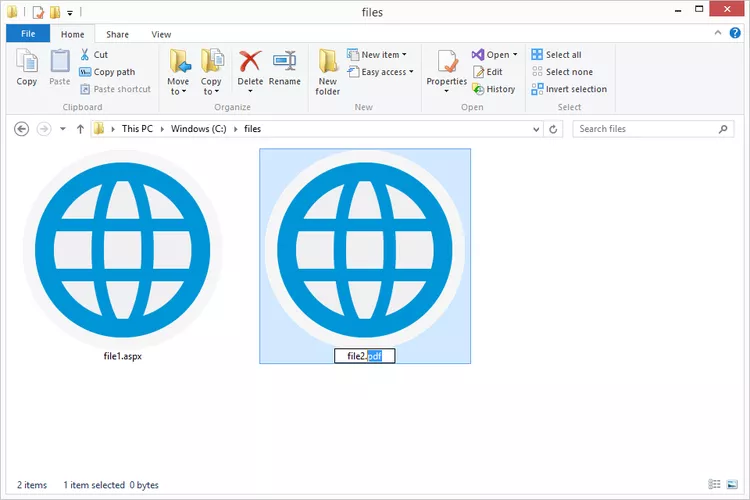
- Converting to PDF or Other Formats: If you can’t view the ASPX file directly, you can try converting it to a more common file format like PDF. There are online conversion tools available that can help you convert ASPX files to PDF or other formats. Simply search for “ASPX to PDF converter” or a similar phrase to find these tools.
- Using a Text Editor: If you’re comfortable with coding and want to view the underlying HTML code of the ASPX file, you can open it in a text editor like Notepad (Windows) or TextEdit (Mac). Right-click on the ASPX file, select “Open with,” and choose your preferred text editor. Keep in mind that ASPX files may contain server-side code (such as C# or VB.NET) as well as HTML, so you may see a mix of different languages and markup.
- Running on a Web Server: If the ASPX file is part of a web application and requires server-side processing, you’ll need to run it on a web server to view it properly. You can set up a local web server environment on your computer using software like XAMPP (for Windows, macOS, and Linux) or MAMP (for macOS), and then place the ASPX file in the appropriate directory to run it.
- Using a Browser Extension: There are browser extensions available for Chrome and other browsers that allow you to view ASPX files directly in your browser. These extensions may be able to render the ASPX content as if it were being served from a web server.
Keep in mind that ASPX files are intended to be run on a web server and may not always be viewable or usable outside of that context. If you’re unable to open or view the ASPX file using the methods above, it’s possible that the file requires server-side processing or access to specific resources that you don’t have locally.


