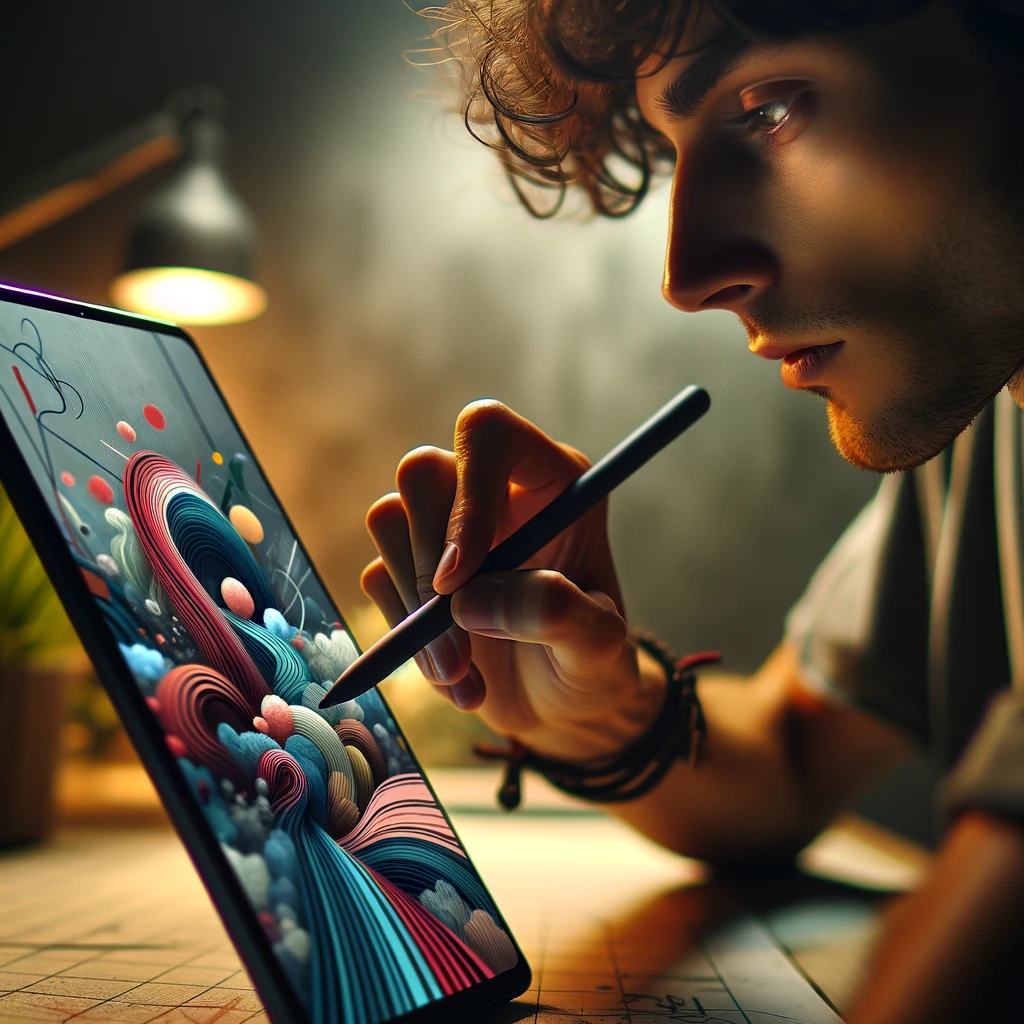
If you’re an artist on the go, digital art apps let you create your next masterpiece anytime, anywhere. There are numerous digital art apps for both iPhone and Android that allow you to sketch, draw, or paint. Check out this list to find the best digital art app for your creative needs!
1. Procreate Pocket
Procreate Pocket offers all you need and more.
- Features: Procreate Pocket offers a range of features from simple to complex, including various brush styles, colors, and different elements for creating digital art.
- Availability: Only available on iPhone and iPod Touch, requires iOS 13.2 or later.
- How to Use: Open the Procreate Pocket app, start a new canvas by clicking the white plus sign at the top right corner of the home screen, and explore the various tools to create your artwork.
2. Sketchbook
Sketchbook is a great and simple-to-use option for beginning digital doodlers.
- Features: Allows you to change the color, size, and opacity of your brush. Includes tools like a protractor and ruler.
- Availability: Available on Android and iOS devices.
- How to Use: Install the app, open it, and start drawing with your finger on the screen. Use the top menu to access different drawing tools.
3. Adobe Fresco
Adobe Fresco is an innovative and professional-grade drawing app.
- Features: High-quality design options, syncs art to your Adobe cloud for access from any device.
- Availability: Available on iOS devices, requires an Adobe account.
- How to Use: Install the app, log in with your Adobe account, and start creating with advanced tools and features. Check out Adobe Fresco tutorials for detailed instructions.
4. iArtbook
Design features galore!
- Features: Comprehensive tools that can be tricky for beginners, cloud storage for accessing designs on different devices.
- Availability: Available on iOS and Android devices.
- How to Use: Explore the app’s tools and features to create detailed artwork. Ideal for artists who work on multiple devices.
5. Paper by WeTransfer
Paper is a versatile and beautifully designed app fit for any skill level.
- Features: Offers a variety of features, organizes drawings in sketchbooks.
- Availability: Only available on iOS devices.
- How to Use: Use the Paper Demo to learn how to use the app. Access design controls from a panel at the bottom of the screen.
6. Tayasui Sketches
Tayasui Sketches is a sophisticated yet user-friendly app.
- Features: Decent number of features, straightforward interface.
- Availability: Available on Android and iOS devices.
- How to Use: Install the app, open it to a blank canvas, and start drawing. Use the menu at the bottom to explore design features.
7. Concepts
Concepts is a free and straightforward app with very simple controls, making it ideal for beginning artists or children.
- Features: Simple controls and a blank canvas for immediate drawing.
- Availability: Available on Android, iOS, and Samsung devices.
- How to Use: Install the app, enter it, and start drawing on the blank canvas. Access design controls at the top of the screen.
8. MediBang Paint
MediBang Paint is a drawing app with special manga tools and comic templates.
- Features: Tools for manga and comic creation, more complex than some other apps.
- Availability: Available on iOS and Android devices.
- How to Use: Follow the in-app tutorial for a comprehensive guide on using the app’s features.
9. FlipaClip
FlipaClip is a user-friendly 2D animation app.
- Features: Allows for creating animation videos by drawing multiple panels.
- Availability: Available on Google Play and Apple app stores.
- How to Use: Install the app and start creating animation videos with its intuitive tools.
10. ibis Paint
ibis Paint is an amazing digital art program.
- Features: User-friendly interface, wide variety of tools, cloud sync for transferring artwork between devices.
- Availability: Available on the App Store and Google Play Store.
- How to Use: Install the app and explore the various tools to create digital artwork. Sync your artwork to the cloud for easy access.
11. Happy Color
Happy Color is a relaxing paint-by-number coloring app.
- Features: Variety of designs for coloring, relaxing and casual experience.
- Availability: Available on Google Play and Apple app stores.
- How to Use: Choose a design and start coloring by numbers. Note that this app does not allow for freehand drawing.
Conclusion
Digital art apps on your phone offer a convenient and versatile way to create art on the go. Whether you’re a beginner or a professional, there’s an app to suit your needs. Explore these options and find the one that best fits your creative style!