It’s more crucial than ever to create secure passwords for each account, and best practices suggest that each password should be unique in addition to being strong.
Since this is obviously a difficult effort, many people form bad habits and continue to use the same weak passwords over and over. This is a significant security concern because password cracking is one of the primary methods by which hackers may access accounts belonging to both individuals and businesses.
Cross-platform password managers are useful in this situation. With the help of these solutions, users may safely manage and save their passwords across a variety of hardware and operating systems.
These programs let users create secure, one-of-a-kind passwords for each account they have, and they often include features like auto-fill choices and password syncing.
Consider factors like price plans, convenience of use, security features, and compatibility with your particular password management system when choosing a cross-platform password manager.
Furthermore, since your master password is the key to accessing all of your saved passwords, think about using a cross-platform password manager that consistently places an emphasis on its security.
To assist you in starting your password management, we’ve carefully chosen the top cross-platform password managers for you to read about in this post.
LastPass
With the aid of LastPass, a powerful password management tool, you can securely manage your passwords and private data.
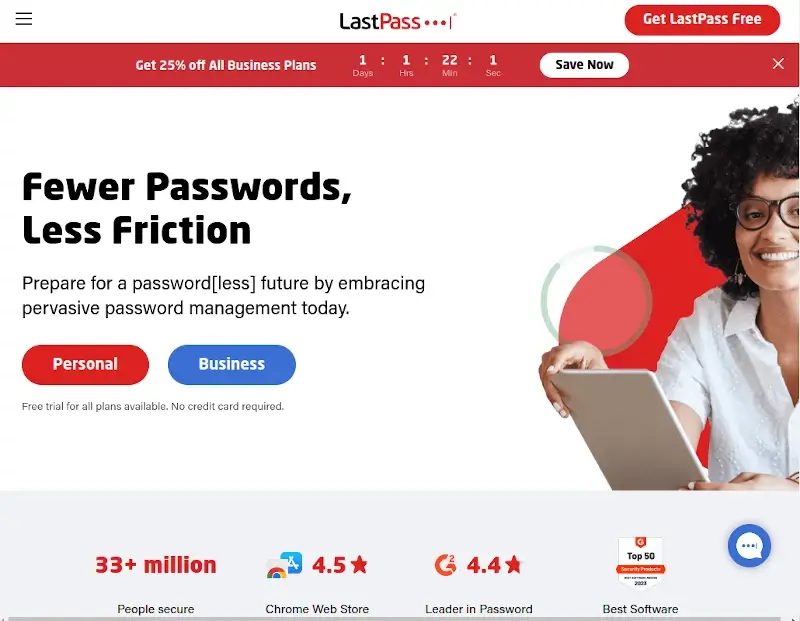
Included in LastPass are the following features:
enables users to generate one-of-a-kind passwords, organize them, and store them in a secure vault.
Using SSO (Single-sign-on) solutions from LastPass, you can enter into a number of apps and services with only one set of login credentials. This facilitates access and enhances security.
You may use one-time passcodes and fingerprint scans as part of multifactor authentication (MFA) to keep unauthorized users from accessing your LastPass account.
Because LastPass uses a strong encryption system, neither it nor your master password can be accessed.
LastPass maintains third-party certifications including ISO 27001, SOC2 Type II, SOC3, BSI C5, and TRUSTe to ensure compliance with security requirements.
LastPass notifies you in the event of a security breach if your personal data is found on the dark web.
One of the greatest password managers is LastPass since it is feature-rich, compatible with all platforms, and simple to use. A pass generator, safe storage, and an infinite number of passwords are among the features of the commercial version that are also present in the free version. It also syncs with numerous devices.
Zoho Vault
Over 100 million people trust Zoho Vault, a safe password organizer. It may be used for both corporate and personal purposes.
Passwords and other sensitive information can be safely managed with Zoho Vault, whether you’re a person, a team, or an organization.
Here are a few justifications for selecting Zoho Vault:
Unlimited Passwords: Save documents, passwords, and notes for as long as you require them.
Fine-grained sharing allows you to control who has access to shared passwords.
Identity and access management are included with multi-factor authentication.
integration with widely used cloud apps.
comprehensive visual reports for understanding.
You may test out Zoho Vault’s capabilities for free for 15 days if you want to use the Enterprise package. No credit card is needed, and you may add as many as five people to the trial. After the trial, you may choose the plan that best suits your needs.
Password Boss
An application called Password Boss was created by MSPs (Managed Service Providers). This password manager increases security and profitability while protecting sensitive user data.
It has several state-of-the-art features, including:
enables users to safely exchange credentials between customers and internal networks by encrypting the information using 2048-bit RSA key pairs.
Every piece of data is encrypted using AES-256 and PBKDF2, and each customer’s master password is used to produce a unique key.
Customers’ email addresses and passwords may be checked and monitored for security breaches using the integrated dark web capability.
With Password Boss, you can efficiently manage your customers, users, and devices from a single multi-tenant interface, making it the ideal choice for your MSP service profile.
LessPass
With the help of the all-inclusive password manager LessPass, users may generate and save strong passwords for a variety of online accounts.
It is intended to give consumers a safe and easy method to generate and save strong passwords without requiring them to be kept in a centralized database. LessPass does not require cloud storage or password synchronization between devices; it operates offline.
With the aid of the LessPass vault, you may create online shopping accounts, manage personal information, generate safe passwords, save logins and passwords, and much more.
It’s quite easy to use this password manager; all you need to do is remember your LessPass master password, and it will log you in and fill out the form on your browser.
Pass
Every password that is kept in Pass is kept in a file called “filename,” which is encrypted with gpg and contains the name of the resource or website that requires the password.
These encrypted data may be transferred across computers, organized into logical folder hierarchies, and generally changed using standard command line file management programs.
Pass makes managing these different password files exceedingly easy. Pass provides a number of useful commands to add, edit, generate, and retrieve passwords. Each and every password is kept in ~/.password-store.
Furthermore, git allows you to trace changes made to your passwords and temporarily copy them to the clipboard.