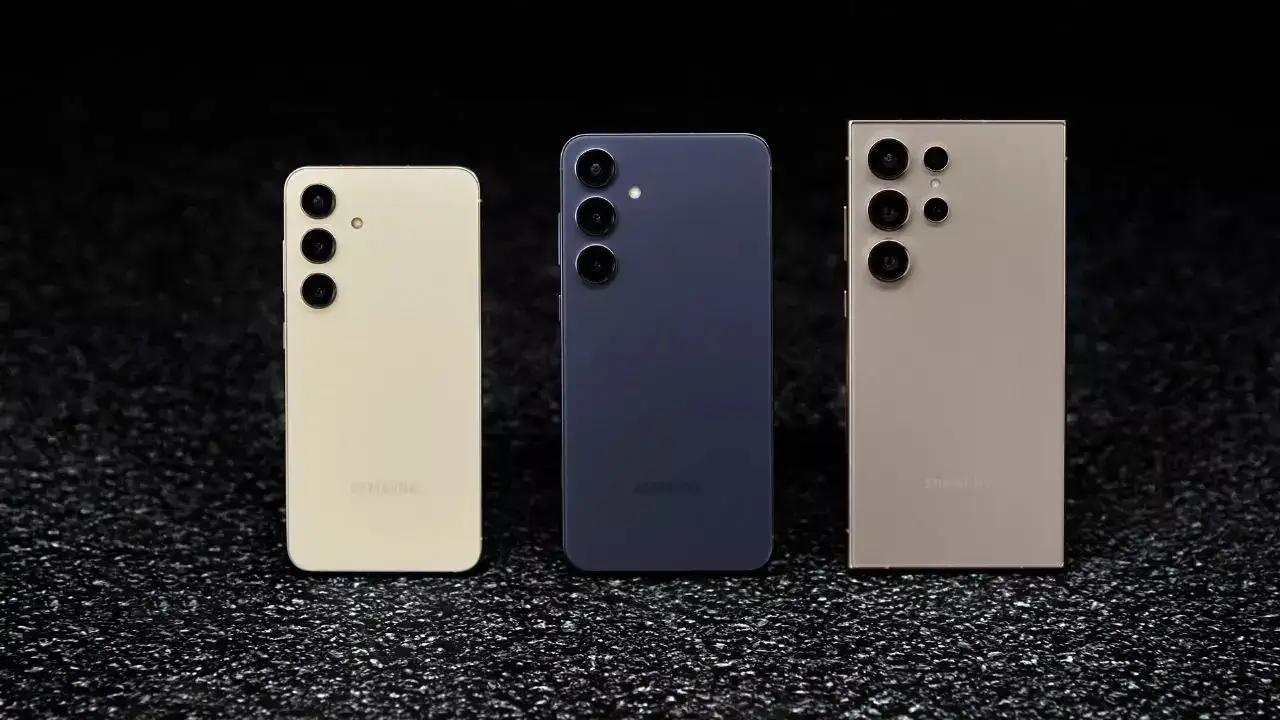
Smartphone batteries are the lifeline of today’s connected lifestyle. From browsing, gaming, and streaming to navigation and work, batteries endure heavy usage throughout the day. Knowing the best tips for battery charging and optimizing phone settings can significantly extend battery life and performance.
Charge Regularly and Correctly
Modern smartphones use lithium-ion batteries, which last longer when charged regularly. Unlike older nickel-based batteries, lithium-ion cells perform best when kept above 50% capacity. Allowing the battery to fully drain repeatedly may shorten its overall lifespan and reduce efficiency.
It is also important not to leave your device plugged in for long periods once it’s fully charged. While occasional overnight charging won’t cause immediate harm, consistently using the phone while it’s plugged in may degrade long-term battery health.
Adjust Brightness, Vibration, and Power-Saving Mode
Display brightness and vibration are major power consumers. Reduce energy drain by enabling auto-brightness, which adjusts the screen according to lighting conditions, and disable unnecessary vibration, particularly for notifications.
Many smartphones also feature power-saving modes that limit background activity, reduce processor usage, and disable functions like GPS, Bluetooth, or syncing when the screen is locked. Enabling this mode can yield a noticeable increase in battery life.
Manage Location Services, Apps, and Notifications
Location-based services like GPS constantly scan in the background and rapidly drain power if left on. Keep them disabled until needed.
Some apps continue running even after closing them, consuming both processing power and energy. Use your phone’s app management tools to monitor and close background apps.
Notifications and automatic syncing for apps, email, and social media can also strain the battery. Limit background syncing and turn off unnecessary alerts to conserve energy.
Wi-Fi and Bluetooth Usage
While Wi-Fi is convenient for browsing in public places such as airports or cafés, keeping it enabled continuously drains the battery. Switch Wi-Fi off when not in use.
Similarly, Bluetooth connections for wireless headsets and accessories consume significant power. Disable Bluetooth immediately after use to prevent unnecessary energy loss.
Key Takeaway
By adopting these battery charging tips and making small adjustments to smartphone settings, users can maximize battery performance, extend daily usage, and preserve long-term battery health.