


Have you ever been away from your office and suddenly realized you forgot an important file on your computer? Or maybe you’re traveling and need to help your parents fix a tech issue on their PC back home?
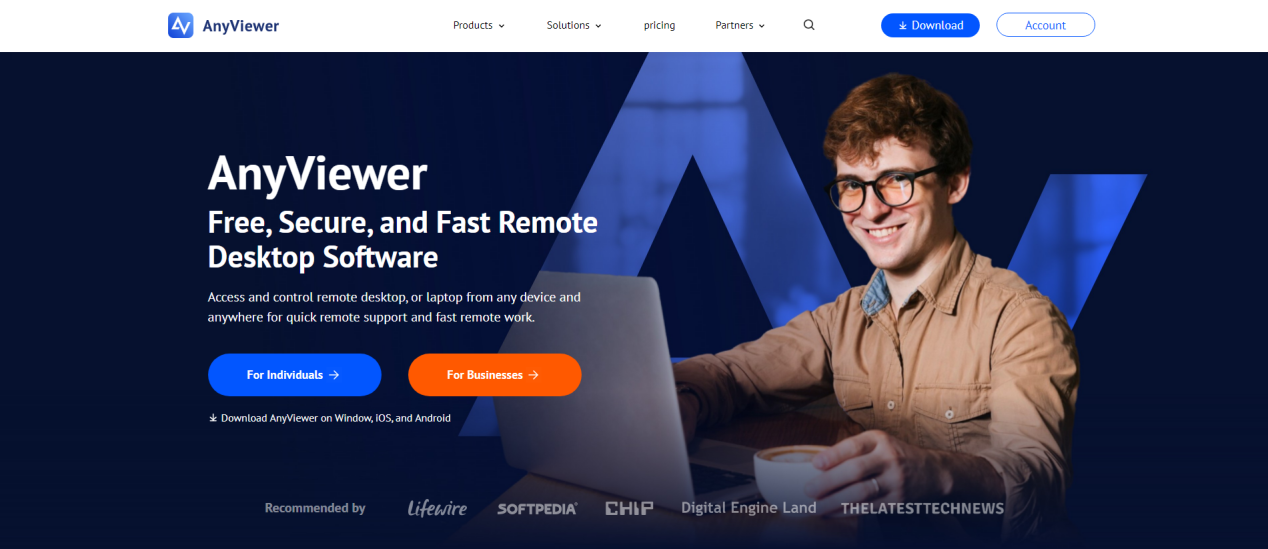
In the past, these situations were a nightmare. But today, thanks to the power of a modern PC remote control app, you can remotely control computer from another computer with ease, essentially carrying your entire desktop in your pocket. Among the many options available, AnyViewer has emerged as a top free remote desktop software for people who want speed, security, and simplicity without the hefty price tag.
Why you actually need a PC remote control app
Before we dive into what makes AnyViewer special, let’s talk about why you need a remote access tool in 2026. Our lives are no longer tied to a single desk. We work from coffee shops, commute on trains, and visit family.
A reliable desktop remote control app acts like a “digital bridge.” It allows you to:
- Work from Home Effortlessly: Access your powerful office workstation from a lightweight laptop.
- Provide Instant Tech Support: Solve friends or clients software problems without traveling to their location.
- Access Files on the Go: Grab that forgotten PowerPoint or PDF from your home hard drive using your phone.
- Play Games Anywhere: Stream your high-end PC games to your mobile device or tablet.
How AnyViewer compares to the competition
While there are many tools on the market, some are too expensive for personal use, and others are so complicated that you need an IT degree just to set them up. AnyViewer was designed to solve these problems. It’s the perfect blend of speed, safety, and simplicity.
Here is why users are switching to AnyViewer:
1. Instant connection, no technical headache
Most remote apps force you to deal with “Port Forwarding” or confusing firewall settings. It’s a nightmare if you aren’t a tech pro. AnyViewer changes that. You can get started in three simple steps: Install, Log in, and Connect. With its “One-click control,” you’re linked to your PC in seconds. It’s so easy that anyone can do it, no IT degree required!
2. Silky-smooth speed, say goodbye to lag
There’s nothing worse than a screen that freezes while you’re trying to work. AnyViewer uses an advanced connection algorithm to ensure everything happens in real-time. Whether you are editing a high-resolution photo or streaming a video, the experience feels like you are sitting right in front of your computer. It’s fast, responsive, and completely lag-free.
3. Bank-level security for your peace of mind
Privacy is a big deal when you access your PC remotely. That’s why AnyViewer uses Elliptic Curve Cryptography (ECC) encryption. This is the same high-level security used by global banks to protect their data. With AnyViewer, your connection is an encrypted tunnel that no one else can peek into. Your files and your privacy stay 100% safe.
4. A truly free version that actually works
We’ve all been there: you download a “free” app, only to be blocked or told you’re “using it for commercial purposes” after 5 minutes. AnyViewer plays fair. If you are looking for a PC remote control app free version that actually works, this is it. Its free version is genuinely powerful, offering high-speed access and all the essential features you need for personal use.
And if you’re a professional looking for even more power, its pro plans are significantly more affordable than the big-name competitors. You get premium performance without the “premium” price tag.
Features of AnyViewer that make life easier
AnyViewer isn’t just about seeing your screen; it’s about interacting with your computer as if you were sitting right in front of it. Here are some of the “quality of life” features that users love:
- Unattended Access: You can set up your PC so that you can access it even if no one is there to “accept” the connection request. This is perfect for accessing your home computer while you are at work.
- File Transfer: Need to move a folder from your home PC to your laptop? AnyViewer has a built-in file transfer tool that is much faster than sending emails to yourself or using slow cloud uploads.
- Multi-Monitor Support: If your office setup has two or three monitors, AnyViewer allows you to switch between them easily or view them all at once.
- Mobile Control: The AnyViewer app for iOS and Android is a game-changer. It provides a virtual mouse and keyboard, making it easy to navigate Windows on a small touch screen.
- Privacy Mode (Black Screen): Working on sensitive data? Turn the remote monitor black so people walking by your office can’t see what you’re doing.
How to get started with AnyViewer
The best way to see if AnyViewer is right for you is to try it yourself. There’s no risk and no complicated sign-up process.
Step 1. Visit the official AnyViewer website, download the app, and follow the simple prompts to install it on the remote PC you want to control and the local device you are using to control it.
Step 2. Create a free account and log in to the same account on both devices.
Step 3. On the local device, choose the remote PC, and click “One-click control”. You are ready to go!
Conclusion
In a world that is constantly moving, you shouldn’t be held back by where your computer is located. AnyViewer gives you the freedom to travel, work, and help others without limitations. It is fast, secure, and incredibly easy to use.
Stop worrying about forgotten files or technical hurdles. Download AnyViewer today and experience the ultimate PC remote control app for yourself.
The Review
PC remote control app
AnyViewer is a modern remote desktop software designed for fast, secure, and simple PC access from anywhere. It supports Windows, iOS, and Android, allowing users to control devices remotely, transfer files, and provide IT support with minimal setup.It stands out by offering a strong free version, smooth performance, and an easy setup process compared to competitors like TeamViewer or AnyDesk.
PROS
- Easy to set up and use with no technical skills required.
- Fast and smooth performance with minimal lag.
- Strong security with encrypted remote connections.
- Free version includes essential features for personal use.
- Affordable pricing compared to major competitors.
CONS
- Some advanced features require a paid plan.
- Occasional connection issues may occur for some users.
Review Breakdown
-
Our Rating
 AnyViewer


