
The internet is filled with hidden gems that can dramatically improve productivity, creativity, privacy, and everyday digital life. Some websites are so useful they almost feel illegal to know — yet they are completely legitimate, publicly available, and widely used around the world.
From AI-powered writing assistants to free Photoshop alternatives and anonymous email generators, these websites that feel illegal to know can save hours of work while unlocking features most people never realize exist.
Read Also: How to Summarize Documents, Websites, and Texts with Ease: 8 Methods You Can Count On
Here are 20 of the most useful websites that feel illegal to know in 2026.
1. 10 Minute Mail
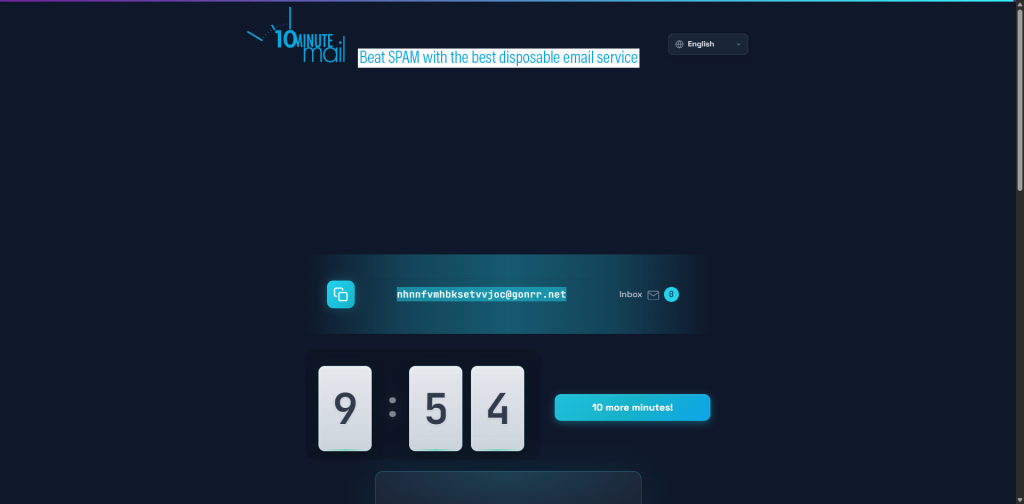
10 Minute Mail provides disposable email addresses that automatically expire after 10 minutes.
Why It’s Useful
- Avoid spam emails
- Test websites safely
- Register temporary accounts
- Protect personal inboxes
This is one of the most practical privacy-focused websites that feel illegal to know.
2. Libby
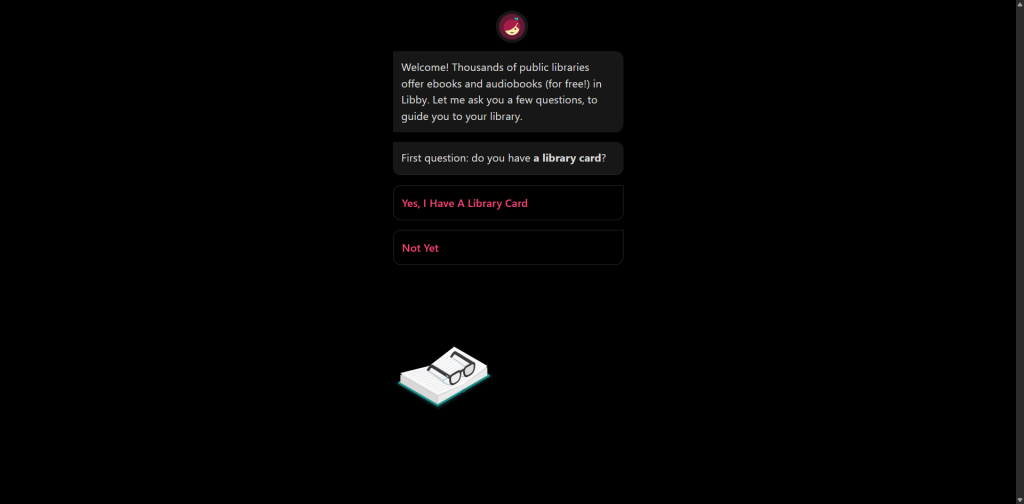
Libby allows users to borrow:
- eBooks
- Audiobooks
- Magazines
for free using a local library card.
Why It’s Useful
It essentially works like:
- Netflix for books
while remaining fully legal and library-supported.
3. PDFescape
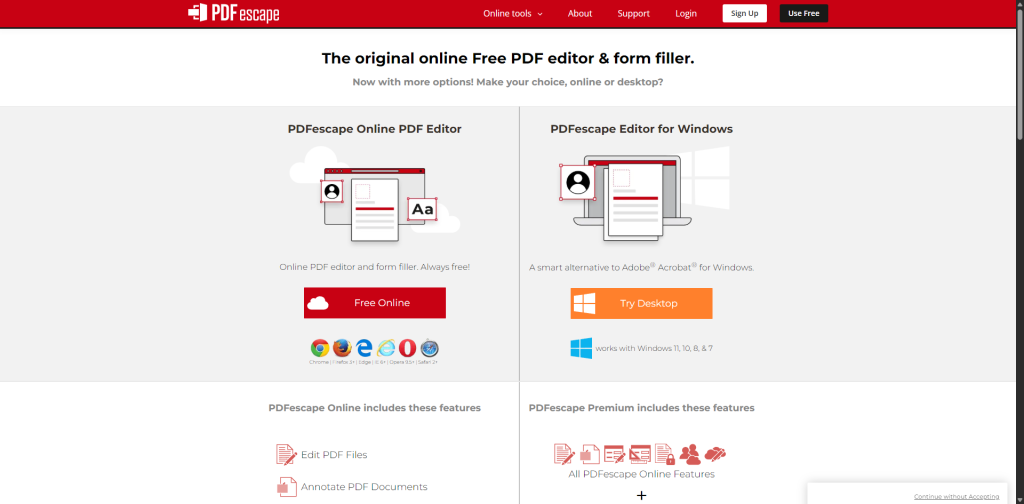
PDFescape lets users edit PDFs directly in a browser.
Features
- PDF editing
- Form filling
- PDF signing
- Annotation tools
No expensive software required.
4. Remove.bg
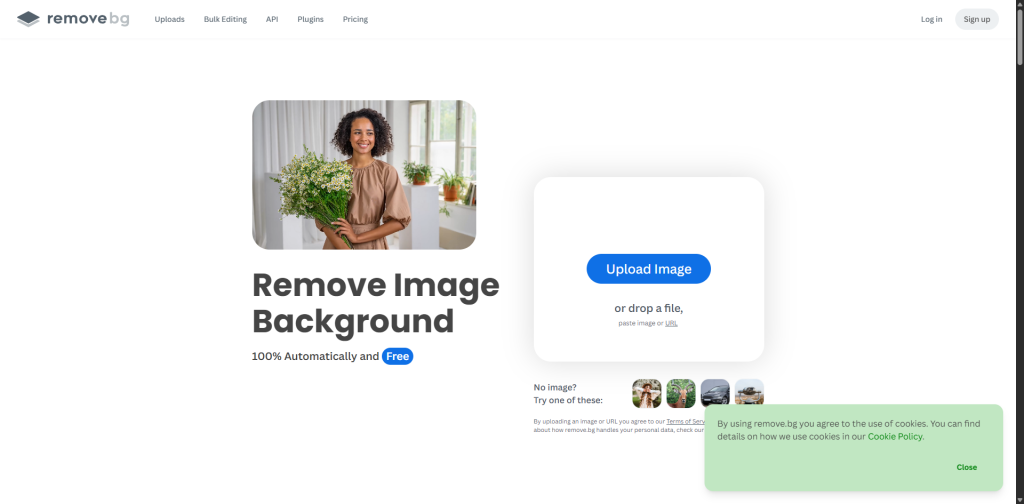
Remove.bg uses artificial intelligence to instantly remove image backgrounds.
Best Uses
- Product photography
- Thumbnails
- Social media graphics
- Profile images
The speed feels almost magical.
5. TinyWow
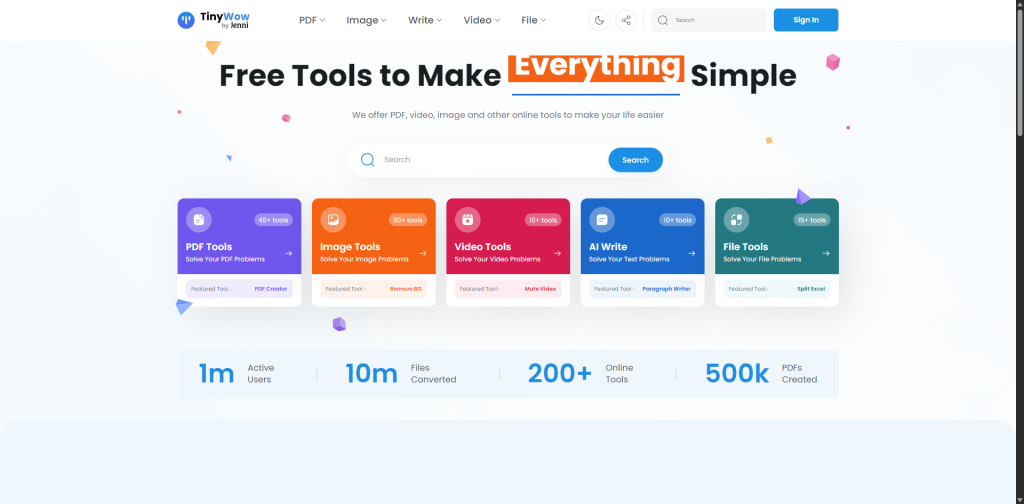
TinyWow combines dozens of free browser tools into one platform.
Features
- PDF conversion
- Image compression
- Video editing
- File merging
- Document tools
It is one of the most underrated productivity websites that feel illegal to know.
Read Also: Key Govt Websites Hacked in Coordinated Cyberattack
6. Tiipe AI
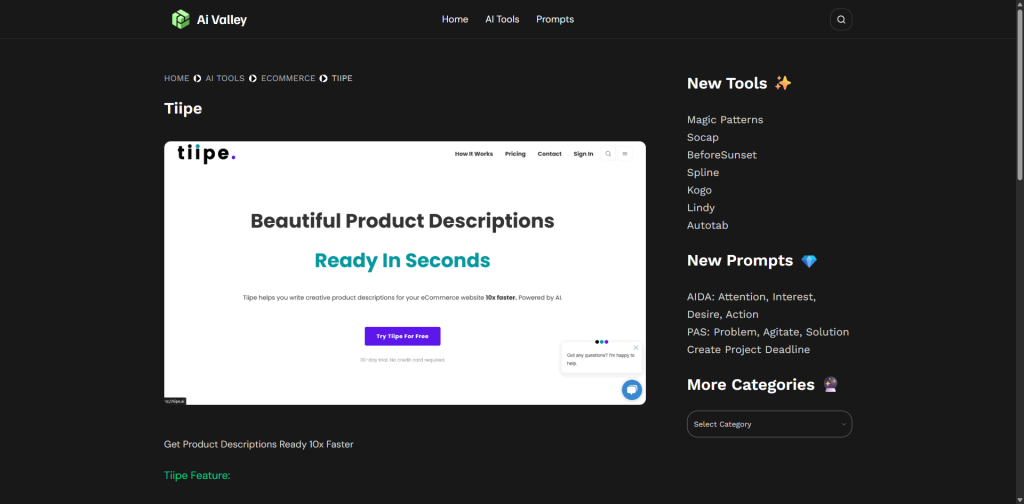
Tiipe AI helps online sellers generate product descriptions automatically using AI.
Best For
- Shopify stores
- Ecommerce listings
- Amazon sellers
- Online businesses
7. Cleanup Pictures
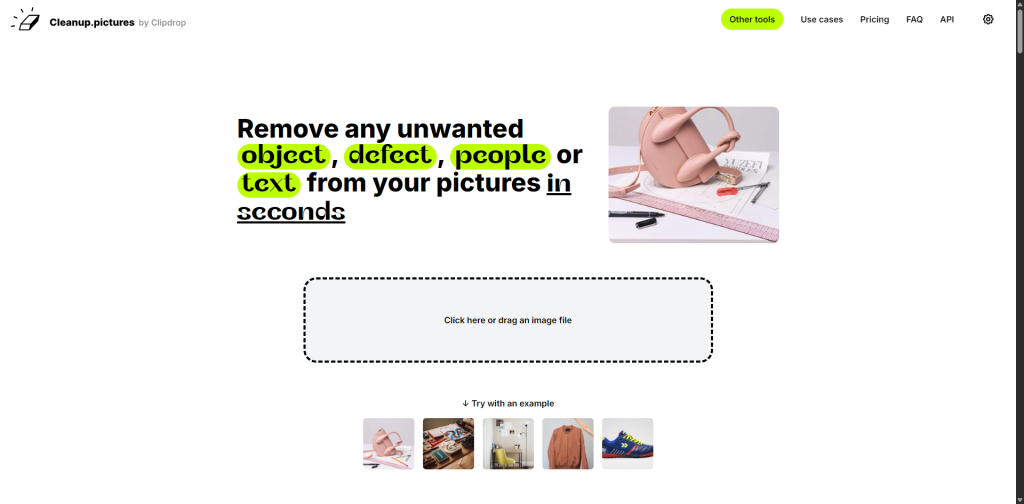
Cleanup Pictures allows users to erase objects or people from photos.
Why It’s Impressive
The AI reconstruction quality can look shockingly realistic.
Perfect for:
- Cleaning backgrounds
- Removing distractions
- Improving photos
8. Y2Mate
Y2Mate helps users download videos or audio from supported platforms.
Important Reminder
Users should:
- Respect copyright laws
- Follow platform rules
- Avoid unauthorized redistribution
9. Photopea
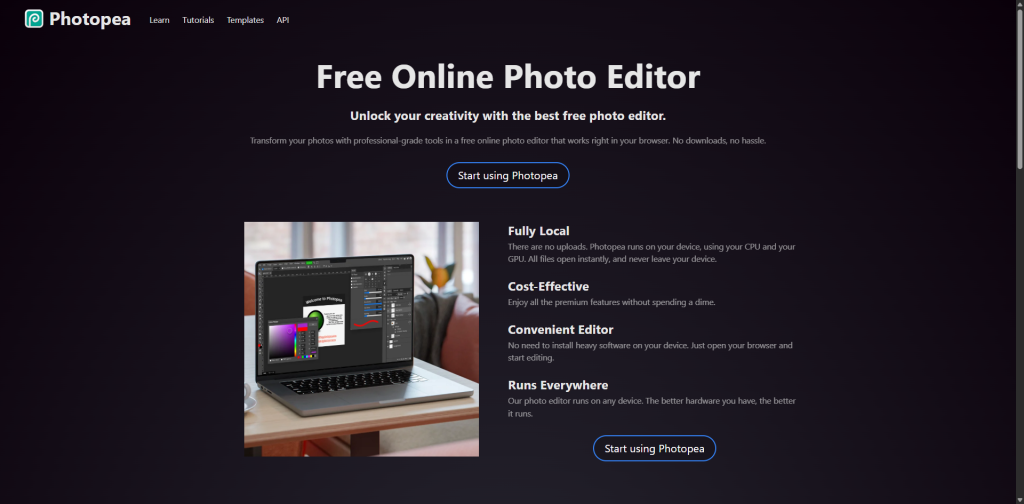
Photopea is often described as a free Photoshop alternative running entirely in a browser.
Features
- PSD support
- Advanced layers
- Graphic design tools
- Professional editing
It remains one of the most powerful free design tools online.
10. CamelCamelCamel
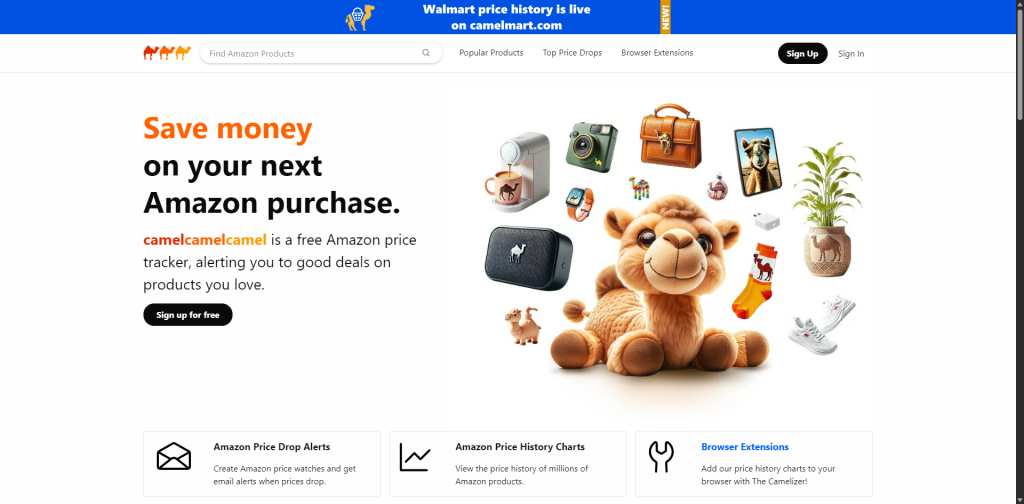
CamelCamelCamel tracks Amazon price histories and alerts users when prices drop.
Best For
- Online shoppers
- Deal hunters
- Avoiding fake discounts
11. Temp Mail
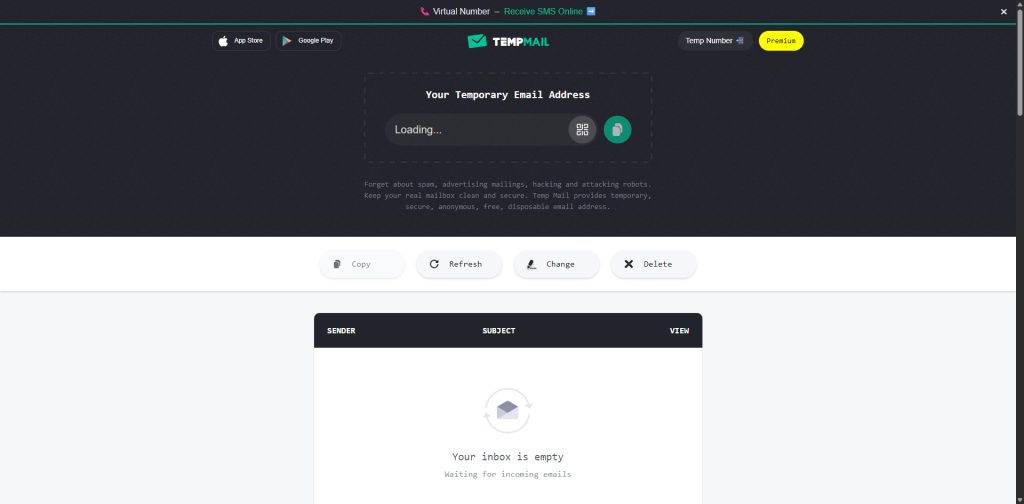
Temp Mail provides temporary anonymous email addresses.
Why It’s Useful
- Spam prevention
- Temporary signups
- Privacy protection
12. Ninite
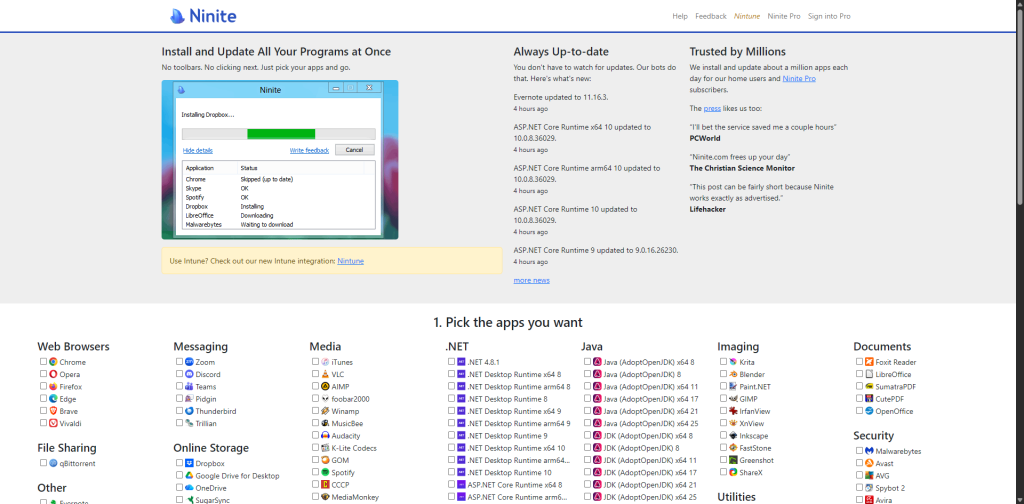
Ninite automatically installs and updates multiple Windows applications simultaneously.
Popular Uses
- Fresh PC setup
- Bulk app installs
- Fast software updates
It dramatically speeds up computer setup.
13. Scribd Downloader
Scribd Downloader helps users access publicly available Scribd documents.
Reminder
Always:
- Respect copyright
- Follow fair-use principles
- Support creators when appropriate
14. QuillBot
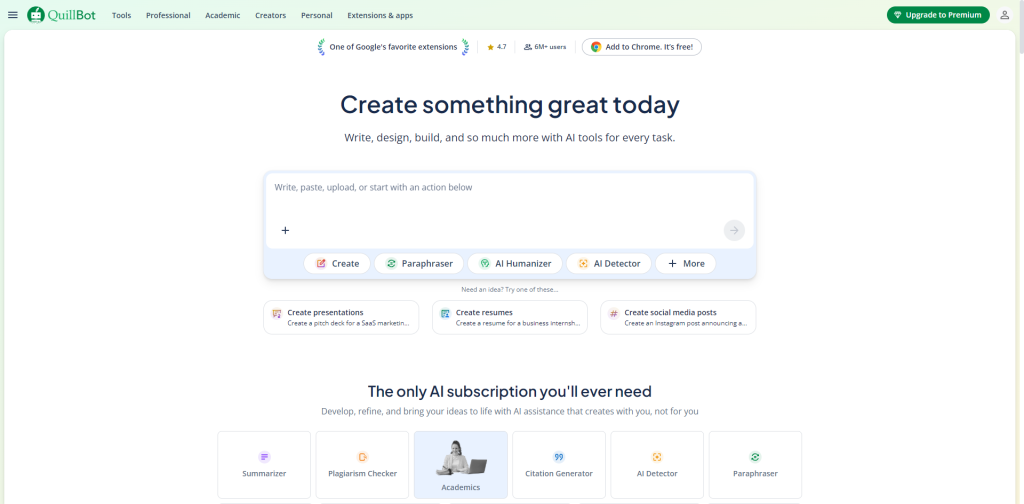
QuillBot uses AI to paraphrase, improve grammar, and rewrite content.
Features
- Grammar checking
- Paraphrasing
- Summarization
- Writing improvement
Widely used by students, bloggers, and professionals.
Read Also:Best Hacks on How to Block Websites on Safari and Stay Safe Online
15. Terms of Service; Didn’t Read
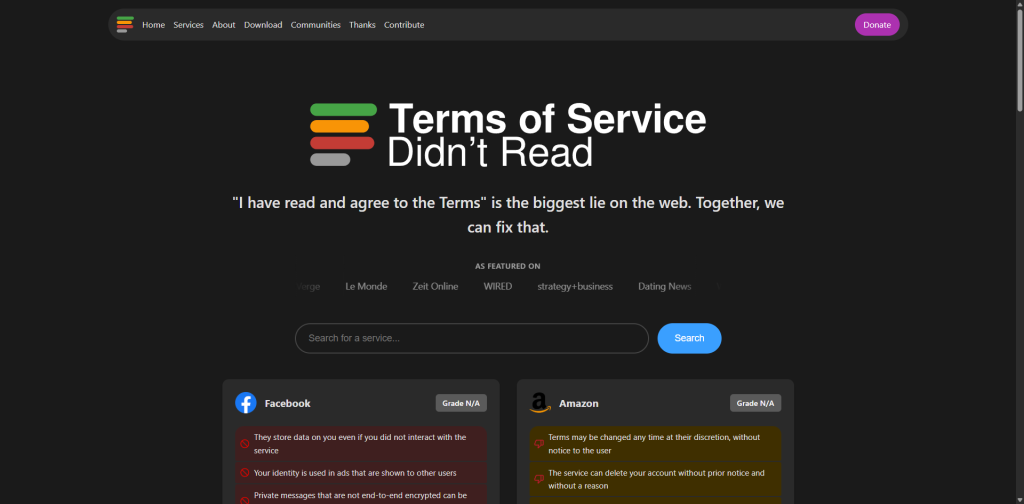
Terms of Service; Didn’t Read summarizes complicated terms of service agreements into readable insights.
Why It Matters
It helps users understand:
- Data collection
- Privacy risks
- User rights
- Hidden policies
16. Canva
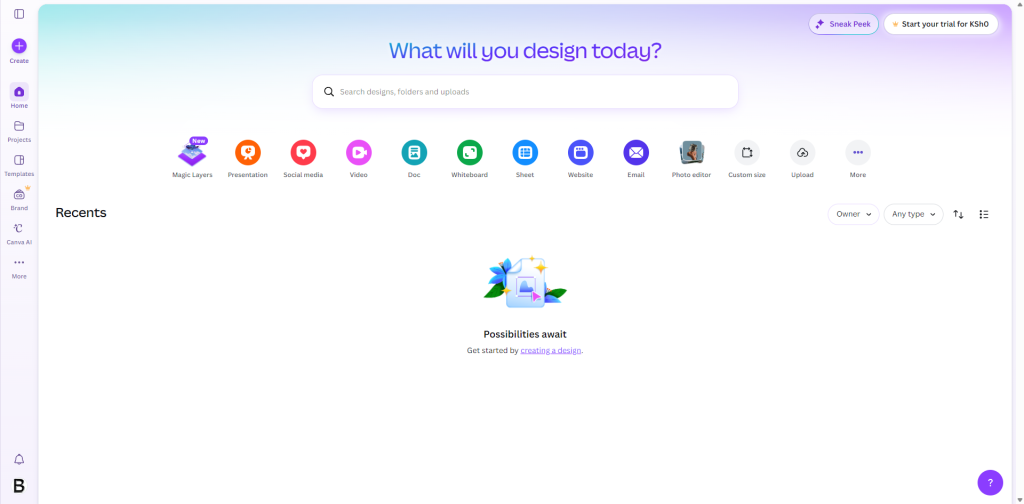
Canva has become one of the most widely used online design tools.
Features
- Social media graphics
- Presentations
- Posters
- Video editing
- Branding kits
It makes professional-looking design accessible to beginners.
17. SlidesCarnival
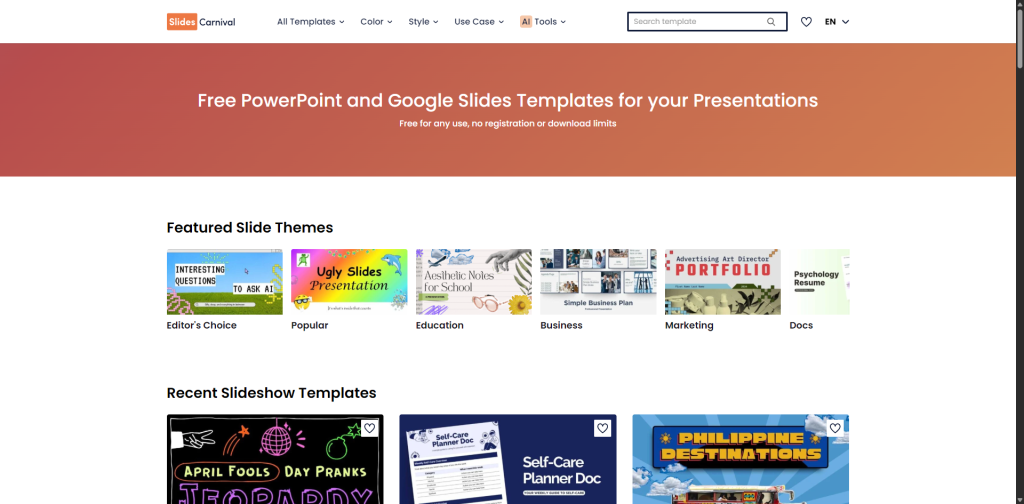
SlidesCarnival offers high-quality presentation templates for:
- PowerPoint
- Google Slides
Best For
- Business presentations
- School projects
- Pitch decks
18. Looka
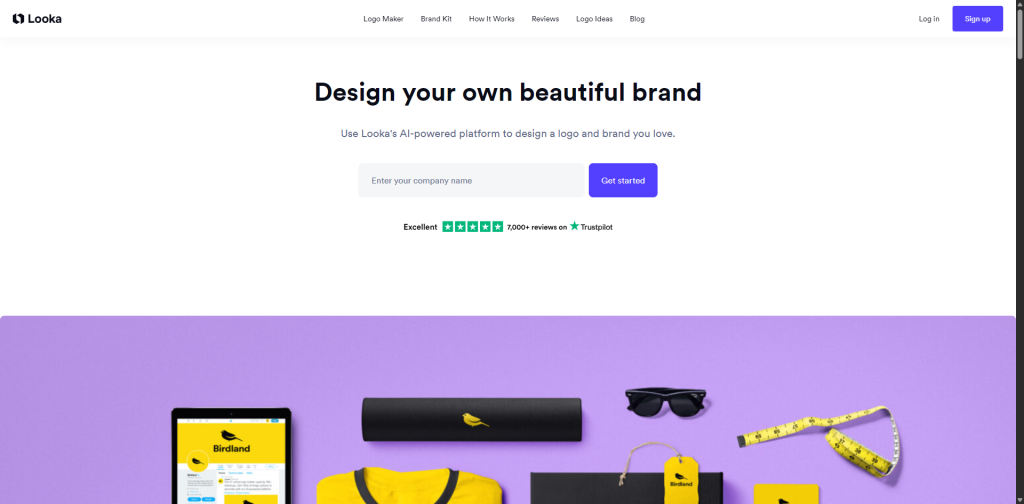
Looka uses AI to generate branding assets and logos.
Features
- Logo creation
- Brand kits
- Social branding
- Typography suggestions
Useful for startups and creators.
read Also: 25+ Best WordPress Themes for News Websites in 2025
19. Otter AI
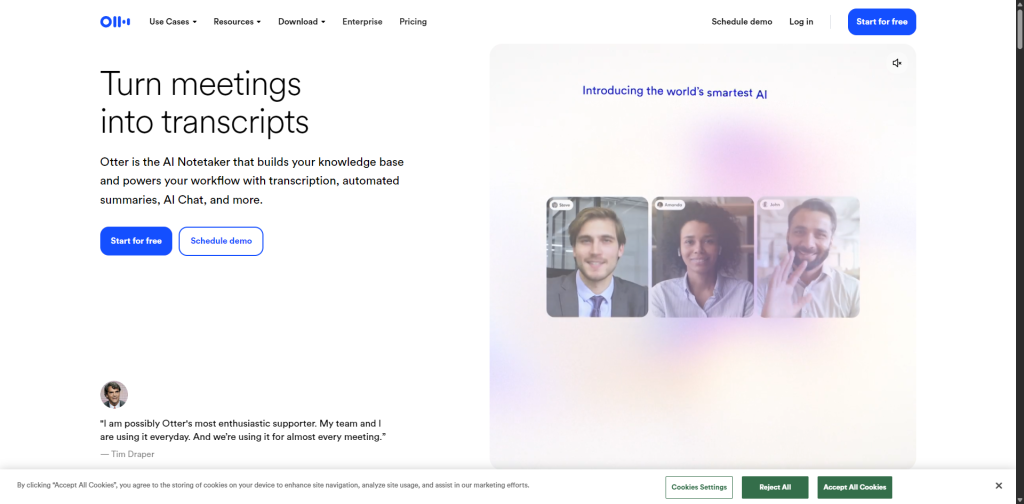
Otter AI automatically transcribes:
- Meetings
- Interviews
- Lectures
- Voice recordings
Why It’s Useful
It can save enormous amounts of manual transcription time.
Read Also: Nobody Wants to Build Websites: How AI and Human Support Are Reshaping Hosting
20. ChatGPT
ChatGPT has become one of the most powerful AI productivity platforms available.
Uses Include
- Writing
- Coding
- Brainstorming
- Planning
- Research
- Learning
- Automation assistance
AI assistants are rapidly becoming essential digital productivity tools.
Why These Websites Feel “Illegal”
These websites that feel illegal to know often provide capabilities that previously required:
- Expensive software
- Professional services
- Technical expertise
- Paid subscriptions
Now many of these tools are accessible instantly through a browser.
Important Safety Reminder
Even though these tools are legal, users should still:
- Respect copyright laws
- Avoid piracy
- Protect personal data
- Follow platform terms of use
Some tools can be misused if used irresponsibly.
Final Thoughts on Websites That Feel Illegal to Know
The internet continues evolving into a powerful ecosystem of free productivity tools, AI services, design platforms, privacy utilities, and automation websites that can dramatically improve digital life.
These websites that feel illegal to know are popular because they simplify tasks that once required expensive software, technical skills, or hours of manual work.
Whether you are a student, entrepreneur, designer, marketer, developer, or casual internet user, these online tools can help save time, increase efficiency, and unlock smarter ways of working online.
Read Also:Top 13 Websites to Learn Coding for Free