


If ChatGPT is not showing your previous conversations, it can be frustrating, especially if you’re trying to access important information from past chats. Several factors can contribute to this issue, from account settings to technical glitches or temporary server issues. In this article, we’ll explore the common causes of why ChatGPT might not be displaying your previous conversations and provide solutions to fix the issue.
1. Chat History is Disabled
One of the main reasons ChatGPT is not showing your previous conversations is that the chat history feature is disabled. This feature needs to be turned on for your conversations to be saved and displayed later.
Solution:
- Enable Chat History: Go to your ChatGPT settings and ensure that the chat history feature is enabled. This will allow ChatGPT to save your conversations for future reference.
- Check Account Settings: In some cases, the chat history might be turned off by default, depending on the platform or app you’re using. Ensure that the platform allows history saving and syncing.
2. Not Logged Into the Same Account
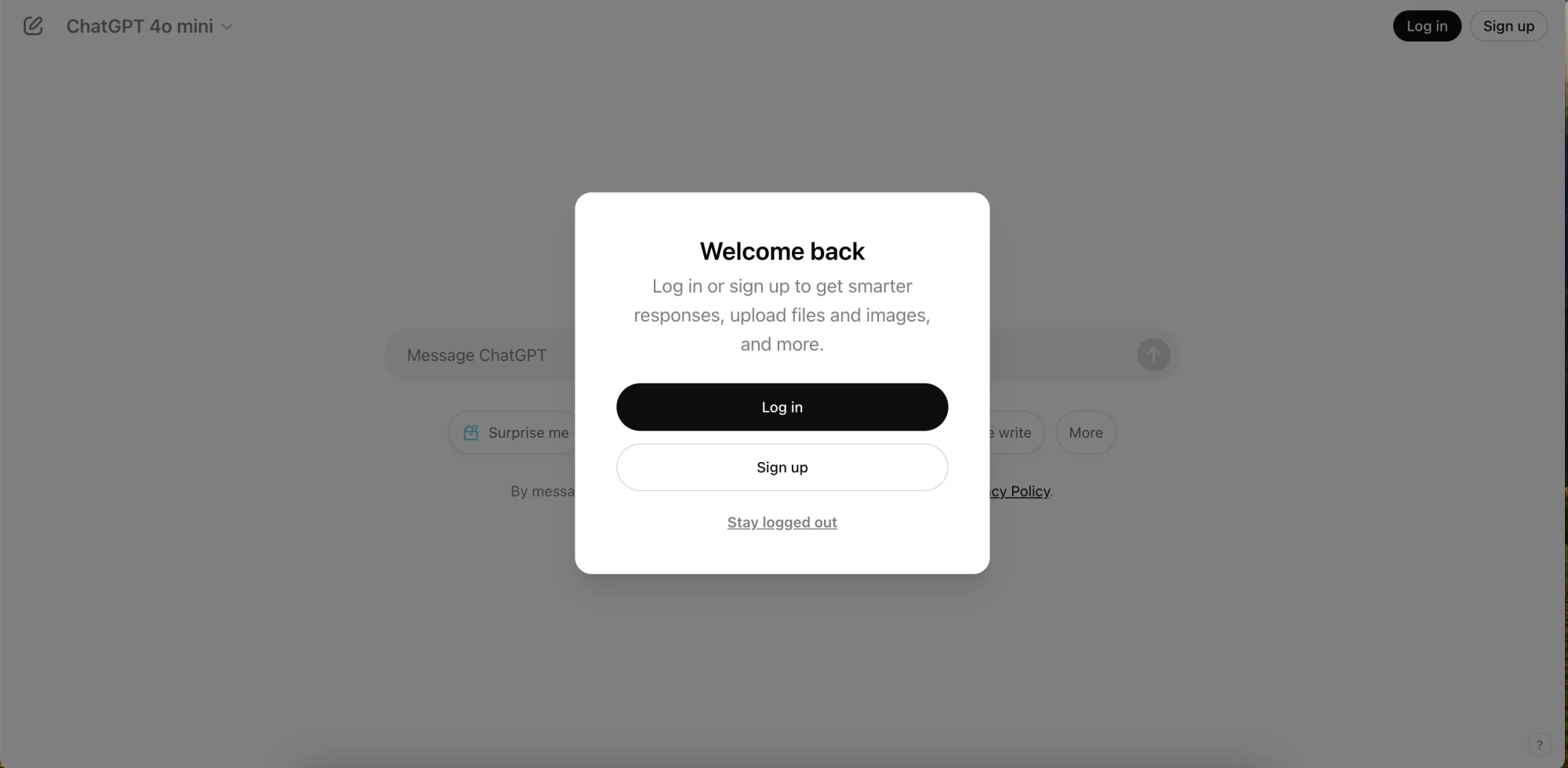
If you are using ChatGPT across multiple devices and are not logged into the same account, your conversations might not sync properly, resulting in missing chat history.
Solution:
- Log Into the Same Account: Make sure you are logged into the same OpenAI account on all devices. Chat history is linked to your account, so logging in with different accounts will not show the same conversations.
- Verify Account Details: If you’re using ChatGPT via a third-party platform, double-check that you’re logged into the correct account.
3. Incognito or Private Mode
If you’re using ChatGPT in incognito or private browsing mode, your chat history will not be saved. Browsers in private mode disable cookies and session data, which can prevent chat history from being retained.
Solution:
- Use Regular Browsing Mode: Switch from incognito or private browsing mode to a regular browsing session to ensure that data is saved and synced across devices.
- Log Into Your Account: Ensure you are logged into your OpenAI account to enable chat history syncing.
4. Chat History Feature Not Available in Your Plan
Some ChatGPT features, including chat history, may be restricted based on your subscription plan. For example, the free-tier plan might not have access to chat history, or it may be limited.
Solution:
- Upgrade Your Plan: If you’re using a free-tier plan, consider upgrading to a premium plan that supports chat history and other advanced features.
- Check Plan Features: Review the specific benefits of your current plan and see if chat history is included. You might need to upgrade to gain access to it.
5. Server or Syncing Issues
Sometimes, server-side issues or syncing problems can cause your previous conversations not to display. These issues may occur due to temporary disruptions in service or server overloads.
Solution:
- Check for Server Outages: Visit OpenAI’s status page or the platform’s status page to check if there are any ongoing server-side issues or outages affecting chat history syncing.
- Wait for the Issue to Resolve: If the issue is related to server downtime, wait for the problem to be fixed, as it is often temporary.
6. Browser or App Cache Problems
Outdated or corrupted cache and cookies can interfere with the loading of chat history. If your browser or app is storing old data, it might prevent your previous conversations from appearing.
Solution:
- Clear Cache and Cookies: In your browser, clear the cache and cookies to remove outdated data that may be preventing your previous conversations from displaying.
- Clear App Cache: On mobile devices, go to your device’s settings and clear the cache for the ChatGPT app to resolve issues caused by stored data.
7. Privacy and Security Settings
Strict privacy or security settings can sometimes prevent ChatGPT from saving or displaying your conversations. Certain platforms may have privacy settings that automatically delete or hide chat history for security reasons.
Solution:
- Review Privacy Settings: Check the privacy settings in your ChatGPT account or on the platform you’re using to ensure that chat history is not being deleted or hidden due to privacy concerns.
- Adjust Security Features: If your platform has enhanced security features that limit data storage, review and adjust these settings to allow for chat history saving.
8. Device-Specific Issues
If you’re using ChatGPT across different devices, syncing issues can prevent your chat history from appearing on one device while visible on another. This could be due to storage or connectivity problems on one of your devices.
Solution:
- Sync Across Devices: Ensure that syncing is enabled and that your devices are connected to the internet. If you’re using ChatGPT on mobile or desktop, make sure both devices are set up to sync data automatically.
- Check for Device Storage Issues: Ensure that your device has sufficient storage space to store chat history. Free up space if needed.
9. Technical Bugs or Errors
Occasionally, bugs or technical errors within the ChatGPT platform or app may cause chat history not to display properly. These glitches can arise after updates or changes to the platform.
Solution:
- Restart the App or Platform: Close and reopen the app or browser you are using to refresh your session and clear any temporary glitches.
- Reinstall the App: If you’re using a mobile or desktop app, uninstall and reinstall the app to resolve potential issues with the installation or syncing.
- Contact Support: If the issue persists, contact OpenAI support or the platform you’re using for further assistance.
Conclusion
If ChatGPT is not showing your previous conversations, it could be due to various factors, including settings, connectivity issues, privacy restrictions, or technical glitches. By following the solutions outlined in this guide—such as enabling chat history, checking your login, clearing cache, and reviewing privacy settings—you can resolve most issues and restore access to your conversations.
If the problem continues, consider reaching out to OpenAI support or the platform you’re using for additional help.








